10
Main features in Tracker for Android™
Starting the App
Tracker for Android™ icon was created into your mobile phone menu during
installation.
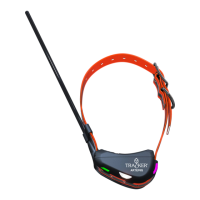
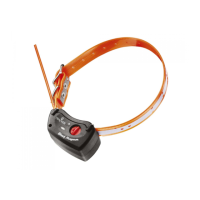
Adding a G400™, G500™ or some other tracking device
If a collar is registered to Tracker Live for the first time, or you want to add a registered collar, please
follow these steps:
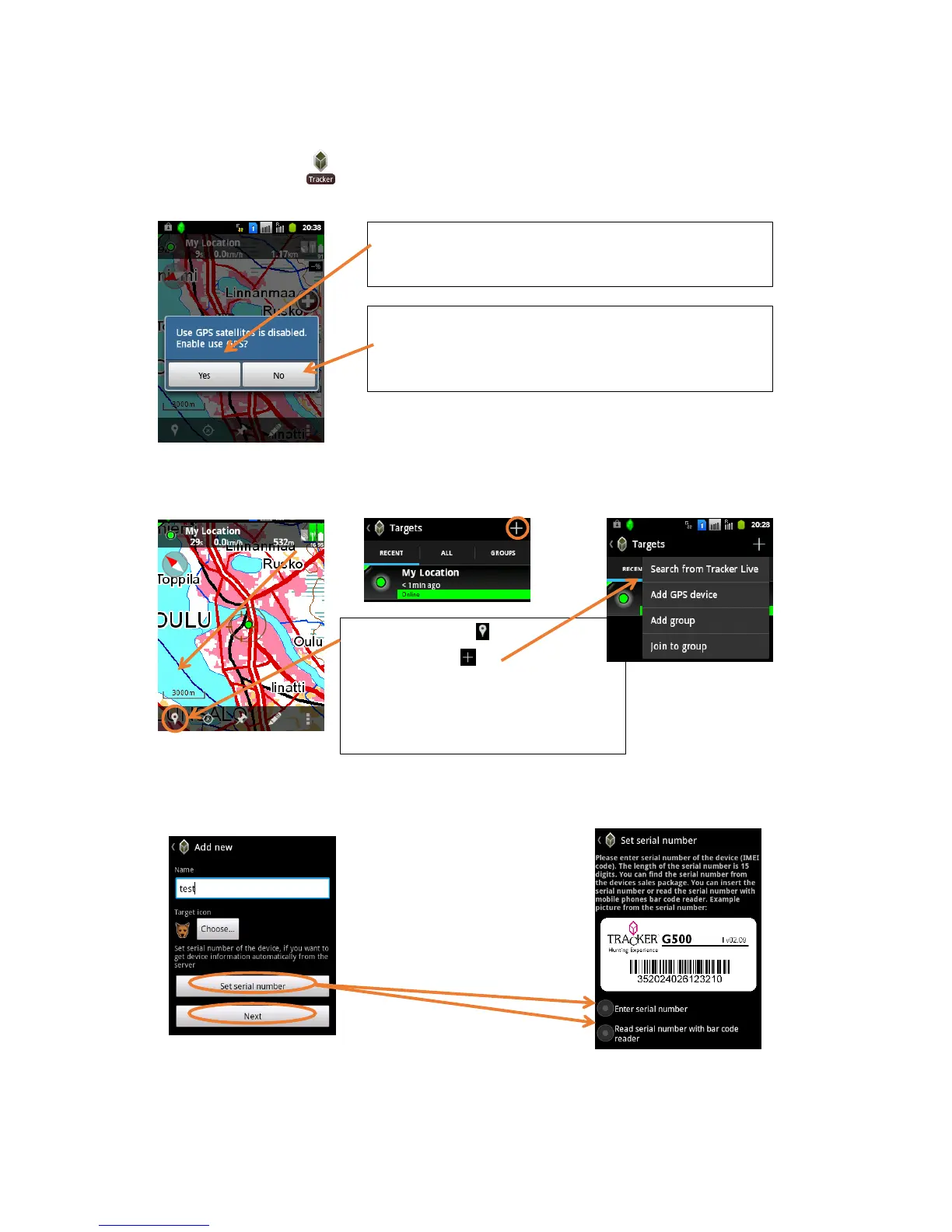
Add a new GPS device
Write the name of your dog and continue with one of the two options:
1. enter or scan the IMEI bar code
2. select next and continue with manual registration
1. Click on „Targets“
2. Click on „Add“
3. Add new GPS device
OR
Search from Tracker Live if the collar you
wish to add has already been registered.
When you select „No“, you get to the map view. If you allow
your positioning by default (via Wireless Networks), you get
your approximate position. Be aware of possible inaccuracy of
positioning via Wireless Networks!
If you select „Yes“ you will be redirected to „Location and secu-
rity“ where you can set the determination of your position ei-
ther by use of Wireless Networks or by GPS Satellites or both.


 To Next Page