4
English
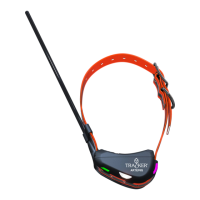
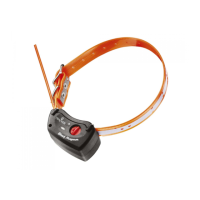
Tracker G400™ and G500™ series
Tracker G400™ or Tracker G500™ is a GPS (Global Positioning System) device that positions itself with
the help of satellites and sends the information to a mobile phone that is running Tracker Hunter® or
Tracker for Android™ software.
When you start using Tracker G400™ or G500™, you should first charge the battery.
Charging
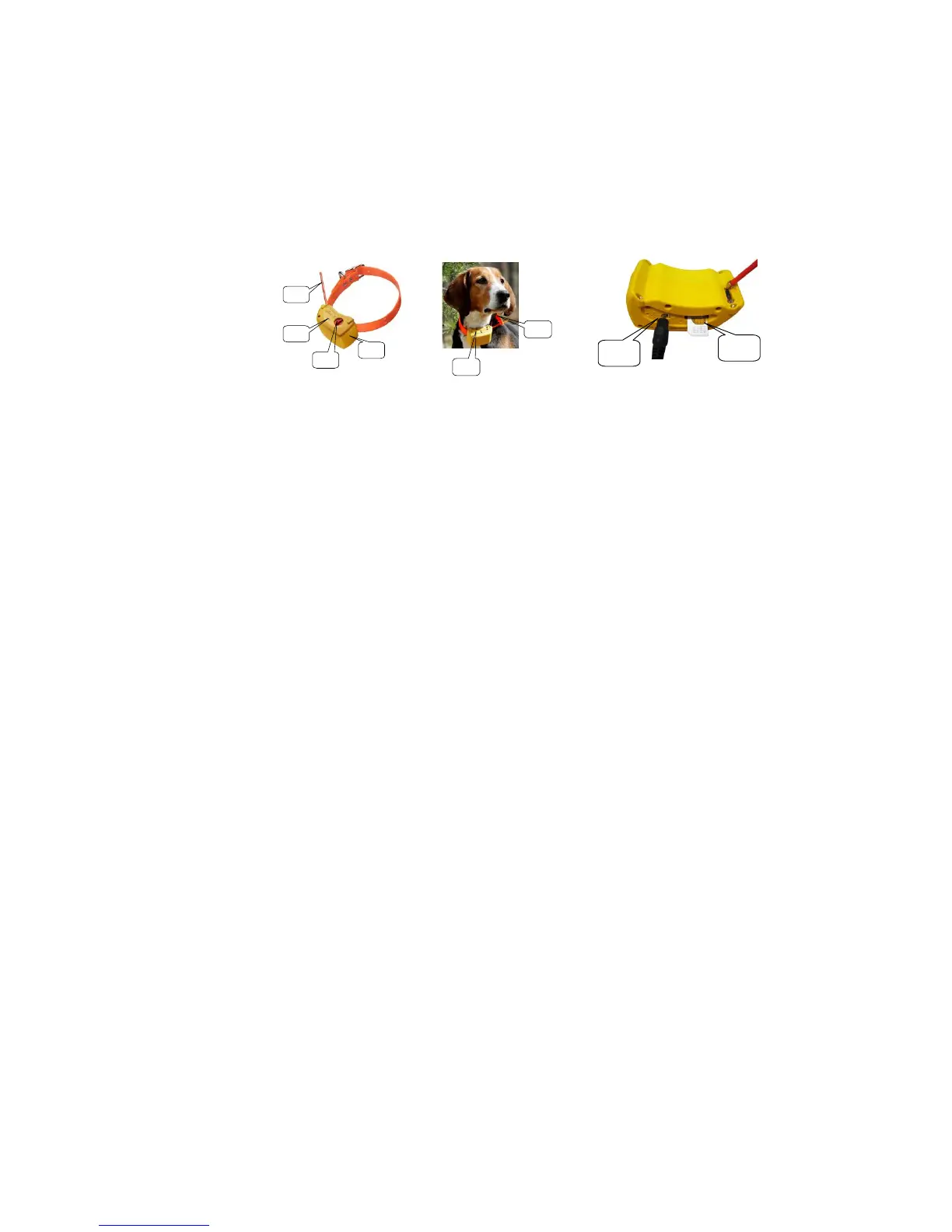
Place the charger connector in the socket. 3.1
The red light 1.2 is lit to show the device is charging. The charging may take up to seven hours if the battery
is empty at the beginning.
When the charging is complete, the green light 1.2 goes on.
NOTE!
Use only the original charger. A wrong charger may damage the device.
Charging is permitted in the temperature range of +10C - +30C.
Charge the battery fully before using device for the first time. This will help ensure the maximum capacity
and lifecycle of the battery.
Led lights
green light on for a few seconds
red light on for a few seconds
red and green flashing in turns every 3 sec-
onds
device searching for GPS satellites
green light flashes every 3 seconds
satellites located and device ready to use
red light flashes with 1 second frequency
red light flashes three times per second
battery almost empty or SIM faulty, missing SIM,
or locked with PIN code
NOTE! When the device is on, the LED lights indicate the GPS operations. If the GPS is set to “Off”, the
LED lights flash only when the device needs GPS information from satellites, e.g. when the position is re-
quested.
Switching ON
1. Place the device where GPS antenna 1.4 has unobstructed access/view to the sky.
2. Switch power ON.
3. The green light 1.2 will turn on for a few seconds.
4. When the green and red lights flash at three-second intervals, the device is searching for GPS satel-
lites.
5. The device is operational when the green light alone is blinking.
6. Please verify the device functionality with a test call.
7. The device will let it ring three times until the call is answered.
1.1 GSM antenna
1.2 Led lights
1.3 Switch button
1.4 GPS antenna


 To Next Page
 Loading...