13
Setup for rst use
Change to Static IP address
To set a static IP address please use the following instructions in the Web Interface of the printer.
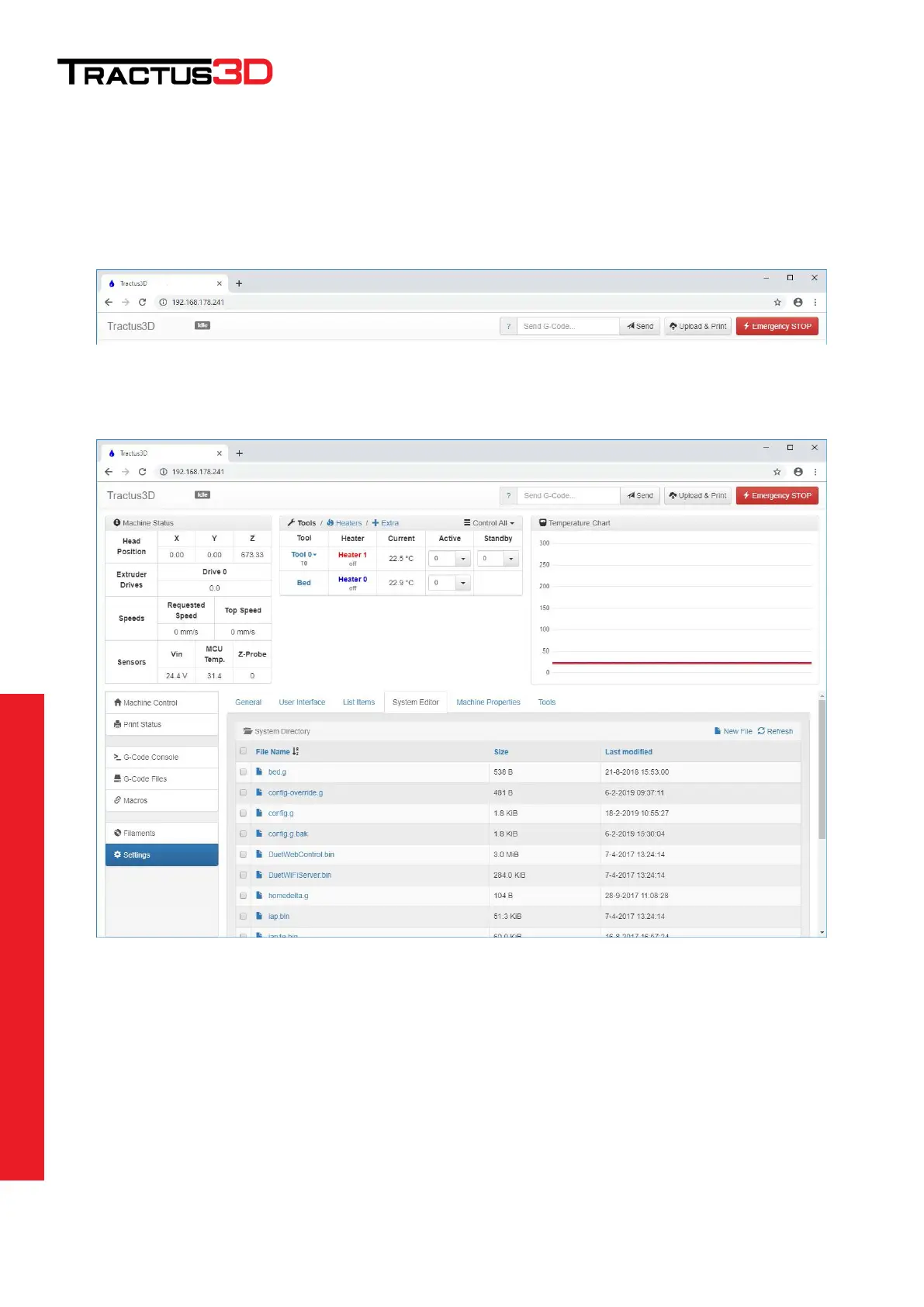
To access the web interface, open a web browser (prefer Chrome) and surf to the IP address which you found on
the console tab of the LCD screen.
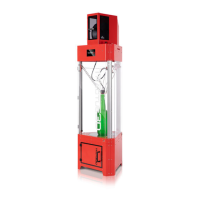
Go to Settings and select the System Editor
Open the config.g file via a left mouse click on the name config.g


 To Next Page