34
Operating the 3D printer
7. Operating the 3D printer
7.1 Load material
You need to load the material into the 3Dprinter, before you can start printing. It is recommended to use the
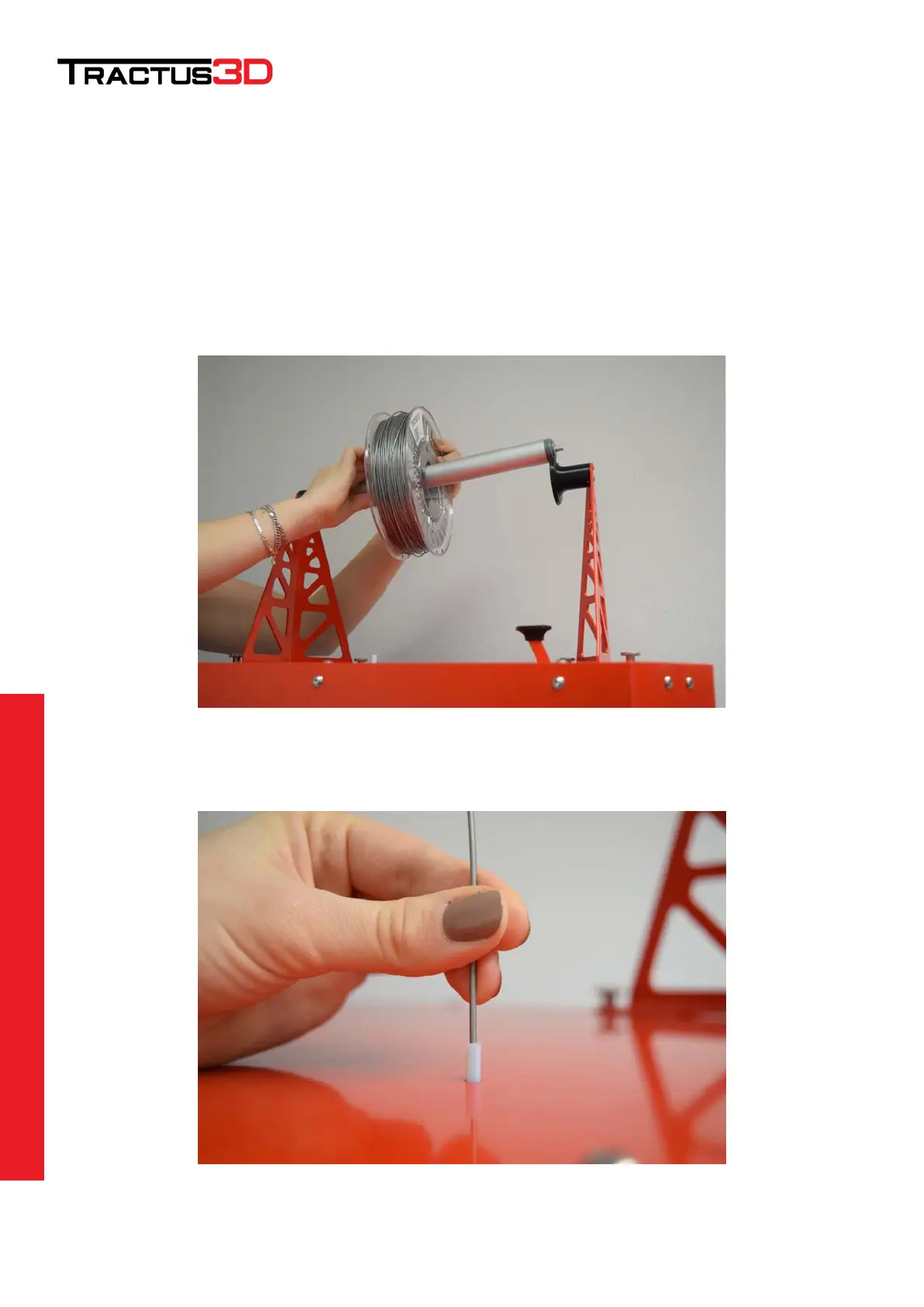
spools of PLA that comes with your 3Dprinter. Take the filament out of the box and place it on the printer like the
picture below. Watch the place where the filament wire is located on the spool! (Wire needs to go to printer on
top of the spool)
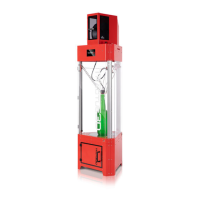
Put the filament wire inside the white tube on top of the printer (see picture below).


 To Next Page