16
Setup for rst use
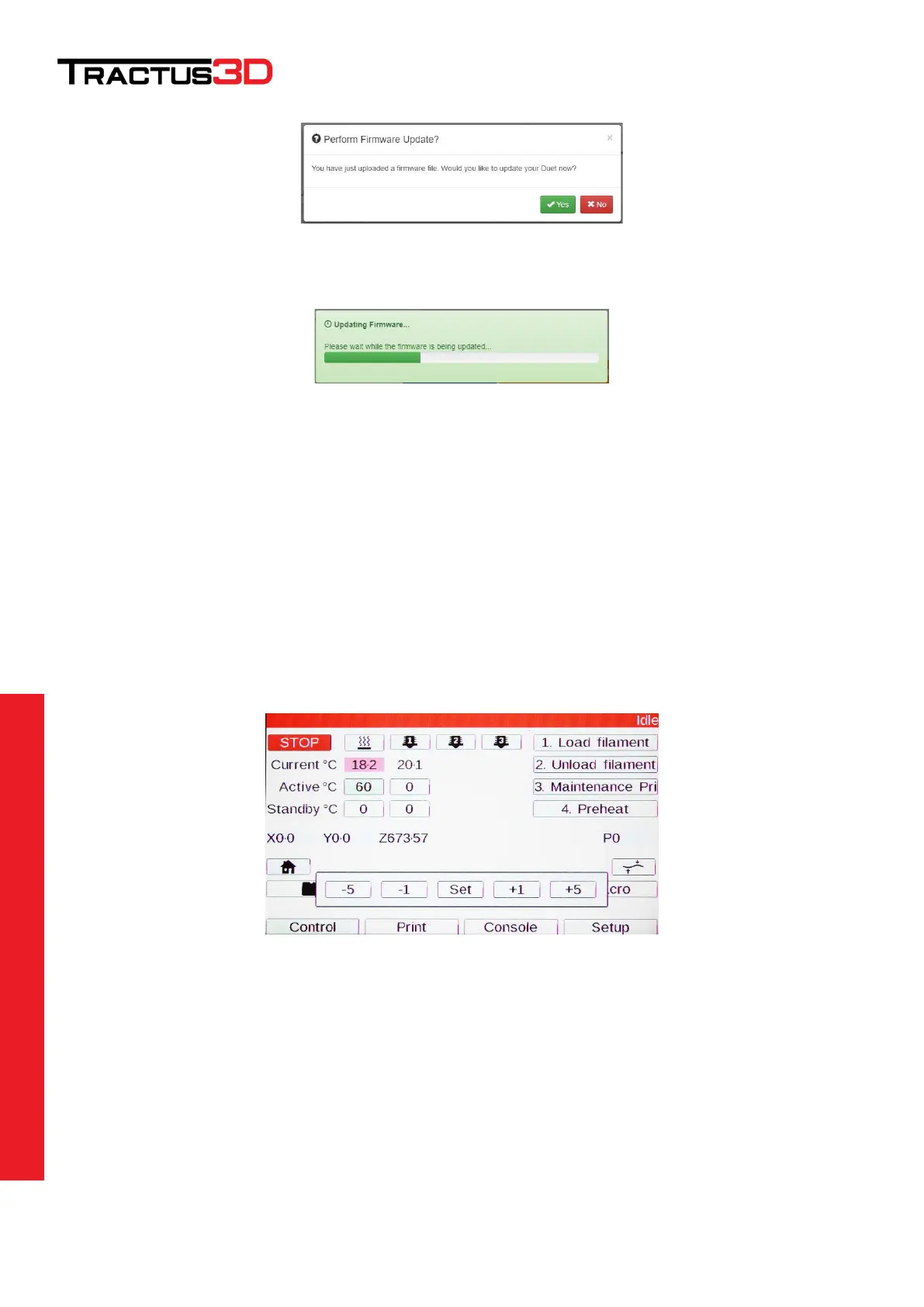
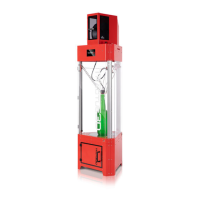
Click YES to update your firmware.
Check the Firmware Version number to see if the update is loaded successfully.
4.3 Calibrating the print bed
When you install the 3D printer for the first time or you have moved your printer to another location please
always calibrate the print bed.
Make sure the print bed is empty and cleaned. The nozzle is clean without any residue of filament.
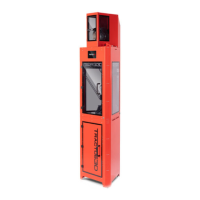
Heat up the bed to 60 degrees by clicking the LCD screen on the BED heater icon.
Click on the active temperature box below this heater and set the temperature to 60 (select temperature by
clicking + until desired temperature is reached and click SET afterwards). You can also use the web interface to
set the bed temperature to 60 degrees.


 To Next Page