43
Maintenance
8.2 Change the print head
The print head can be changed quick on a PRO series 3D printer.
Unload the filament
Make sure you unloaded the filament if possible. (See chapter of unloading filament for help)
If this is really stuck, continue to next step and cut the remains of filament.
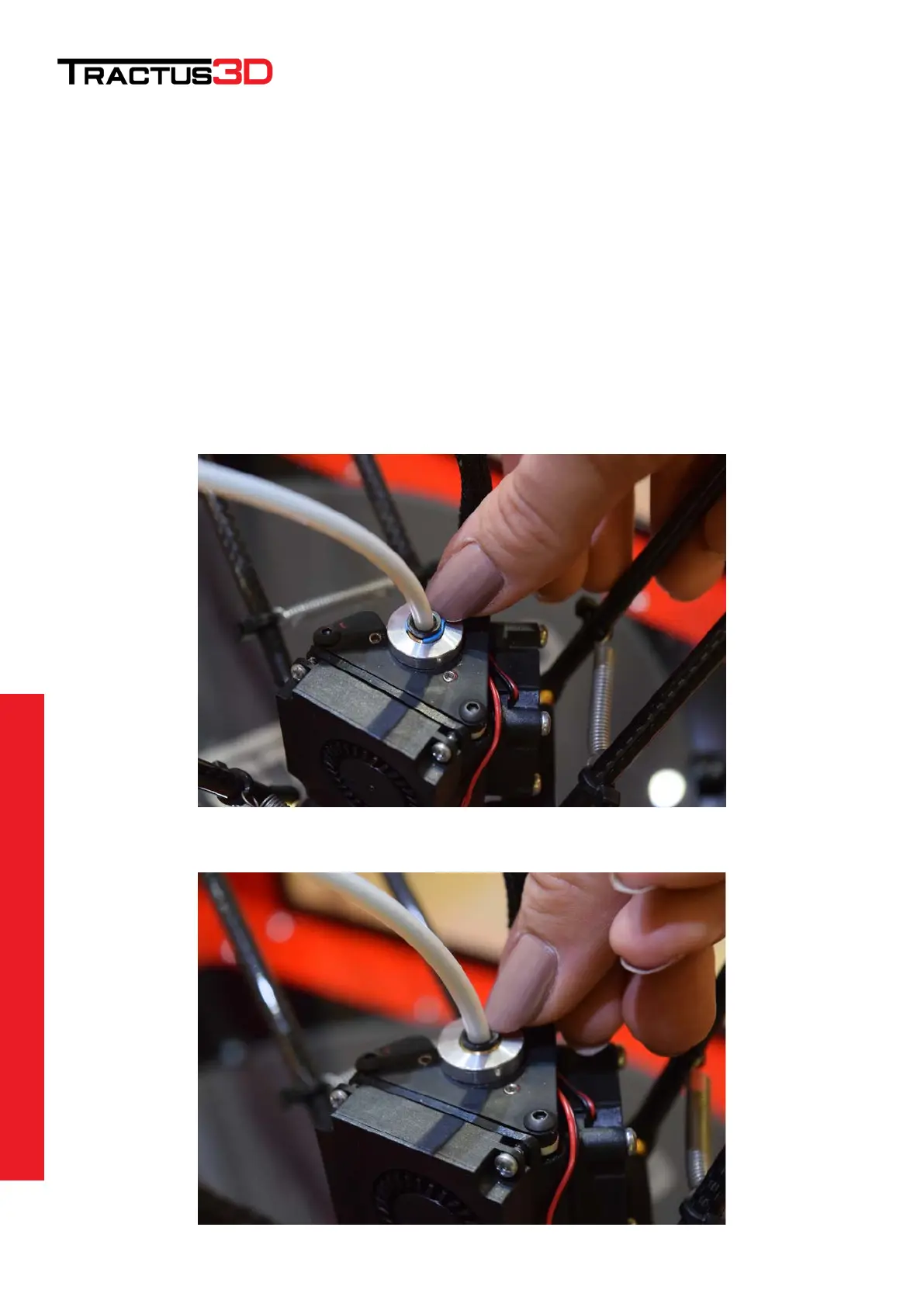
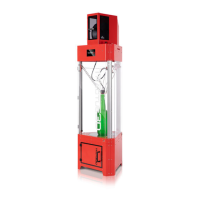
Remove the Bowden tube from the print head
Lower the print head by moving the printer to the maintenance location.
Press Macro > Maintenance
Remove the blue clip (if present) from the print head
Press the black ring (pneufit) down with your finger and pull the tube upwards away from the print head.


 To Next Page