35
Operating the 3D printer
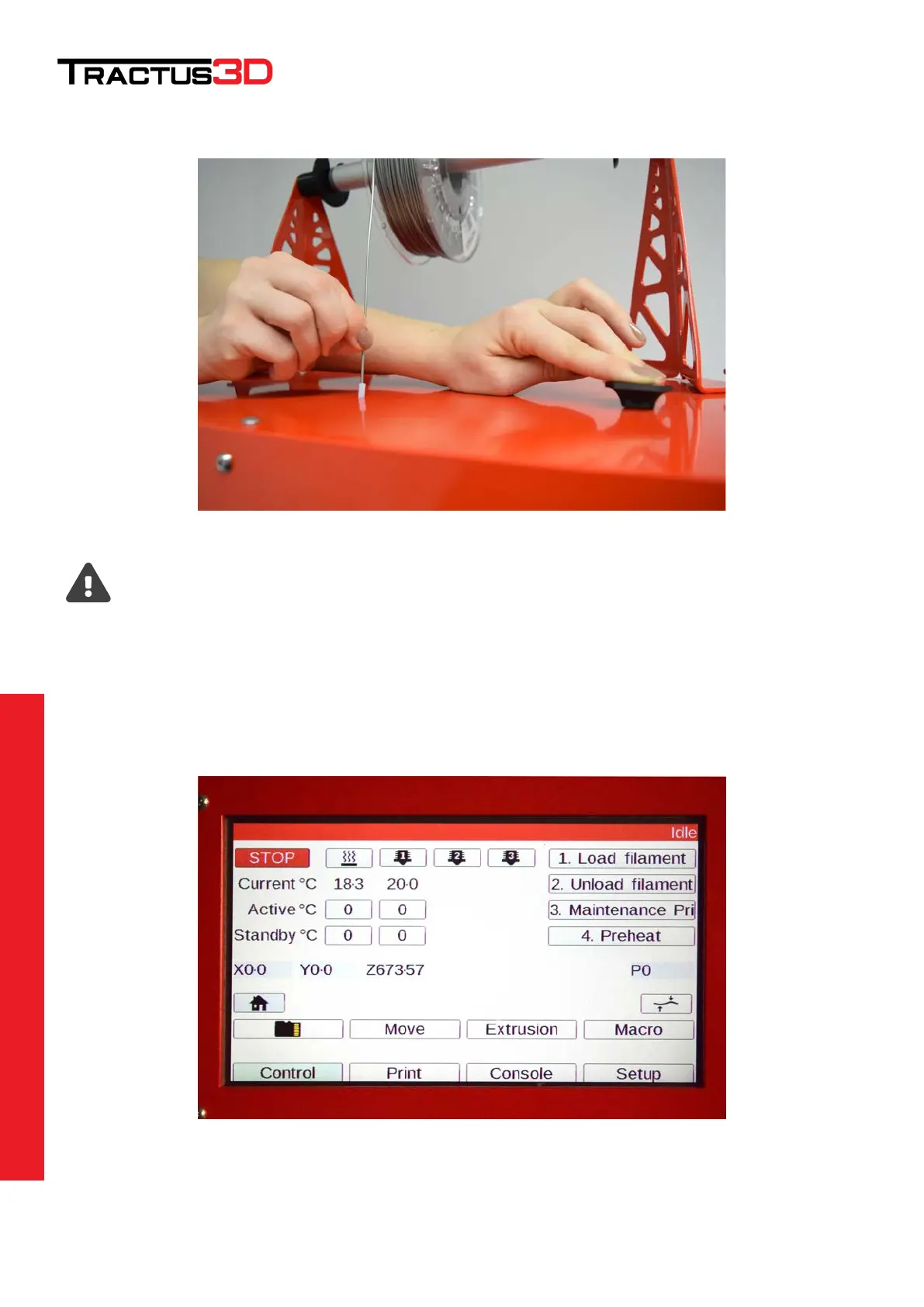
Push the black button on top of the printer to release the feeder motor and gently push the filament wire through
the feeder unit.
You can only load filament with the commands if the nozzle is on temperature above 170 degrees.
This to prevent any cold extrusion damage.
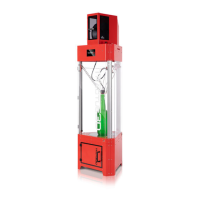
Heat up the nozzle temperature to load the filament. Click on the nozzle icon on the LCD screen (it will become
RED to show you it’s powered on). Click on the active selection box below the nozzle to set the temperature at
180 degrees (select temperature by clicking + until desired temperature is reached and click SET afterwards).
You can also use the web interface to set the nozzle temperature.
Wait for the nozzle temperature to reach the set temperature.


 To Next Page