46
Maintenance
Installing new print head
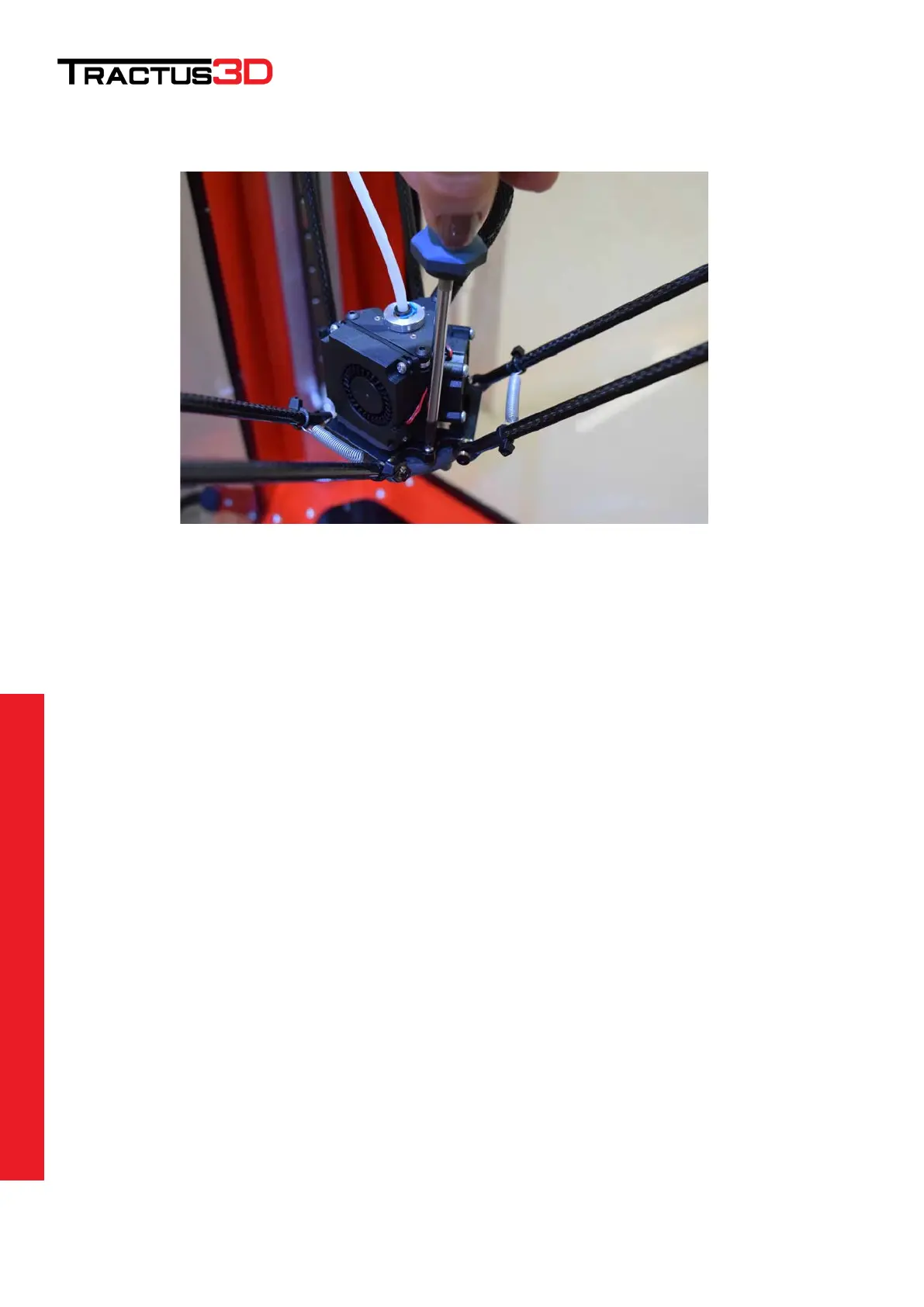
Put back the printhead on top of the 3 holes in the effector (plate) and screw the 3 silver screws back in place.
Secure the main cable to the print head by plugging in the connector and tighten the screw fitting.
Push back in the bowden tube until you can’t get in any further. Place the blue clip (if present) back under the
black ring of the bowden tube.
Restart the printer by turning it off and on again or pressing the STOP button on the LCD screen.


 To Next Page