58
Maintenance
Press Macro > Maintenance
Turn off the power of the printer with the front switch.
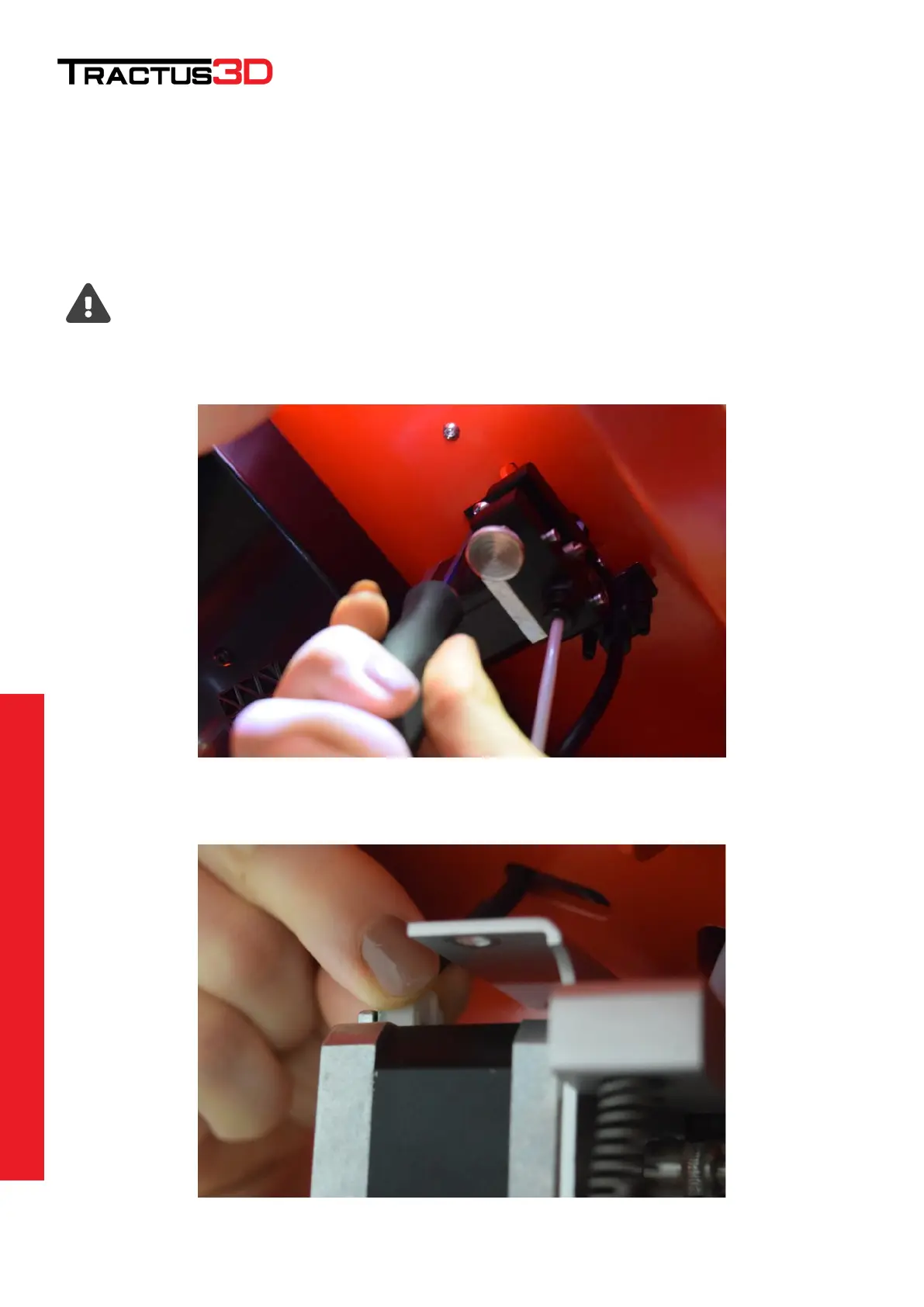
The feeder (also know as extruder motor) is mounted on the ceiling inside the printer.
Here you will find a silver/black feeder unit with an extruder motor attached.
To clean this motor and gear, you need to remove the motor from the ceiling for easy access.
This can be done with only removing 2 screws and 1 connector.
Please make sure the printer is power off before removing the extruder motor connector!
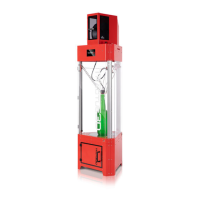
Unscrew the two hexagon screws to get the unit loose.
Disconnect the white connector gently.


 To Next Page