TracVision M3 User’s Guide
56
Chapter 5 - Troubleshooting
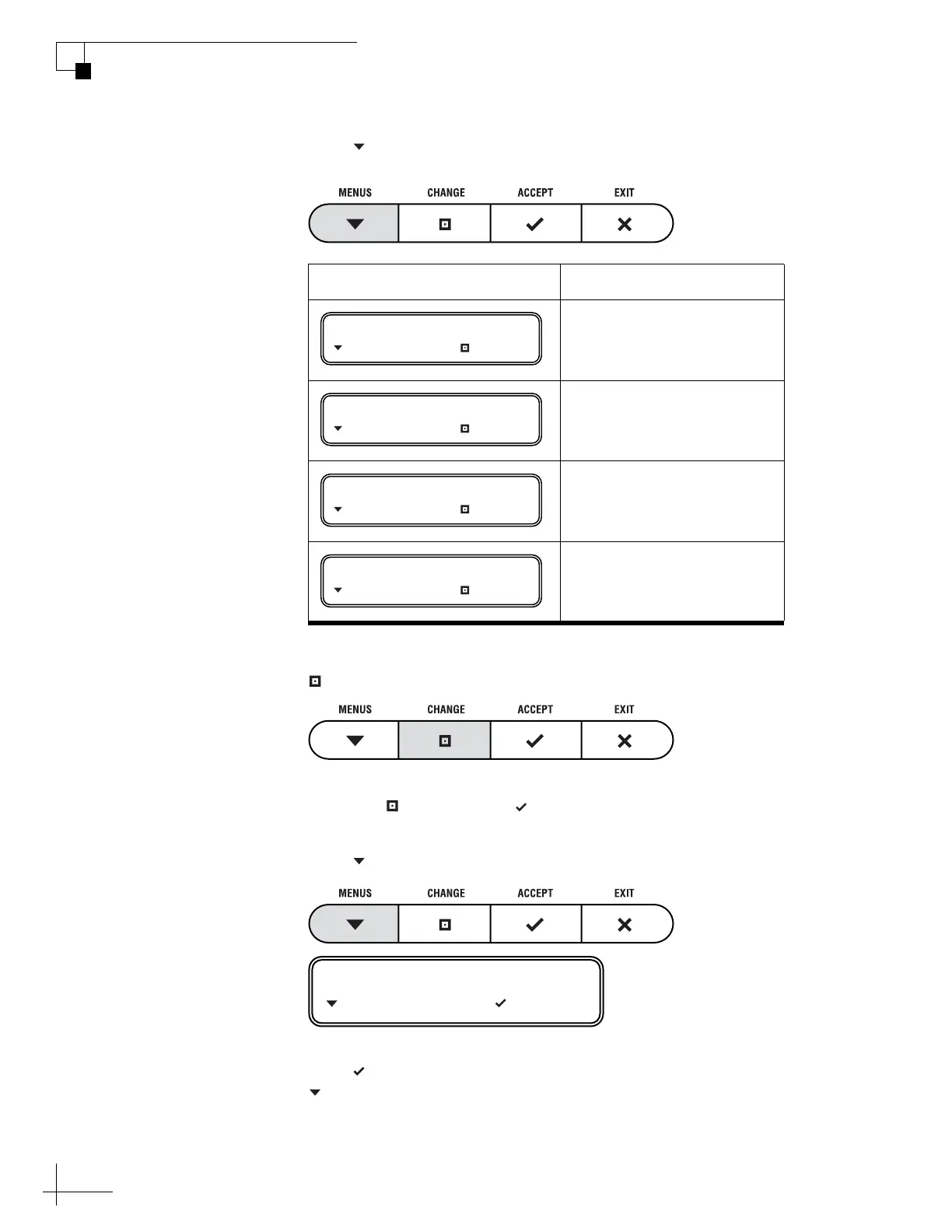
13. Press MENUS until the display shows the parameter
you want to change. See the table below.
14. When the display shows the desired parameter, press
CHANGE.
15. Using the CHANGE and ACCEPT buttons, change
the parameter to the new setting.
16. Press MENUS until the display shows “DONE?”
17. Press ACCEPT to save your changes, or press
MENUS to repeat steps 13-16 (to correct a mistake).
Parameter Possible Settings
10700-12700 MHz
10000-45000 kilosymbols
per second
1/2, 2/3, 3/4, 5/6, 6/7,
or 7/8
0x0000-0xffff
(hexadecimal)
FREQUENCY= 12345?
NEXT PARAM CHANGE
SYMBOL RATE= 12345?
NEXT PARAM CHANGE
FEC CODE= 5/6?
NEXT PARAM CHANGE
NETWORK ID= 0x1234?
NEXT PARAM CHANGE
DONE?
NEXT PARAM ACCEPT



 To Next Page