TracVision M3 User’s Guide
55
Chapter 5 - Troubleshooting
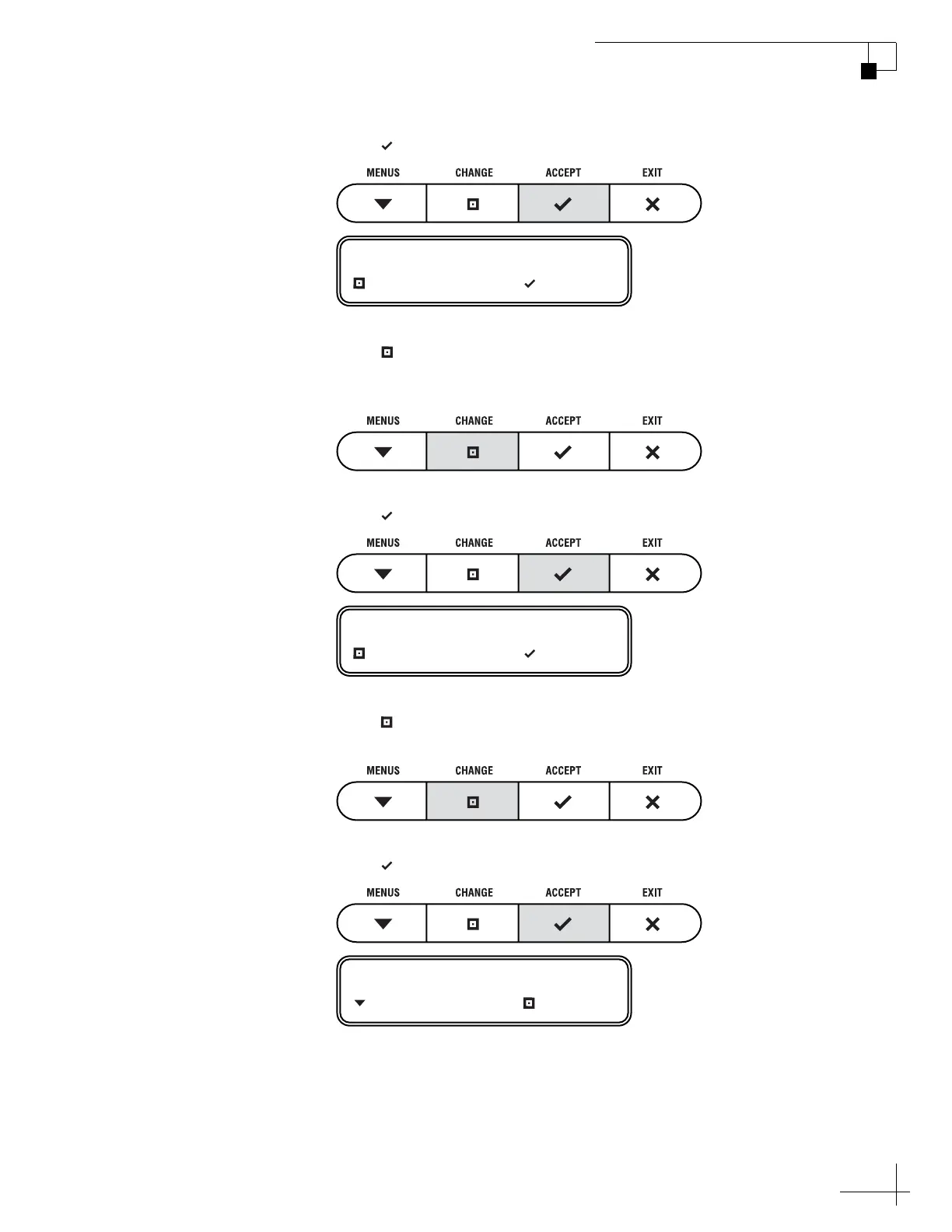
8. Press ACCEPT.
9. Press CHANGE until the display shows the
polarization you need to modify: Horizontal or
Vertical.
10. Press ACCEPT.
11. Press CHANGE until the display shows the band you
need to modify: High or Low.
12. Press ACCEPT.
POLARIZATION= HORIZ?
CHANGE ACCEPT
BAND= HIGH?
CHANGE ACCEPT
FREQUENCY= 12345?
NEXT PARAM CHANGE



 To Next Page