23
My Cook Cycle 3
STEP 1
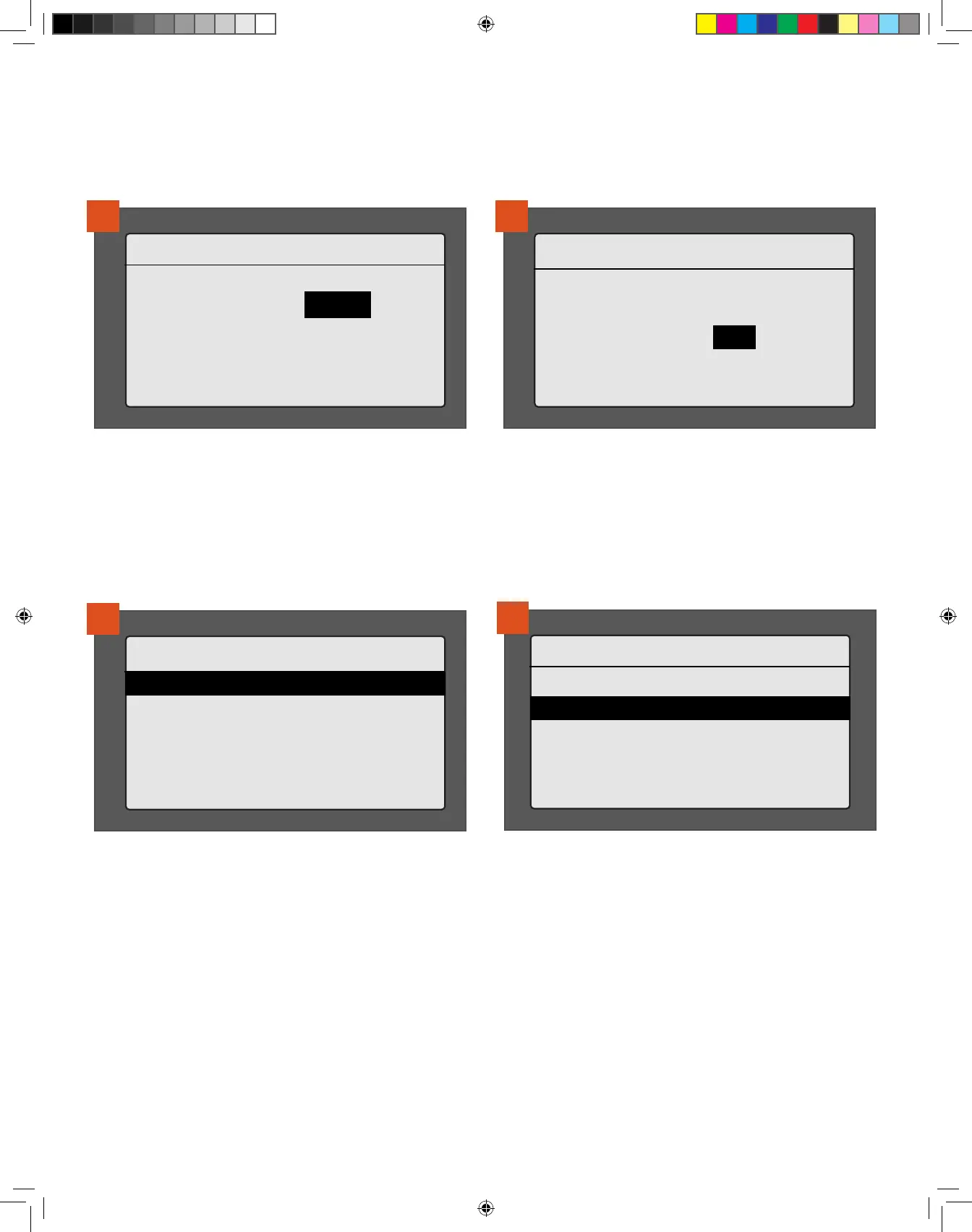
170°F> Time OR Probe
5
If the recipe calls for cooking the meat to a specific internal
temperature, choose Probe. Use the selection dial to select a goal
temperature.
My Cook Cycle 3
STEP 1
170°F | PROBE: 145°F
>Super Smoke: OFF
6
The option for adding Super Smoke to the step will display. To add
Super Smoke, first put on your superhero cape; use the selection
dial to toggle from OFF (default) to ON and press the dial center to
select. Otherwise, press the dial center to accept the default setting
of “OFF.”
NOTE: Super Smoke can only be selected with grill temperatures
between 165°–225°F (74°–107°C).
My Cook Cycle 3
>STEP 1
170°F | PROBE: 145°F
>ADD STEP
>SAVE
>DELETE
7
At this point you’ll be returned to the Steps menu for your custom
cook cycle. The step you just created will be saved automatically. You
can add another step, save the cook cycle as-is, delete the program,
or return to the Cook Cycle menu.
My Cook Cycle 3
>ADD STEP
>SAVE
>DELETE
>BACK
8
Once all steps are added, select SAVE. You will then be asked if you
want to RUN COOK CYCLE NOW. If you select YES, you'll be taken
back to the home screen and instructed to press IGNITE to start. If
you select IGNITE, make sure the grill door is closed. If you select
NO, you’ll return to the Cook Cycle menu.
REMINDER: There are a total of four memory slots for custom cook cycles on your grill. If you have four custom cook cycles already saved and
wish to create a new one, you will need to delete one of them to make room for the new one.
T09627_Redland_OM_EN.indd 23T09627_Redland_OM_EN.indd 23 9/16/22 10:59 AM9/16/22 10:59 AM



 To Next Page