PKG-SVX029A-EN
39
Table 13. Unit setpoints that can be modified in the TD-7 (continued)
Setpoint Name Description Factory Default
Return Temperature Setpoint BAS
(DAT Reset by Return Temp Air Units Only)
Sets the return setpoint when the unit is selected to do discharge air reset based off the
return temperature. This value is used to determine the occupied heating and cooling
temperatures which reset the discharge air temperature setpoint.
72°F
Water Side Economizer Enable Offset
(Units with Water Side Economizer Only)
The temperature that the condenser entering water must be below the return air temperature
before it will enable the economizer.
7°F
Water Side Economizer Sample Time
(Units with Water Side Economizer Only)
Time that the controller will sample the water temperature for and compare it against the
return air temperature to determine if the economizer can be enabled.
2 minutes
To modify any of the setpoints in the table above:
1. Press Reports at the bottom of the screen.
2. Press the Unit Setpoints button.
3. On the Setpoint report, locate the point in the menu.
Use the arrows to scroll through the report if needed.
4. Use the up and down arrows to change the value, or
press inside the box and type in the desired setpoint.
5. Press Save.
Unit Setup
Table 14. Unit setup setpoints that can be modified in the TD-7
Setpoint Name Description
Factory
Default
Condenser Control % of Design
Percent of the condenser pressure design the unit will control to and is user adjustable between
50-100%.
90%
Condenser Tee Strainer Sensor Calibration
The condenser water tee high and low pressure sensor can be calibrated to match the gauge
readings or recorded readings by the balancer.
0
Condenser Purge Status
(On Units with Condenser Valves Only)
Each compressor has its own condenser purge status value which indicates when the
condenser valve is open in the purge mode. It can also be used to manually initiate the purge
mode for each compressor.
Off
Condenser Water Flow Type
(On Units with Condenser Valves Only)
Indicates if the unit is a constant or variable volume flow type unit. Even with the condenser
water regulating valves installed on each compressor, the flow type can be changed. When the
flow is changed from variable flow to constant flow, the water regulating valve will open to its
maximum position when the unit is occupied. This can be done for constant volume flow
systems that do not include a VFD Pump.
Variable flow
Water Side Economizer Lockout BAS
(Units with Water Side Economizer Only)
The water side economizer can be locked out by the controls system.
Available
Compressor Lockout BAS Each compressor can be locked out individually by the controls system.
Available
Fan Lockout BAS
Each fan can be locked out individually by the controls system. Fans should be made available
prior to startup.
Available
To modify any of the setpoints in the table above:
1. Press Reports at the bottom of the screen.
2. Press the Unit Setup button.
3. On the Setup report, locate the point in the menu. Use
the arrows to scroll through the report if needed.
4. Use the up and down arrows to change the value, or
press inside the box and type in the desired setpoint.
5. Press Save.
Reports
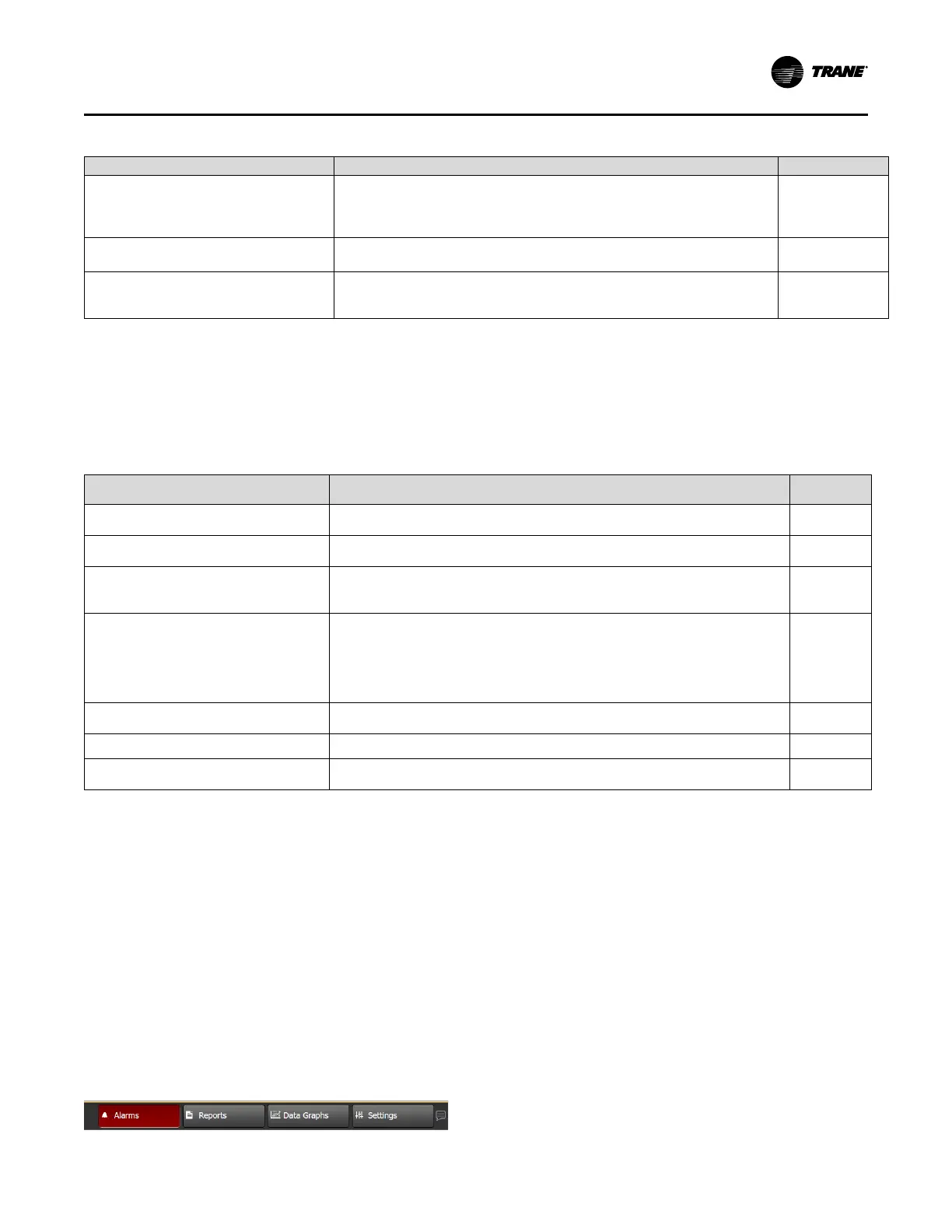
To access Alarms, press the Alarms button in the lower left
corner of the screen. If the Alarm tab is not blinking red,
there are no alarms present.
Figure 21. Alarms tab
Compressor Alarms
If there is a compressor alarm, it will need to be manually
reset after it is resolved. Each compressor needs to be
reset manually:
1. Press Reports at the bottom of the display.
2. Press Unit Setup.
3. In the Setup report, locate the appropriate point. Use
the arrows to scroll through the report if needed.
4. Select the specific compressor.
5. Change the value from Normal to Reset.
6. Press Save. The point will automatically revert to its
default setting (Off).
Fan Alarms
If there is a fan alarm, it will need to be manually reset after
it is resolved. There is one fan reset for the entire wall fan.
Controls



 To Next Page