30
ARTC-SVX013A-EN
Table 9. HMI devices menu screens (continued)
Screen User Interface Function Access
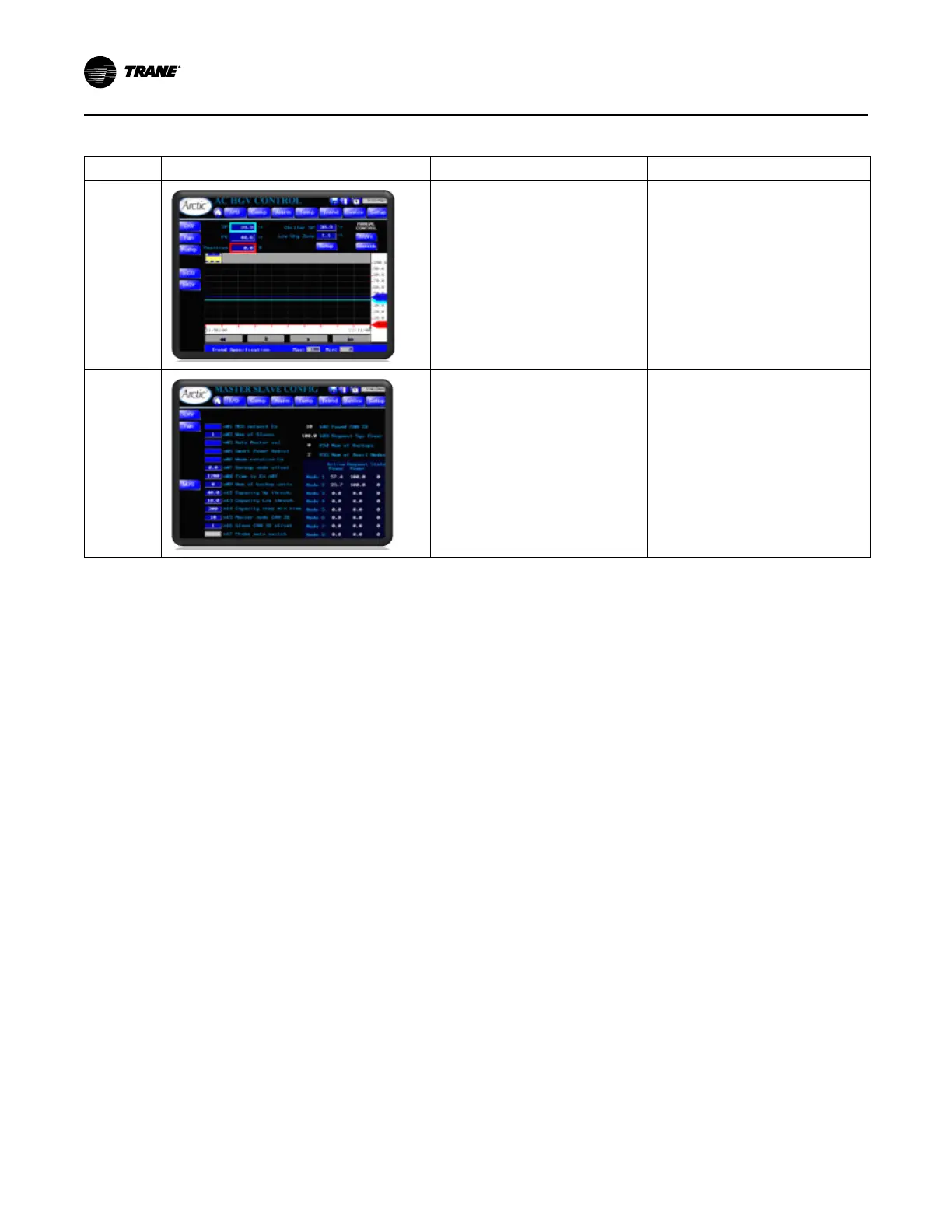
Hot Gas
Valve
Control
Displays trend and settings of Hot Gas
Valve controls (see “Hot Gas Bypass
Valves Control,” p. 61).
Main Menu > Devices Menu > HGV
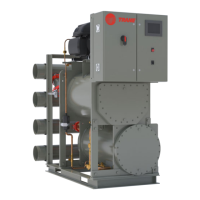
Master/
Slave
Configura-
tion
(Primary/
Secondary)
Display and configure the Master/Slave
configuration (see “Primary/Secondary
Control (Chiller Array),” p. 59 – Master/
Slave).
Main Menu > Devices Menu > M/S
Operating Procedures


 To Next Page