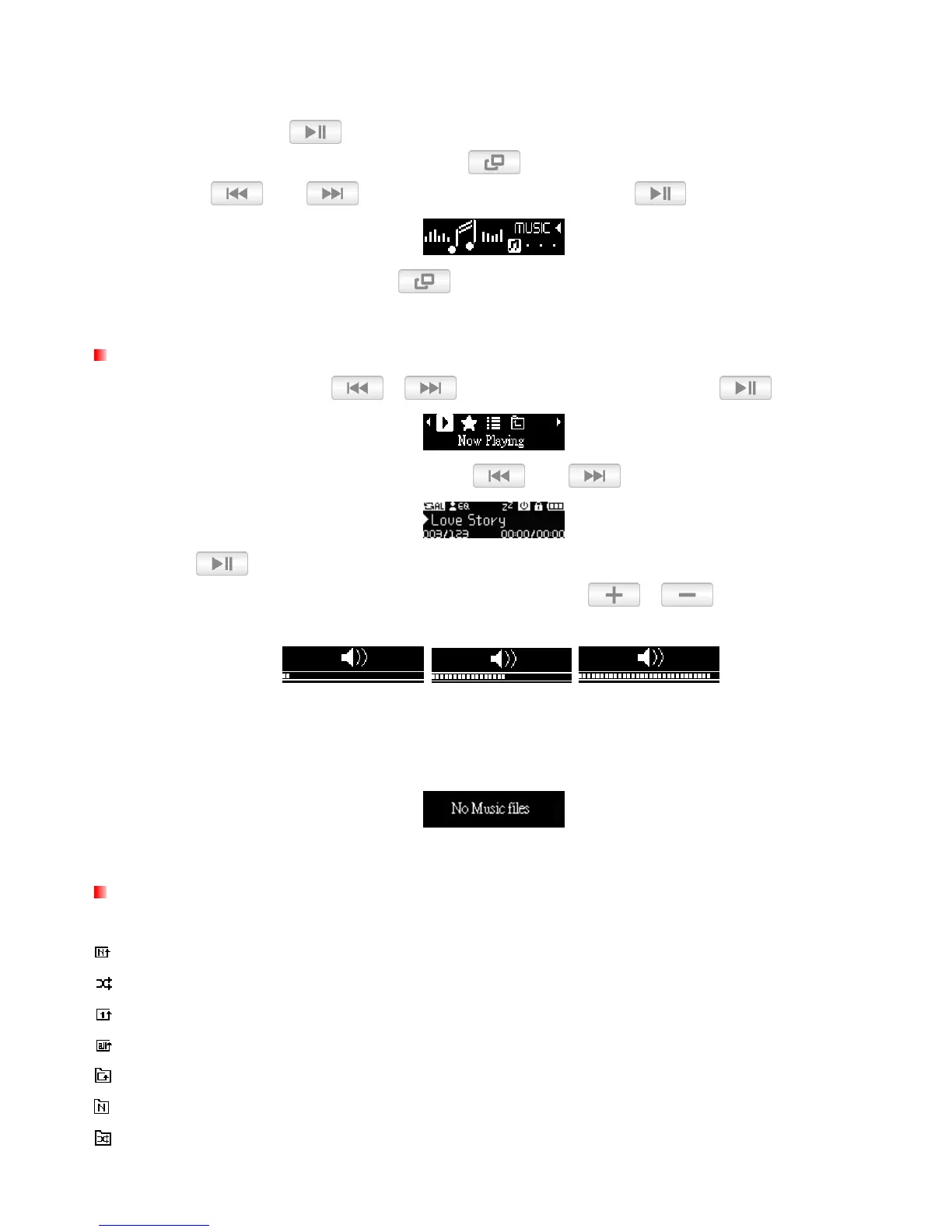
MUSIC Mode︱
1. Press and hold the
button to power ON the unit. The Main Menu will appear.
If the MP350 is already on, press the
button to enter the Main Menu.
2. Use the and buttons to select “MUSIC” and press .
3. To exit the MUSIC menu, press the
button.
Playing Audio Files
1. In the MUSIC menu, use / to select “Now Playing” and press .
2. Select the song you want to listen to with the and buttons.
3. Press to begin listening to a music file.
While playing a song, press once or press and hold / until you reach the
desired volume level.
Please see the Specifications section for a list of all music file formats the MP350 supports.
If the music player cannot find any compatible files, a “No Music Files” message will be
displayed.
Repeat Mode
There are six Repeat modes to choose from:
Normal (plays all music files available one time, in consecutive order)
Shuffle (continuously repeats playback of all music files available, in random order)
Repeat One (continuously repeats the current song)
Repeat All (continuously repeats playback of all music files available, in consecutive order)
Repeat in Folder (continuously repeats playback of all music files in a folder, in consecutive order)
Normal in Folder (plays all music files in a folder one time, in consecutive order)
Shuffle in Folder (plays all music files in a folder, in random order)















 To Next Page