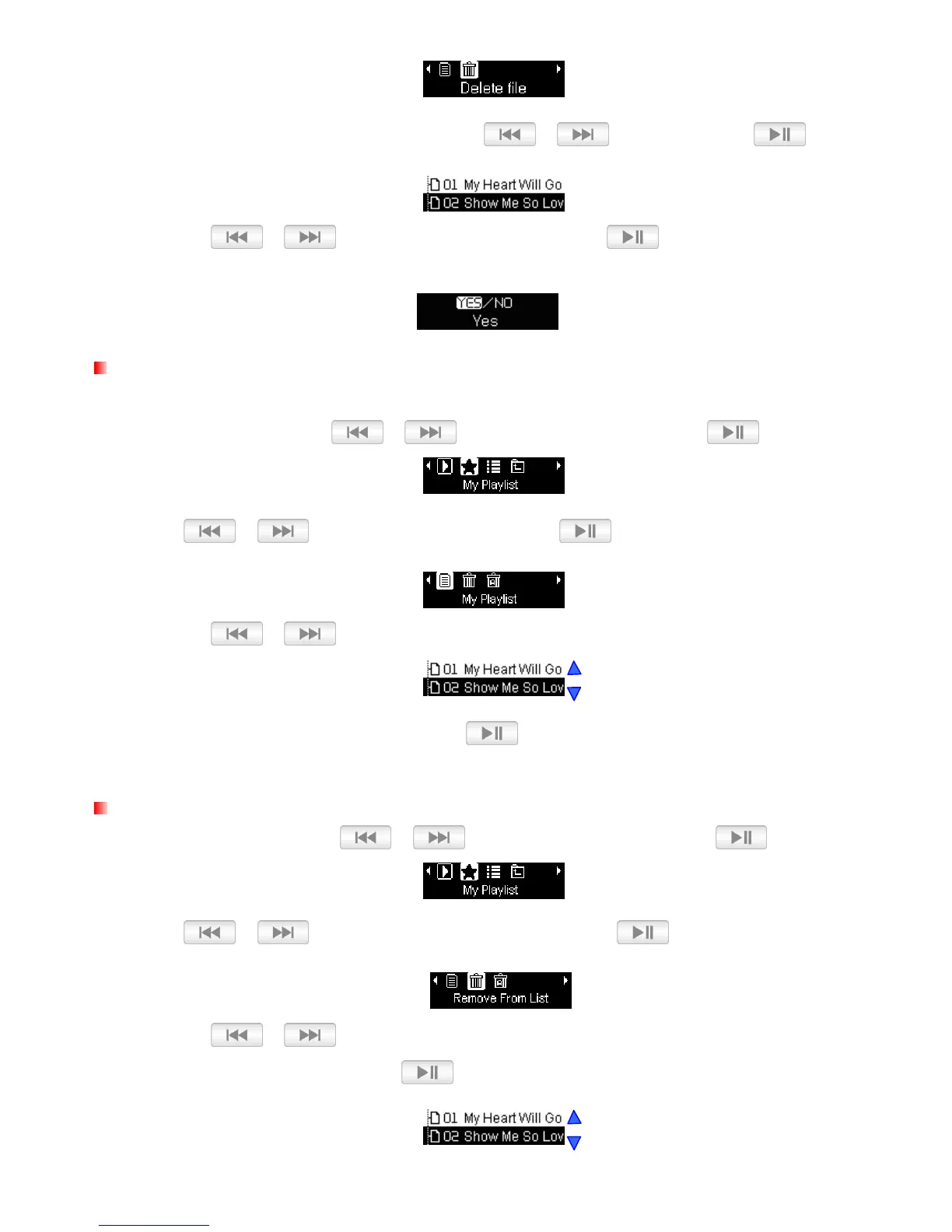
3. Navigate to the file you want to delete with the /
buttons and press .
4. Use the / buttons to highlight “Yes” and press to remove the file from the
internal memory or select “No” to go back.
My Playlists
For quick and easy playback of your favorite songs, the MP350 supports custom playlist builder.
1. In the MUSIC menu, use / to select “My Playlist” and press .
2.
Use / to select “My Playlist” and press
.
3. Use the / buttons to move up and down the list of files.
4. Highlight the file you want to play and press .
Remove a song from My Playlist
1. In the MUSIC menu, use / to select “My Playlist” and press .
2.
Use / to select “Remove From List” and press
.
3. Use the / buttons to move up and down the list of files, highlight the file you want to
remove from the playlist and press
.















 To Next Page