1. In RADIO mode, press and hold the
button to open the Options menu.
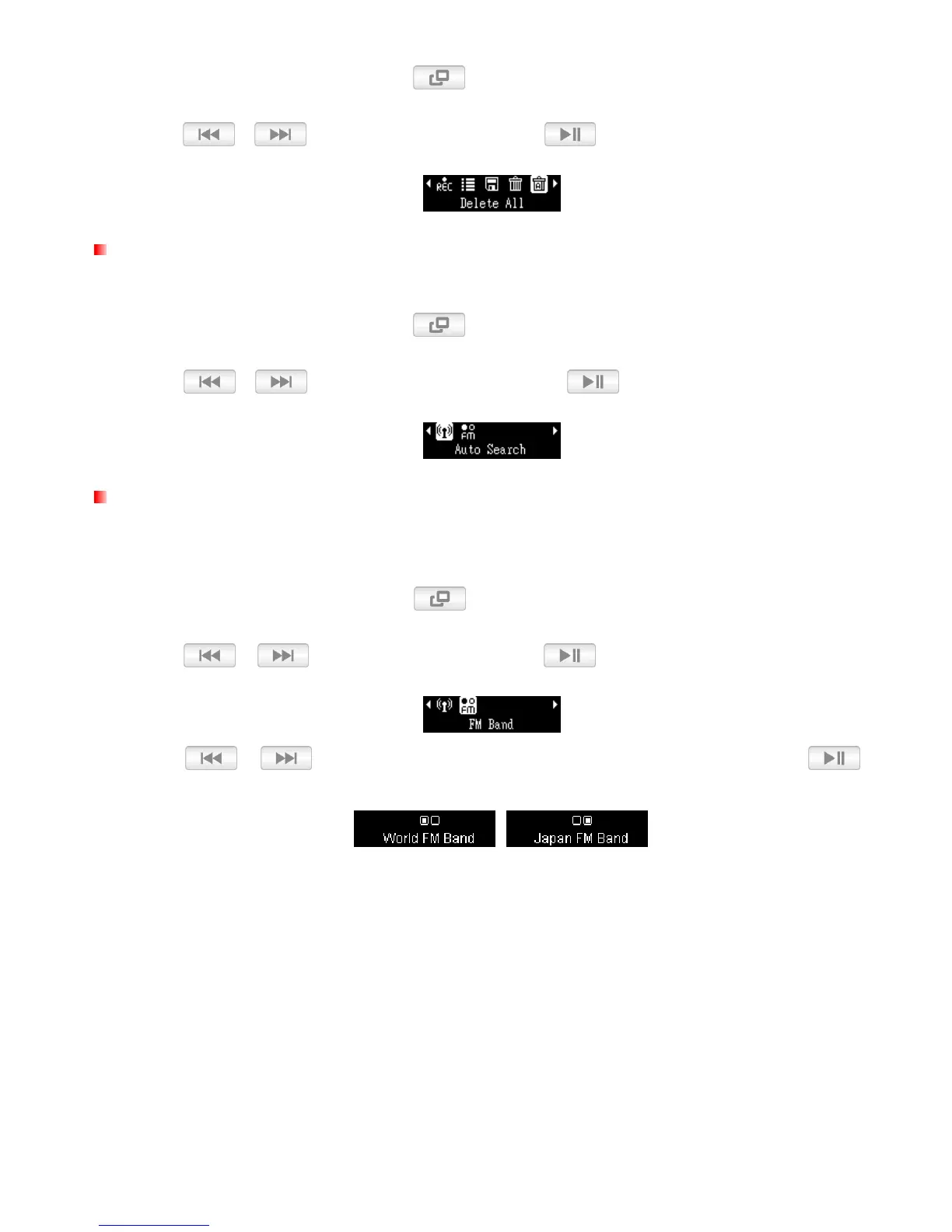
2. Use / to select “Delete All” and press
.
Auto Search
This function will automatically re-scan and save the 20 strongest stations as channel presets (CH).
1. In RADIO mode, press and hold the
button to open the Options menu.
2. Use / to select “Auto Search” and press
.
FM Band
The MP350 allows you to choose between World FM Band (87.5MHz~108.0MHz) or Japan FM Band
(76.0MHz~90.0MHz).
1. In RADIO mode, press and hold the
button to open the Options menu.
2.
Use
/ to select “FM Band” and press .
3. Use / to select “World FM Band” or “Japan FM Band,” then press to
confirm.















 To Next Page