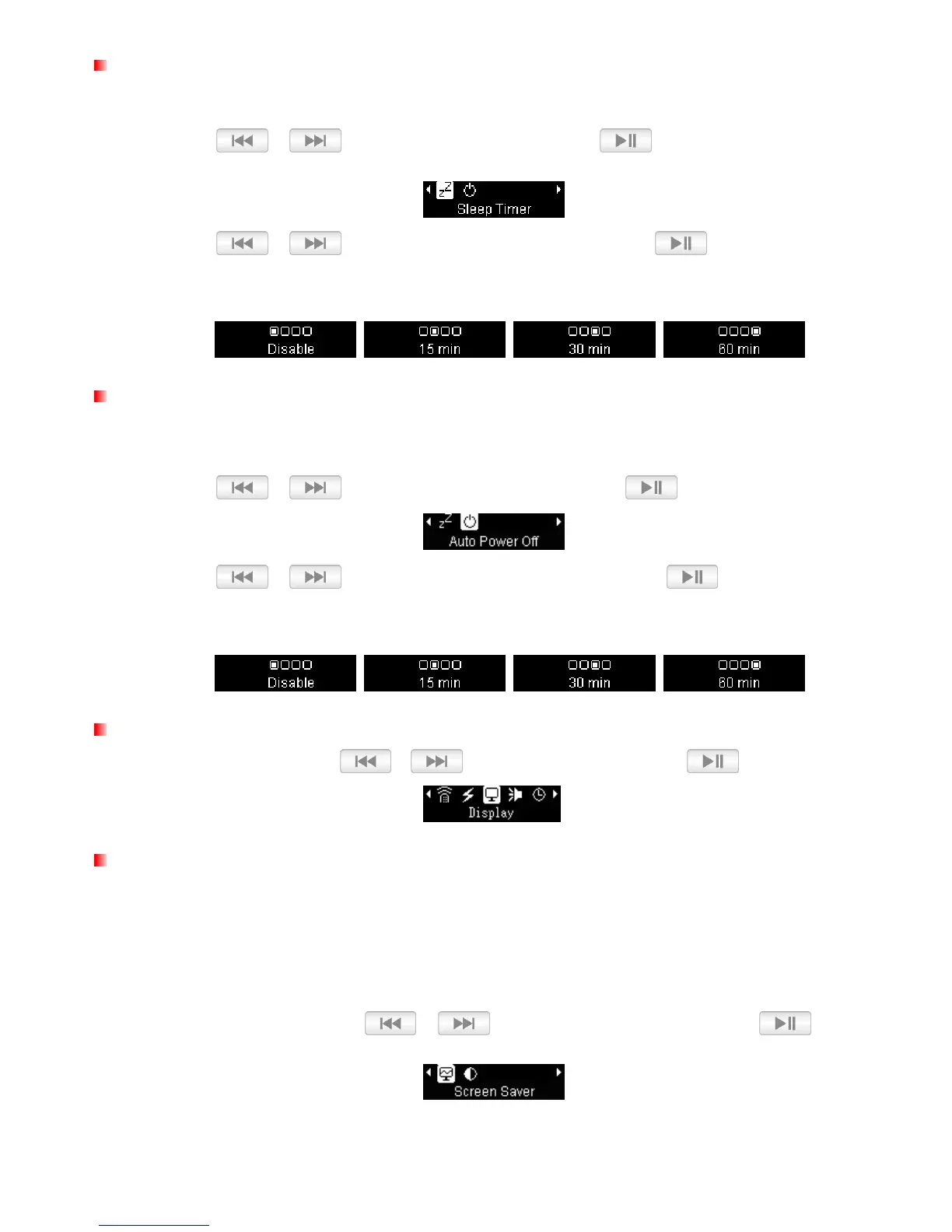
Sleep Timer
This function sets a time delay to automatically power-off the MP350, regardless of playback status.
1. Use / to select “Sleep Timer” and press
.
2. Use
/ to select a Sleep delay time and press . You can choose from
“Disable”, “15Minute”, “30Minute”, or “60Minute”. When the selected time is reached, the MP350
will automatically power off.
Auto Power Off
This function sets a time delay to automatically power-off the MP350 after a certain period of time with no
user input.
1. Use / to select “Auto Power Off” and press .
2. Use / to select a Power Off delay time and press . You can choose from
“Disable”, “15Minute”, “30Minute”, or “60Minute”. When the selected time is reached, the MP350
will automatically power off
Display
In the SETTINGS menu, use / to select “Display” and press .
Screen Saver
This function lets you enable/disable the screen saver, choose which screen saver you want to be
displayed, and set the time delay for the screen saver to activate. Available screen savers are:
Blank (Displays an all-black screen to save battery life)
Clock (Displays the current real time)
1. In the Display menu, use / to select “Screen Saver” and press
.















 To Next Page