Clear Playlist
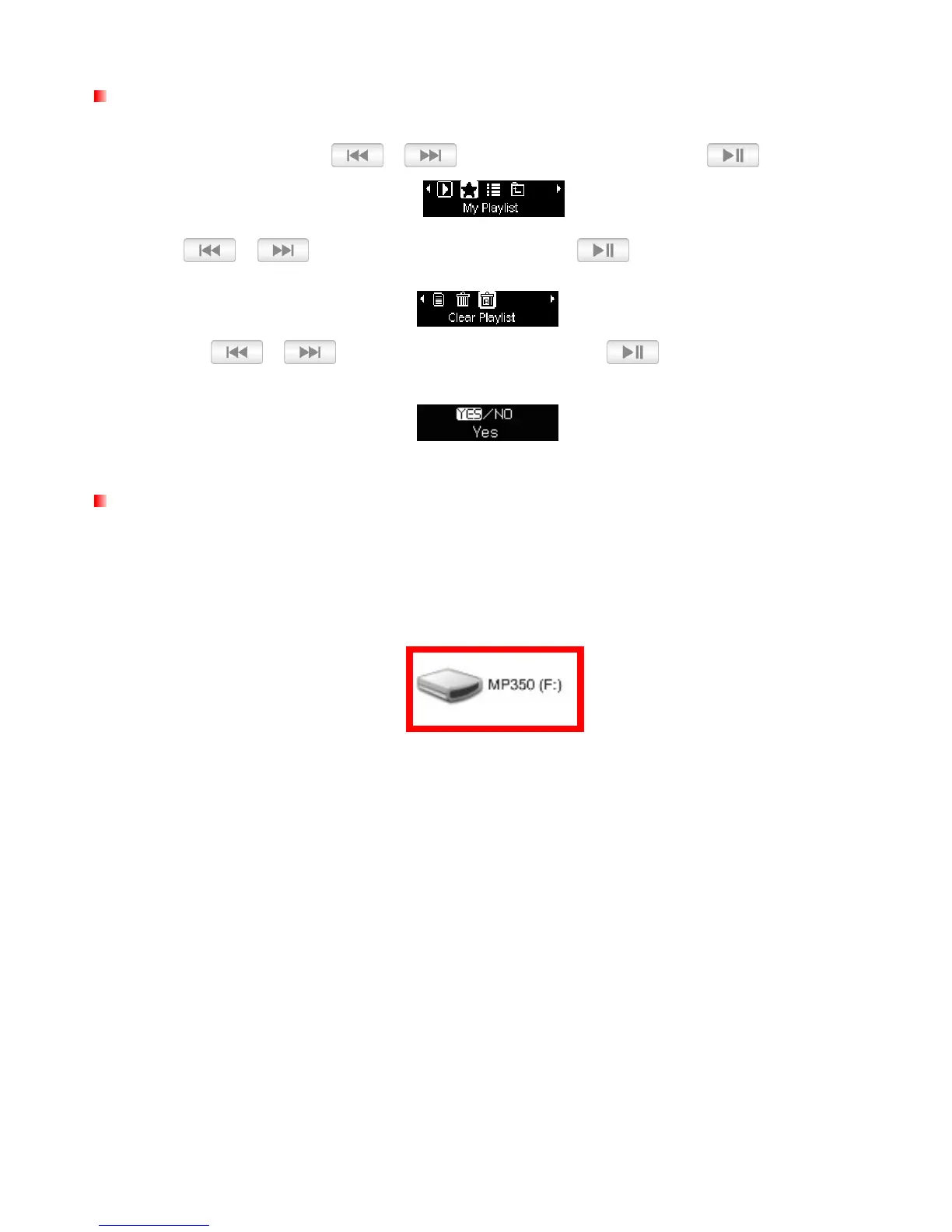
Clear Playlist is the quickest way to clear all the songs from My Playlist.
1. In the MUSIC menu, use / to select “My Playlist” and press .
2.
Use / to select “Clear Playlist” and press
.
3. Use the / buttons to highlight “Yes” and press to clear playlist or select “No”
to go back.
Import Playlist
(*.m3u)
For quick and easy playback of your favorite songs, the MP350 supports M3U playlist import. The MP350 can
store up to 10 m3u playlists, with naming convention LIST0.m3u, LIST1.m3u, LIST2.m3u… LIST9.m3u.
1. Connect the MP350 to an available USB port on your computer.
2. Open Windows Media Player and begin transferring the desired songs from your MP350 drive to the
Windows Media Player List pane.















 To Next Page