Sport Type
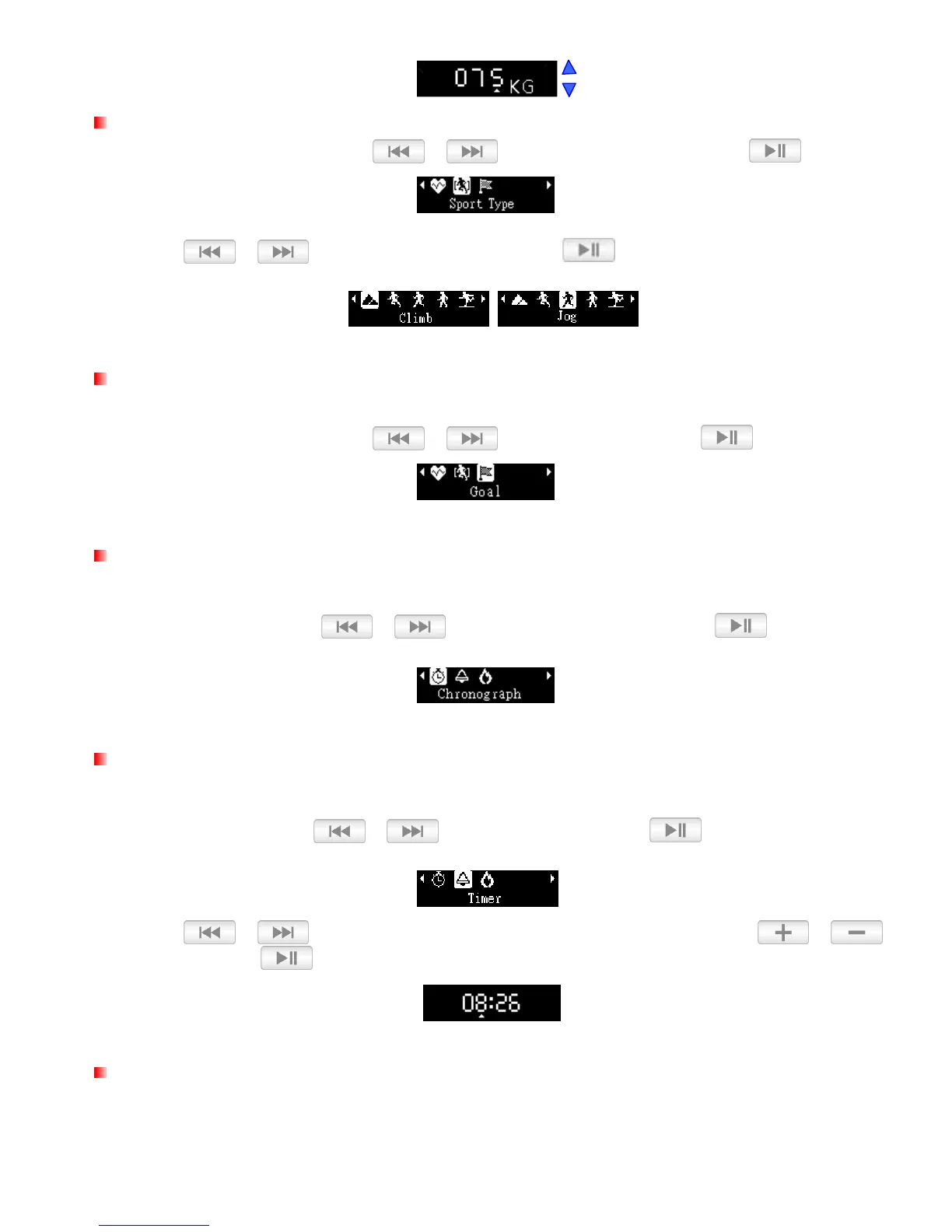
1. In the Sport Setting menu, use / to select “Sport Type” and press .
2. Use / to select the sport type and press
.
Set Goals
The MP350 can set three different types of goals. (Chronograph, Timer, Calorie).
1. In the Sport Setting menu, use / to select “Goal” and press .
Goal: Chronograph
Chronograph lets you track the elapsed time of your workout.
1. In the Goal menu
,
use / to select “Chronograph” and press
.
Goal: Timer
Timer lets you preset the total time of your workout. When the time has elapsed, the music will stop.
1. In the Goal menu
,
use / to select “Timer” and press
.
2. Use / to select each field. Adjust the values of each field with the /
buttons and press .
Goal: Calorie
Calorie lets you preset the total calories you want to burn in your workout. When the target is reached, the
music will stop.















 To Next Page