Fitness Mode |
1. Press the
button to enter the Main Menu.
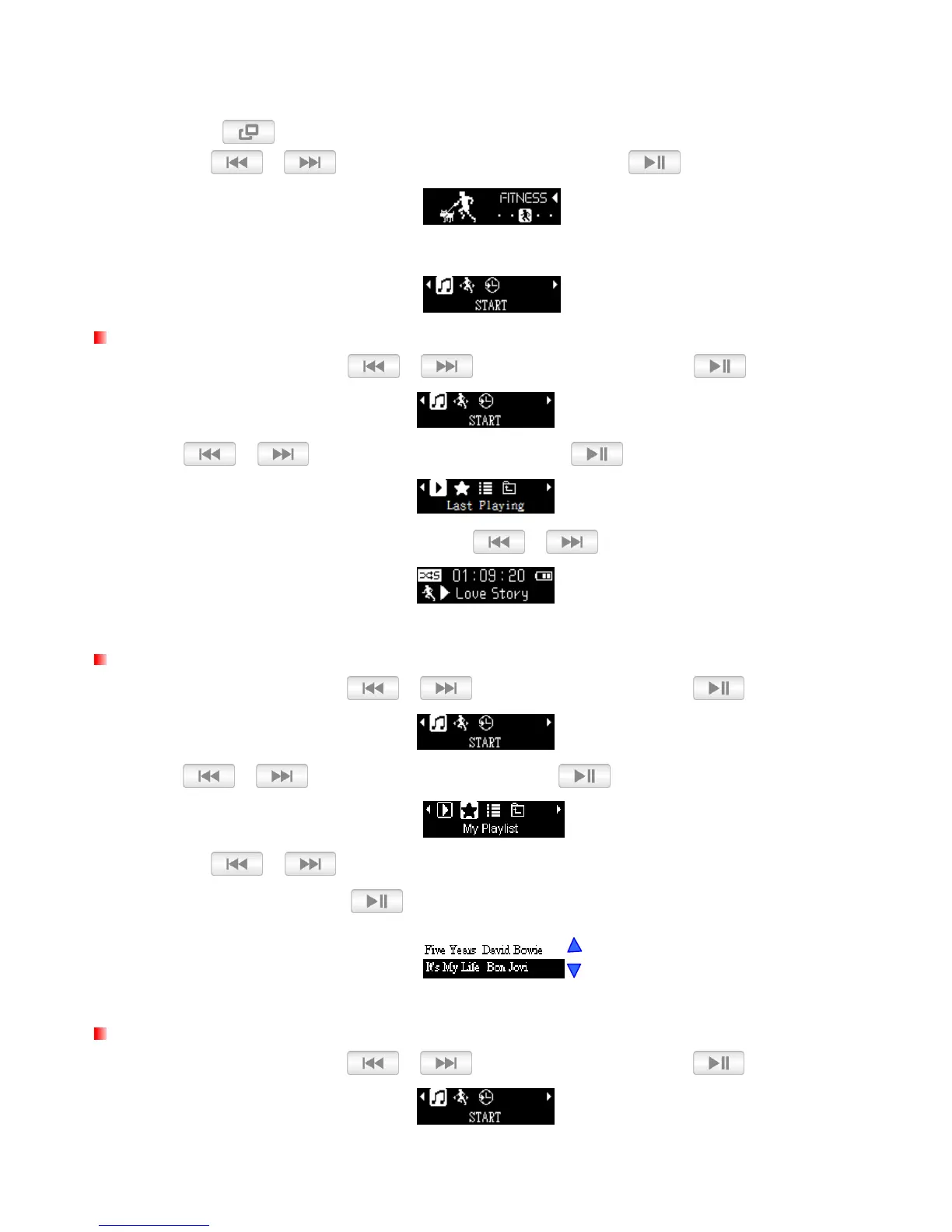
2. Use the / buttons to select “FITNESS” and press .
3. The FITNESS menu will be displayed.
Playing Audio Files
1. In the FITNESS menu, use / to select “START” and press .
2. Use / to select “Last Playing” and press .
3. Select the song you want to listen to with the / buttons.
My Playlists
1. In the FITNESS menu, use / to select “START” and press .
2. Use / to select “My Playlist” and press .
3. Use the / buttons to move up and down the list of files, highlight the file you want to
play from the playlist and press
.
Playlist Playback (*.m3u)
1. In the FITNESS menu, use / to select “START” and press .















 To Next Page