*Note: “(F:)” is an example drive letter – your “My Computer" window may differ
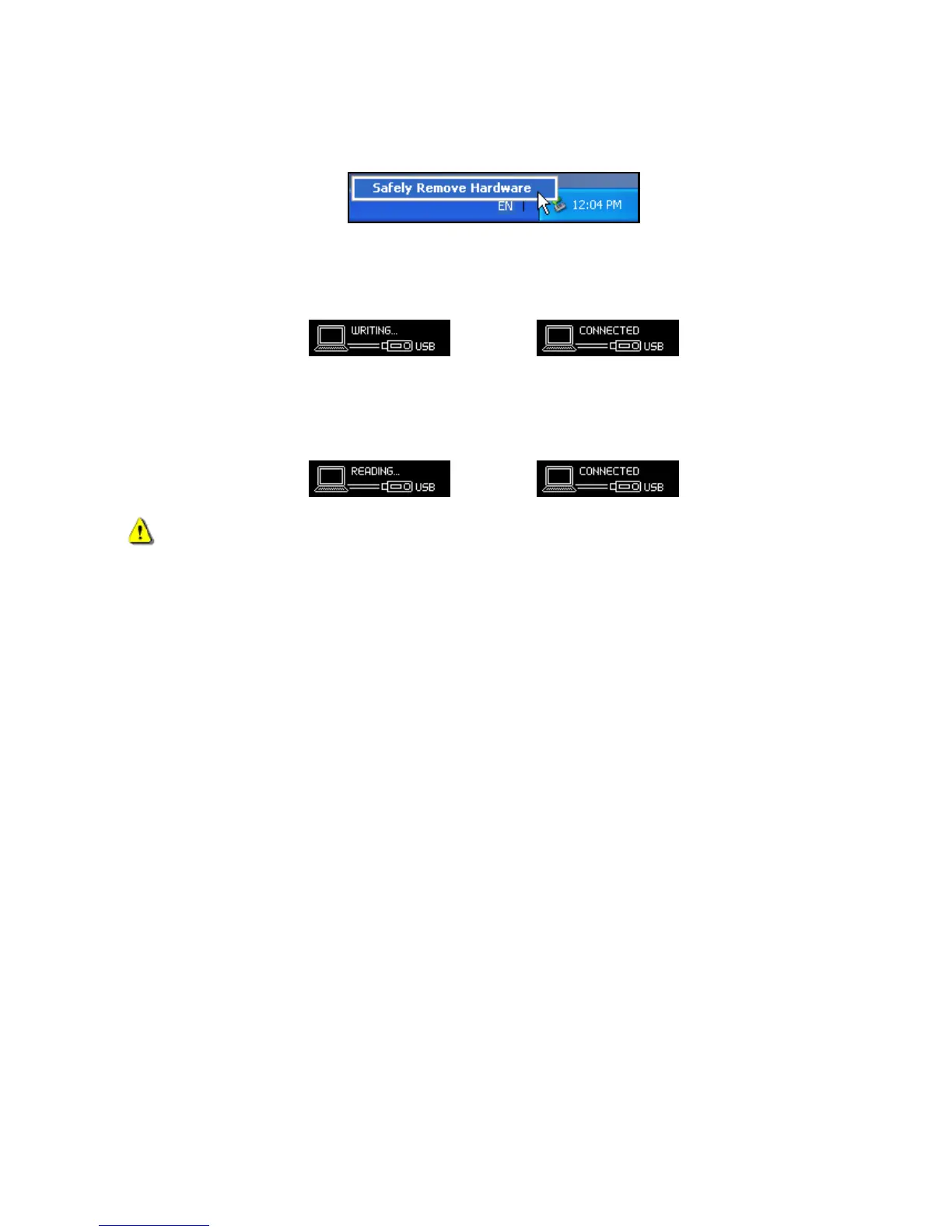
4. Always disconnect the MP350 from a computer by selecting the “Safely Remove Hardware” icon in
the Windows
®
System Tray at the bottom of the computer screen.
While files are being transferred from a computer to the MP350, the screen will display a
“WRITING…” message. After files have been successfully transferred, the “CONNECTED” message
will be displayed again.
When you copy files or folders from the MP350 to your computer, the player will display a
“READING…” message indicating that files are being transferred to the computer. After files have
been successfully transferred, the “CONNECTED” message will be displayed again.















 To Next Page