Portrait (B)
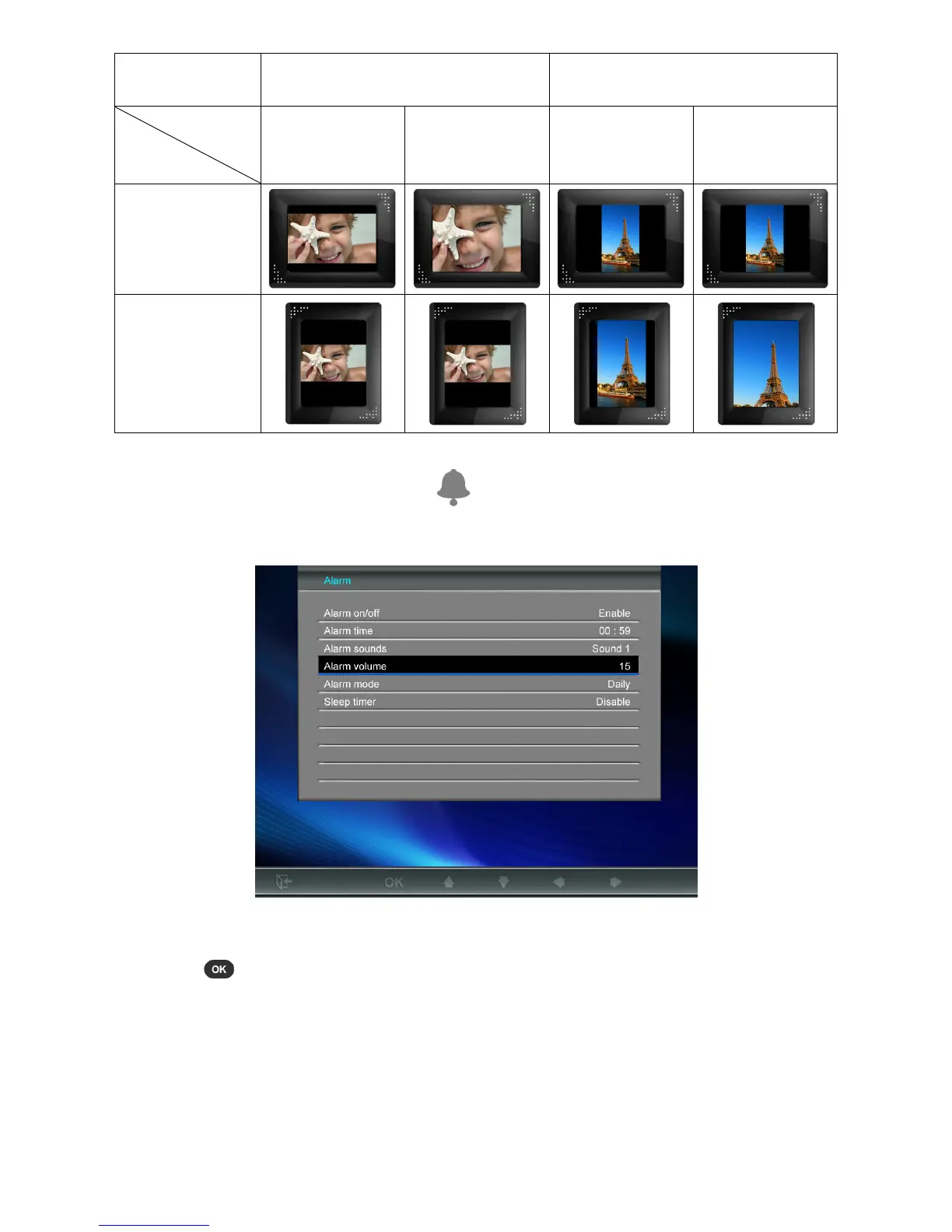
Alarm
The alarm function lets you use your Photo Frame like a clock radio – you can even wake up to your
favorite MP3 song or radio station in the morning.
1. Select Alarm from the Settings menu, and use the UP or DOWN buttons to select between alarm
on/off, alarm time, alarm sound, alarm volume and sleep timer.
2. Press to modify the selected item (except Alarm Volume).
• Alarm On/Off: Press UP or DOWN to enable (on) or disable (off) the alarm.
• Alarm Time: Press LEFT or RIGHT to switch between hour and minute, and UP or DOWN
to adjust the value. NOTE: “24H” or “AM/PM” can be changed in “Home > Settings >
Date/Time-> 12H/24H”
• Alarm Sound: Press UP or DOWN to select from a choice of five default alarm sounds or
your own personalized “Music Alarm” or “Radio Alarm” (can be any song or radio
station you want). The “Music Alarm” sound can be chosen in: Home > Music > Options >



 To Next Page