Set as Music Alarm and the “Radio Alarm” sound can be chosen in: Home > Radio >
Options > Set as Radio Alarm.
• Alarm Volume: Press UP or DOWN to adjust the alarm volume.
• Alarm Mode: This function allows you to adjust how often you want the alarm to go off.
Press UP or DOWN to select from 4 reoccurring alarm modes: Daily (Default), Weekdays,
Weekends, and Once.
•
Sleep Timer: Press UP / DOWN to enable a sleep timer to shutdown the Photo Frame after
a specified amount of time. Available options are: 15 / 30 / 45 / 60 / 90 / 120 minutes and
Disable. You can also enable the sleep timer by pressing on the remote. When the
specified time is about to expire, a “Press [SLEEP] button on remote to disable”
message will appear.
NOTE: To set Photo Frame to turn on or off automatically on a
daily basis, please use the “Auto-ON/OFF” feature in: Home > Settings > Date / Time >
Auto ON/OFF
3. After making adjustments, press to save.
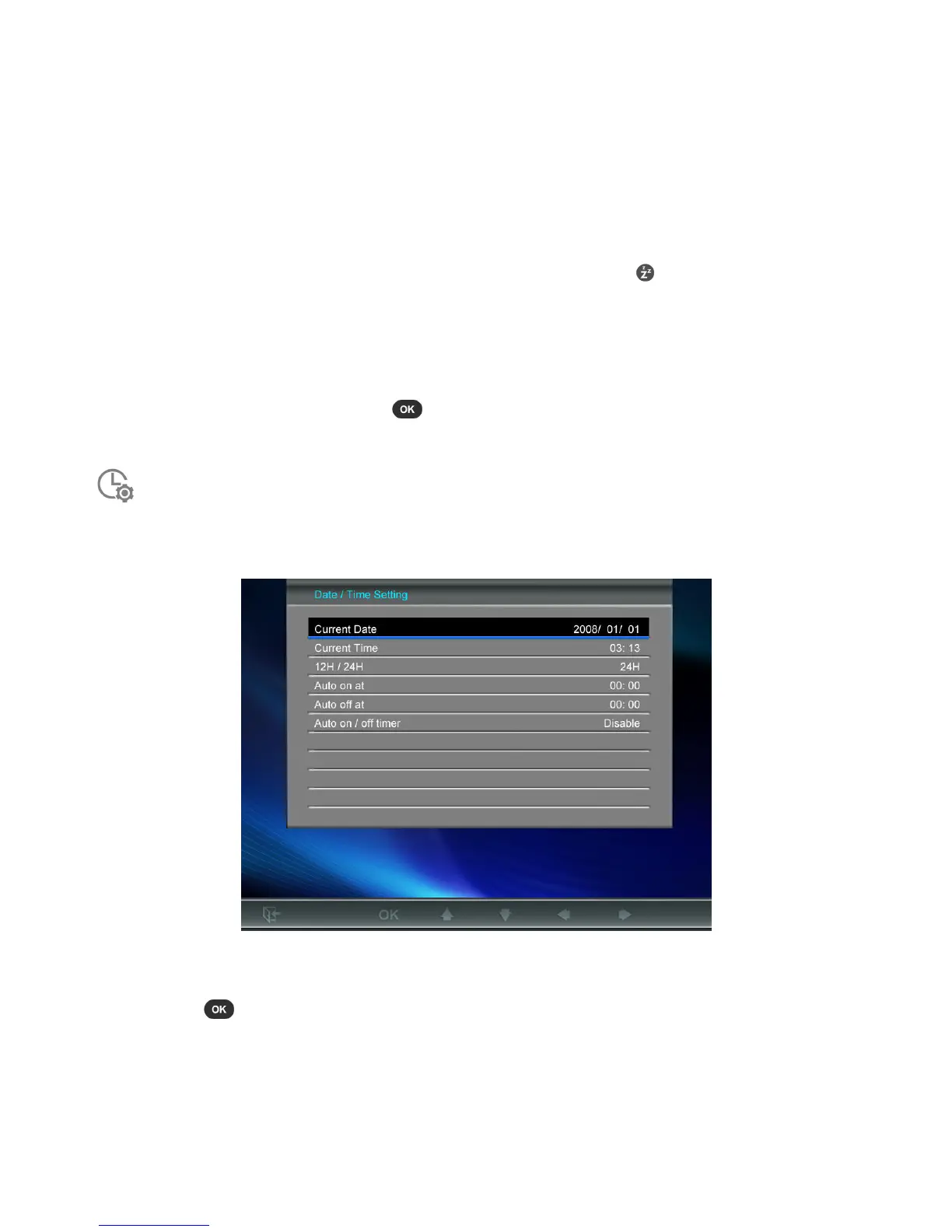
Date / Time
This option lets you adjust the current date and time and set your Photo Frame to automatically turn on and
off every day at a specific time. The Auto-ON/OFF timer is a convenient way to save power at night.
1. Select Date/Time from the Settings menu, and use the UP or DOWN buttons to select between
date, time, 12H/24H, auto-on, auto-off or auto-on/off timer.
2. Press to modify the selected item.
• Current Date: Press LEFT or RIGHT to select between year month or day, and press UP /
DOWN to adjust the value.
• Current Time: Press LEFT or RIGHT to select hour or minute and UP / DOWN to adjust the
value.
• 12H / 24H: Press UP or DOWN to switch between 12-Hour (AM/PM) and 24-Hour clock display.



 To Next Page