TREASUREHUNTER3D
Makes underground treasures visible
Instruction manual 13
Quick start
Before start
1. To learn how to properly and safely use the DroneRover app, rst nd an area that is not
populated, is at and has no obstacles, so it is safe to y. A perfect test scan area can be
a meadow or eld, away from houses & trees with no animals, people or other obstacles.
2. Place a drone on a at clean surface with clear surroundings for safe drone
launching and landing�
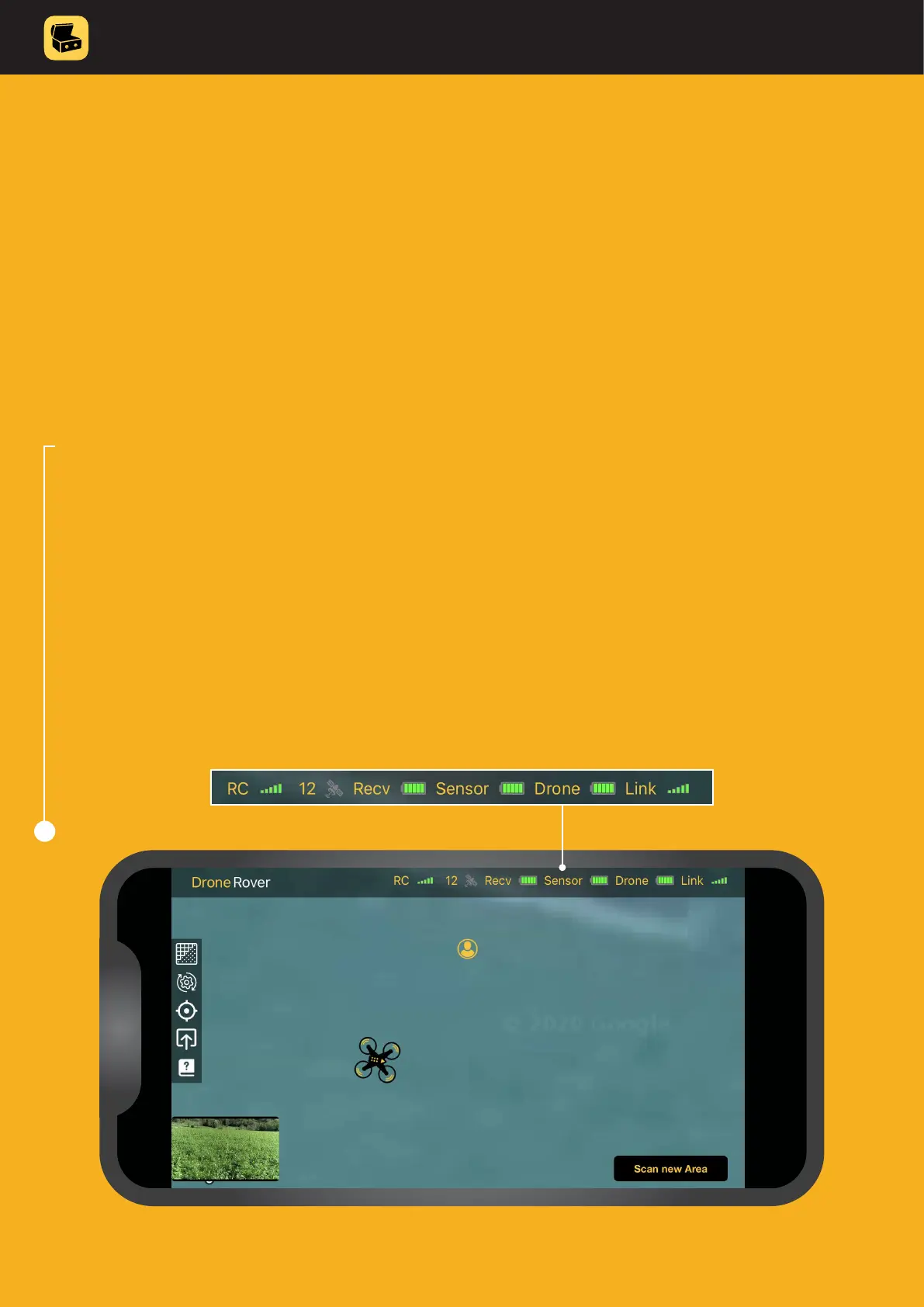
3. Check indicators to make sure that all devices are properly connected and turned ON:
• drone is connect to the app
• all batteries are full
• link to sensor is established
4. Make sure the map is updated and that you can clearly see your location and
location of the drone� Remember to always keep a safe distance from the drone!
Once all these conditions are met, continue with automated or manual scanning.
3



 To Next Page