TREASUREHUNTER3D
Makes underground treasures visible
Instruction manual 27
ALTITUDE MODE
Constant - means the drone will scan the area at
constant altitude. Recommended for at areas.
Terrain - means drone will follow terrain while keeping
constant distance from terrain. Recommended for not at.
Altitude - distance measured from ground at which drone
will perform scanning�
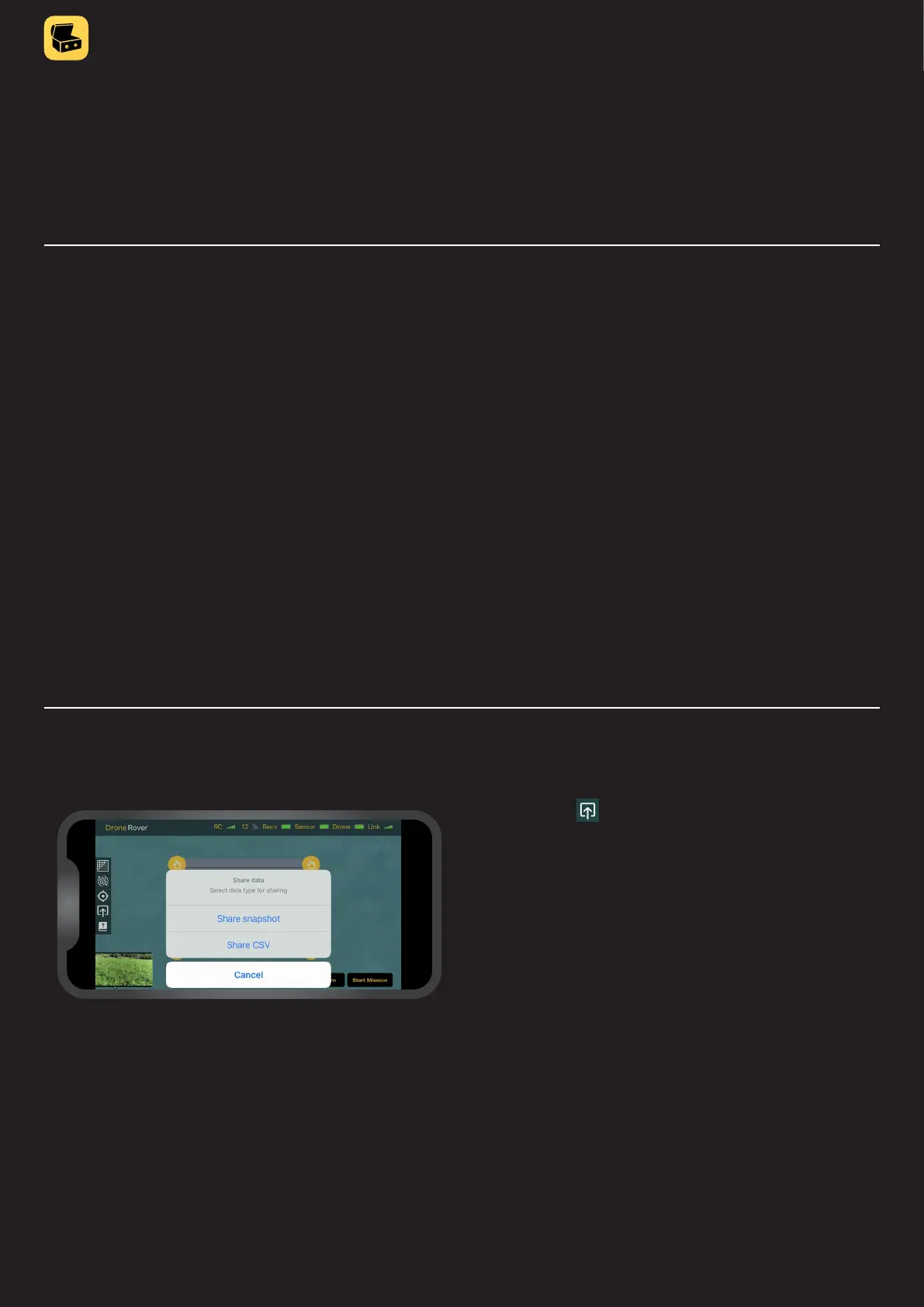
Exporting and sharing scan data
By pressing the user can share the screen as an image
or as comma separated values format (csv. data) that can
be imported into 3D mapping softwares�



 To Next Page