TREASUREHUNTER3D
Makes underground treasures visible
Instruction manual 25
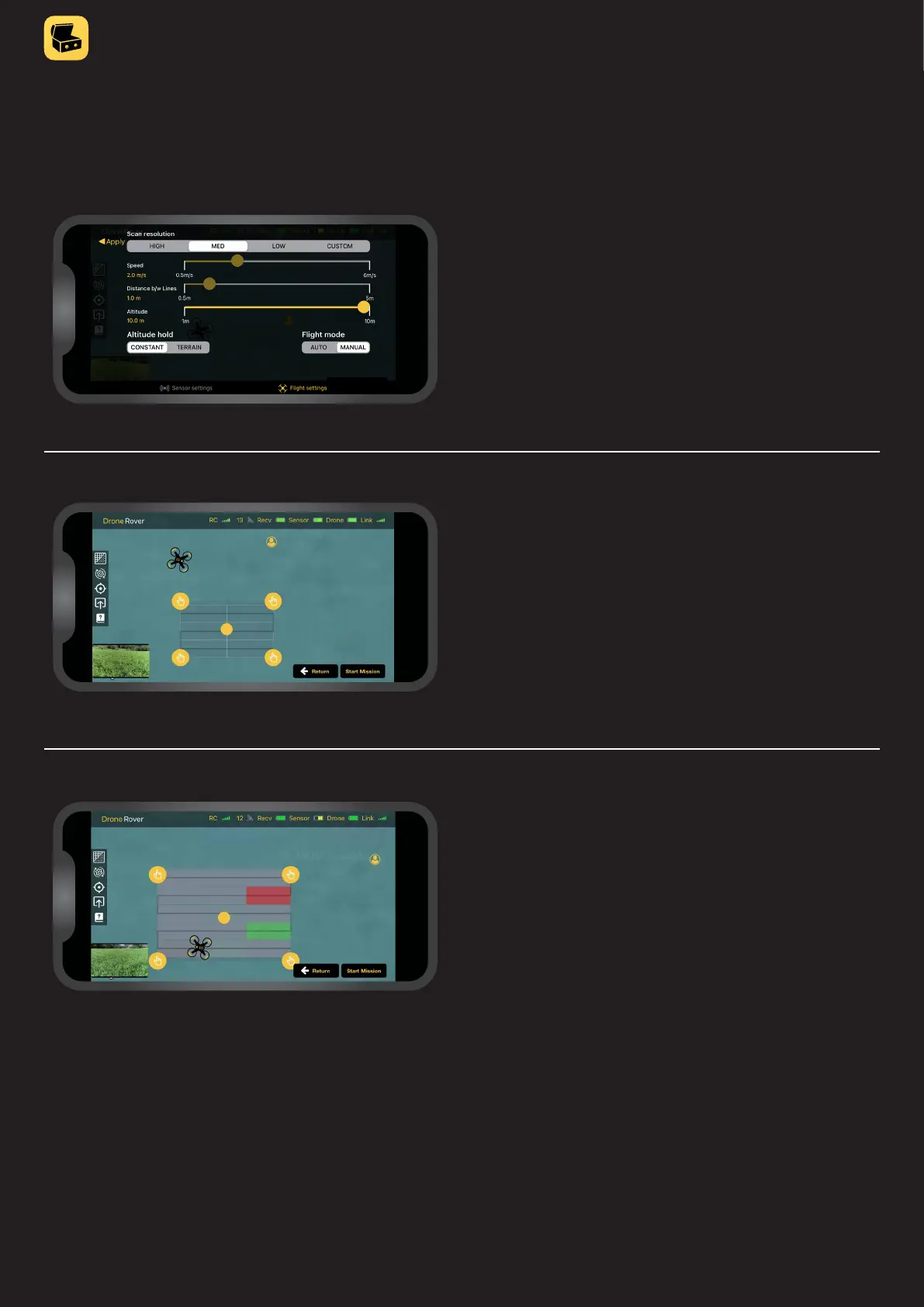
Starting mission
The mission can be started with a button at the right
bottom of the screen�
Pressing the button “Scan new area” will automatically
enable area selection�
After that user can mark the scan area on the map and
manually perform the scanning�
Manual scanning mode control
Scanning selected area
Once the drone will take off, the user can manually y over
the area to perform the scanning�
When manual scanning is enabled in the Flight settings
menu tab, the user can scan the area manually using
drone remote control�



 To Next Page