TREASUREHUNTER3D
Makes underground treasures visible
Instruction manual 16
Manual scanning
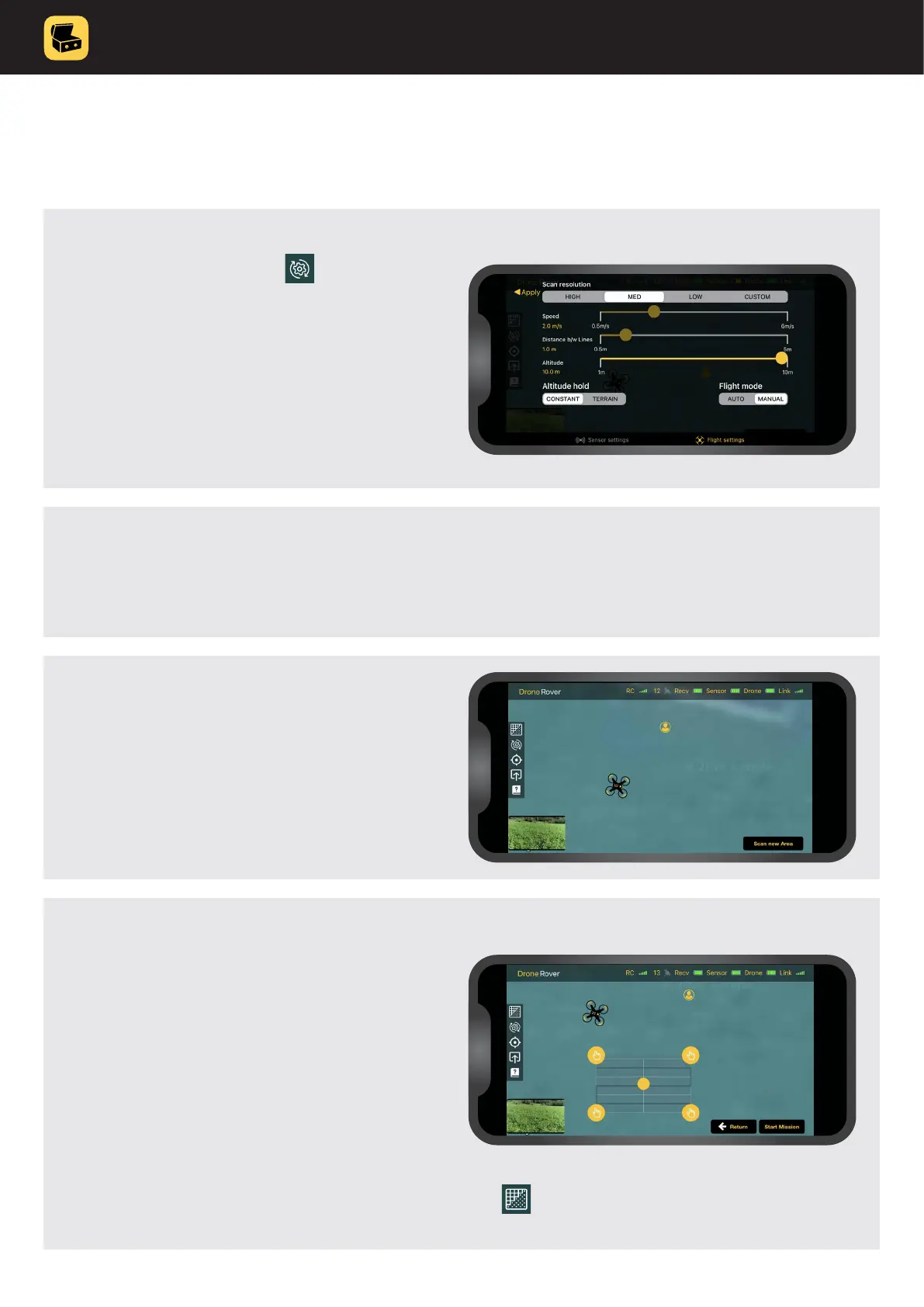
4. Drag rectangle over an area on the
map you would like to scan.
IMPORTANT SAFETY PRECAUTION
Make sure that:
• there are no obstacles inside the area
you selected
• there are no obstacles on the way from the
drone current location to selected area
• area you are about to scan is at
3. Press “Scan new area” button.
If you would like to change the scan area you can always
tap and mark new area�
2. Press “Apply” to exit setting menu.
1. Open settings menu and select
Flight setting.
SET:
• Scan mode: MANUAL
• Scan resolution: LOW



 To Next Page