TREASUREHUNTER3D
Makes underground treasures visible
Instruction manual 15
7. Once scanning is completed drone will y back to its home location and land.
Some of the latest DJi drone versions might not land completely but stop 0�5m before ground
is reached. For this model, the user needs to conrm landing with the remote controller by
pressing down on the left handle�
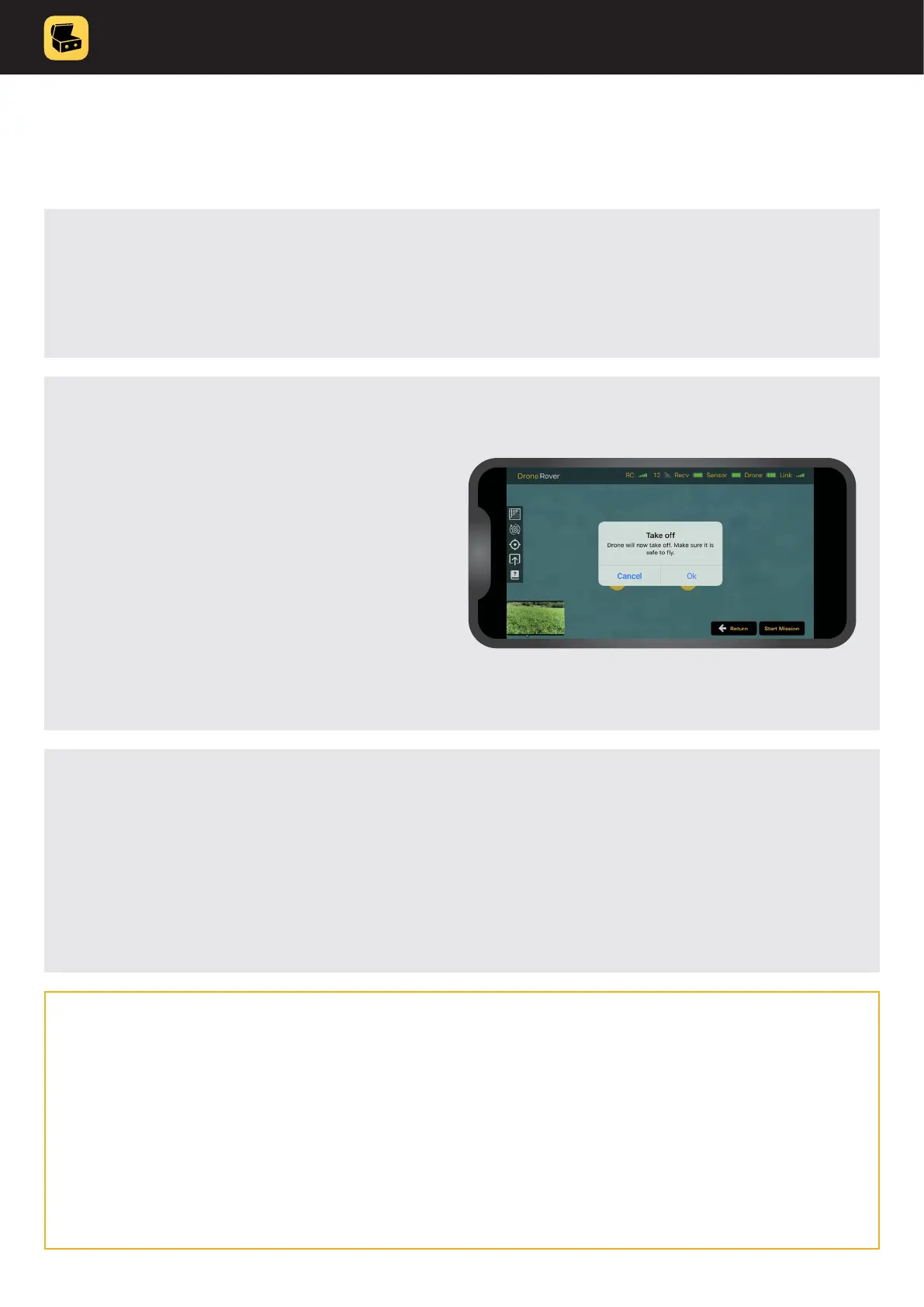
6. Press “Scan mission” button and
conrm take off, the drone will
now y to scan the area and
start scanning.
Notice that you can always pause / abort
mission by pressing: Abort button in the app
(see: Aborting mission chapter for more
details) or Home button on Remote control
to return drone back to home position�
5. Make sure to keep distance from the drone and you are not located in the
drone’s way to scan the area.
Due to National Drone Safety Regulations, autopilot can only y 2m over the surface.
In order to achieve best sensitivity it is recommended to y as close to the surface
as possible (e.g. 0.5m).
This can be achieved by Manual scan mode�



 To Next Page