TREASUREHUNTER3D
Makes underground treasures visible
Instruction manual 20
SENSOR CALIBRATION
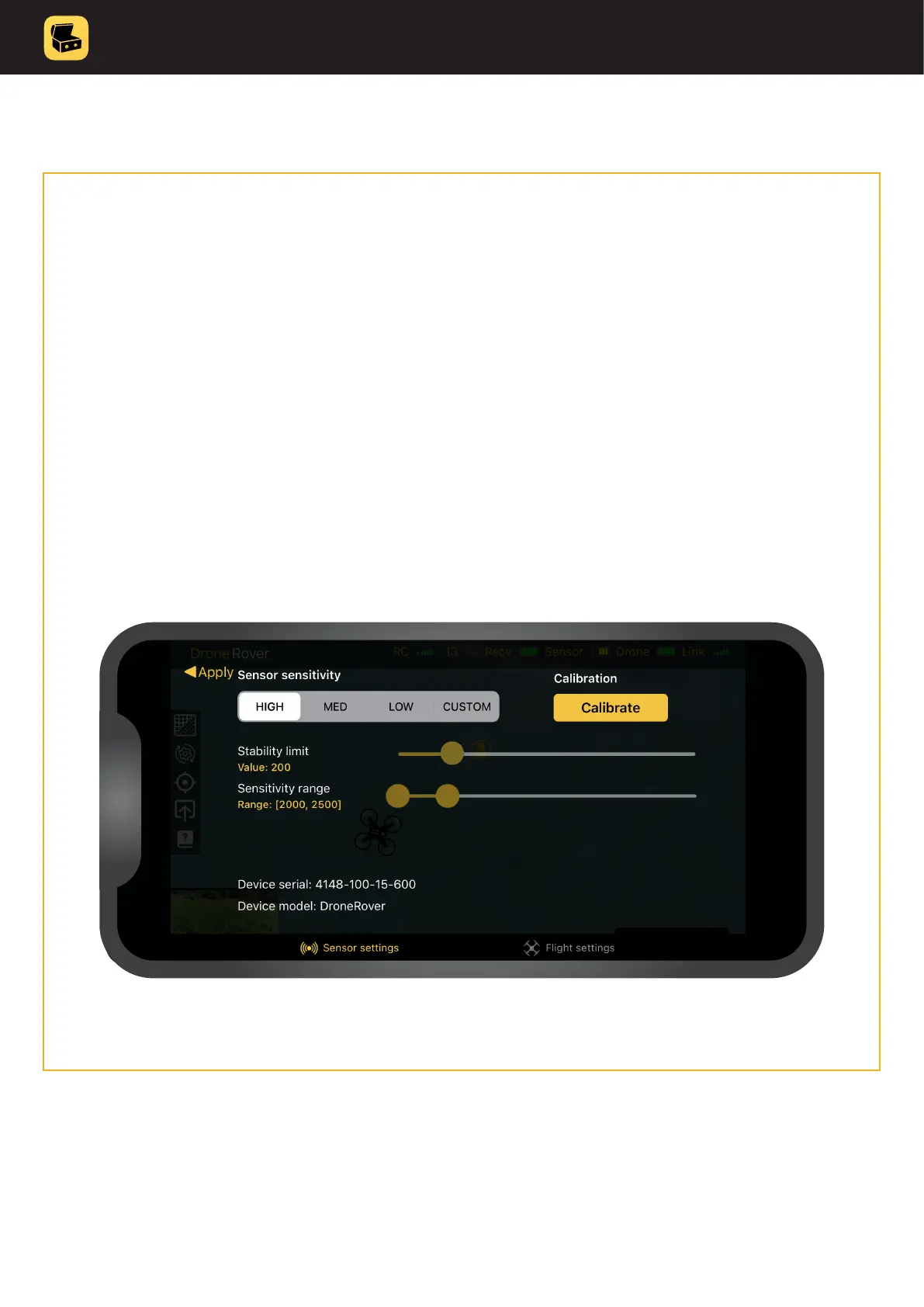
DroneRover has an integrated error correction system that requires calibration� In order to achieve
best scanning results, the sensor needs to be calibrated after being mounted on the drone�
Procedure to calibrate the sensor goes as follows�
1. Make sure to go to location that has no metallic objects in the eld of 50m
and you are also not wearing any of it�
2. Start application & check indicators to make sure that all devices are properly connected and turned ON�
• drone is connect to the app
• batteries are full
• link to sensor is established
3. Enter settings menu�
4. Click calibration and follow procedure in the application�
It is recommended to repeat calibration from time to time, especially when the sensor is re-mounted to the drone�



 To Next Page