TREASUREHUNTER3D
Makes underground treasures visible
Instruction manual 17
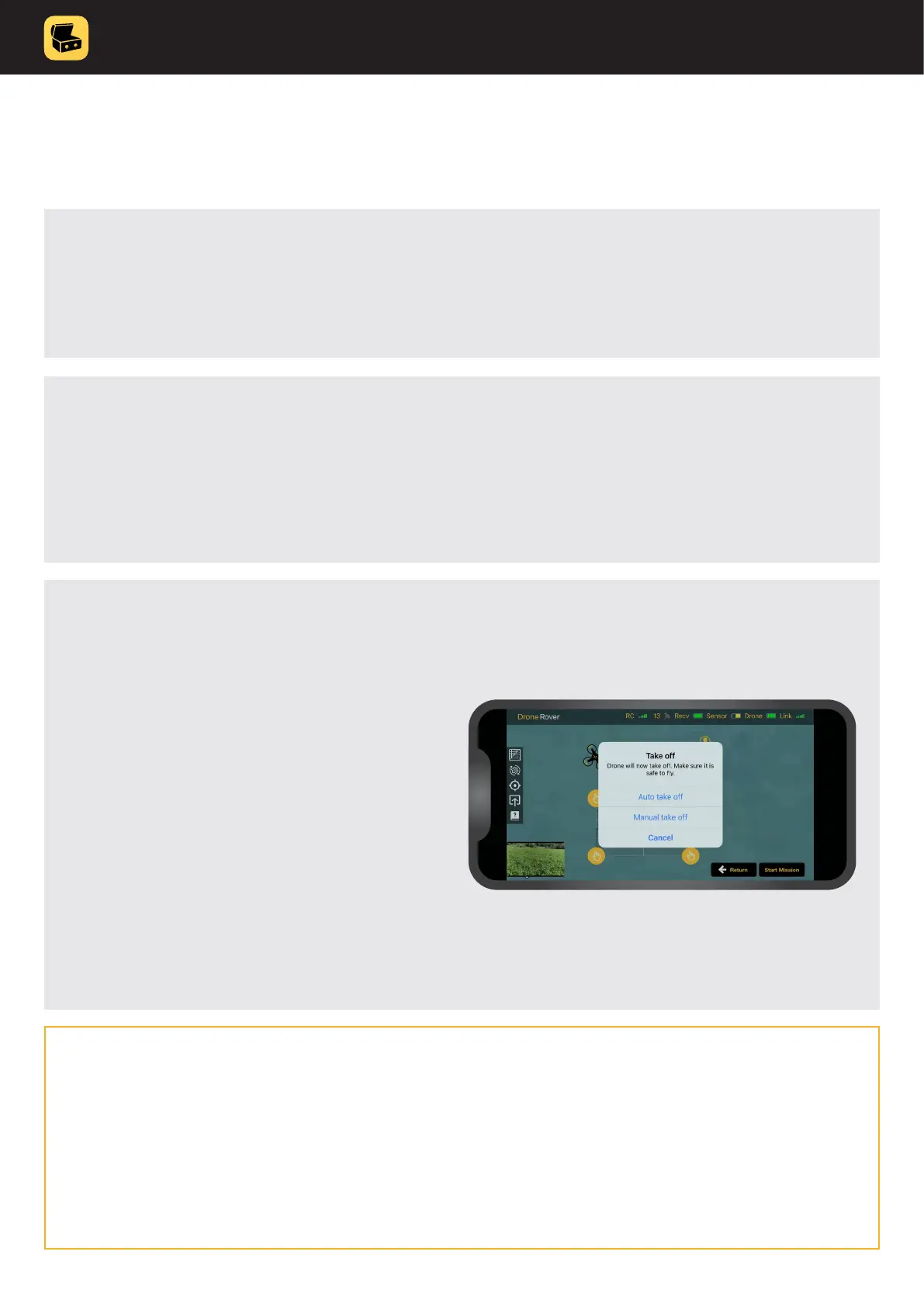
7. A pop-up window will appear to
select automatic or manual take off
or cancel the ight.
When automatic takeoff is selected the drone
will take off by itself while in manual remote
control needs to be used to take off�
After that remote control needs to be
used to y over the marked area and to
perform scanning�
During the ight please make sure that you y
at constant altitude from the ground
and also constant speed�
6. Press the “Scan mission” button, app will now check GPS signal, battery
and other drone status indicators to conrm everything is ok and ready
for safe ight.
5. Make sure to keep distance from the drone and you are not located in the
drone’s way to scan the area.
IMPORTANT NOTES
Best scan results are achieved when the drone is ying stable with no fast
movements and as close to the ground as possible� Scanning should be
performed at a constant speed (2-3m/s). An unstable drone ight will result
in sensor error readings�



 To Next Page