TREASUREHUNTER3D
Makes underground treasures visible
Instruction manual 9
https://www�dji�com/si/downloads/djiapp/dji-go-4
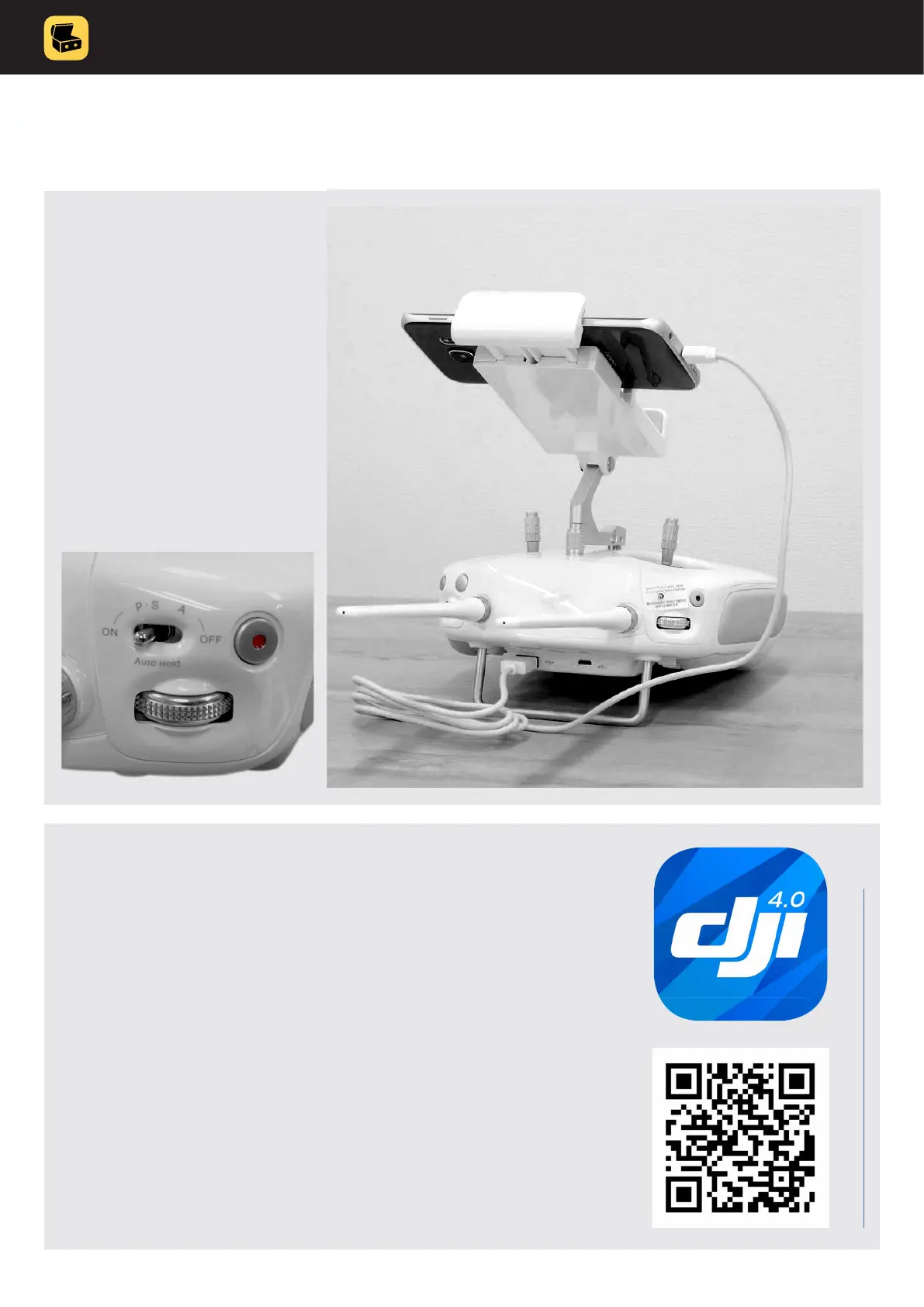
3. Drone remote control
unit preparation:
• make sure remote control
unit is fully charged
• attach the smartphone to
the holder on top of
remote control unit and
connect it with the original
USB cable
• check P-S-A switch is in
P position
4. Check smartphone and drone software
andrmware
• make sure your smartphone is running latest OS and there
are no apps running in the background
• Install DJI go 4 app to your smartphone and make sure:
• drone and remote control unit have installed latest
rmware & y safe database
• drone compass is calibrated
• camera signal has no lag and signal is OK



 To Next Page