17
EN
minipool Phantom PR1
U
Use
OPERATIONAL FUNCTIONS
CHROMATHERAPY
OK
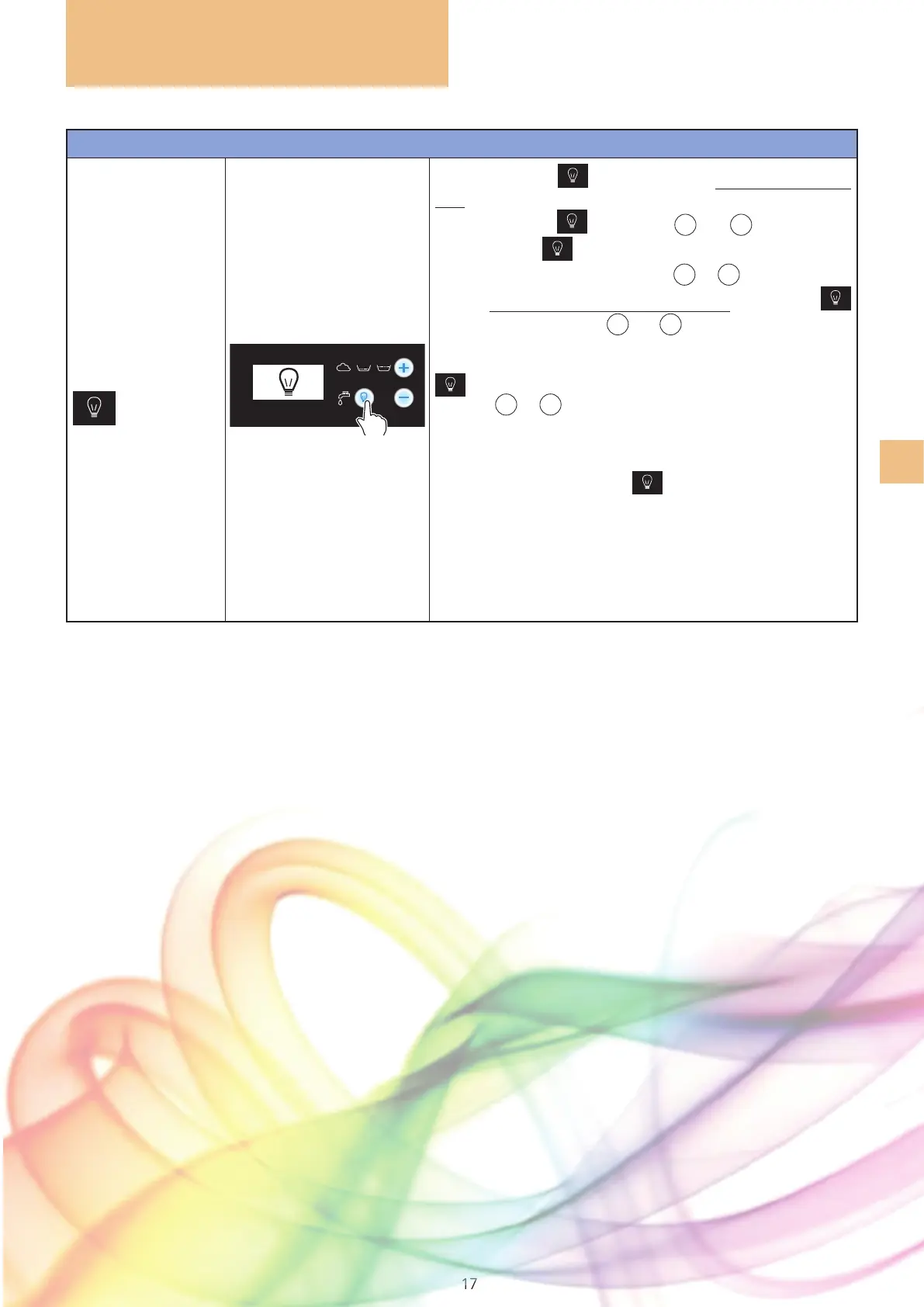
Pressing the light key will activate a sequence of 16 col-
ours that will vary in an automatic intermittence (for 2 hours by
default):
the light key and the
+
and
-
keys turn blue
and the symbol
will appear on the display for 6 seconds.
During this time you can press the
+
or
-
key to manually
select a colour that you want to remain xed:
the light key
will remain blue, while the
+
and
-
keys will turn white again:
at this time it is no longer possible to change colour.
To once again manually select the colour, press the light key
again and select the desired colour within six seconds
with the
+
or
-
key.
Once you have selected a xed colour, to return to the auto-
matic sequence you must turn off and reactivate the function.
To stop the function hold the
key pressed for about three
seconds. The key will turn white again and the temperature
will reappear on the display.
If not switched off manually, the function stops automatically
after two hours.



 To Next Page