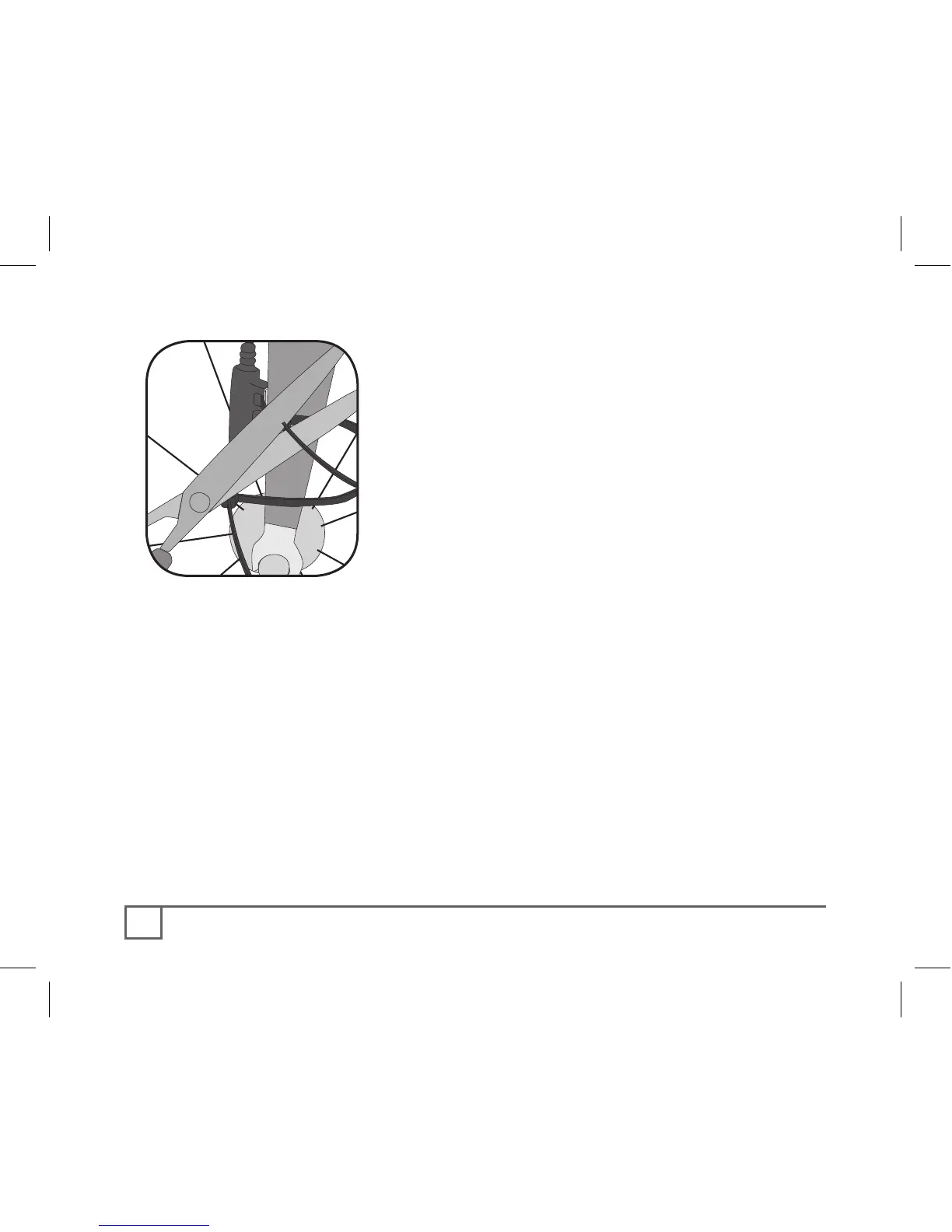
5. With the computer in the computer base,
check the alignment of the sensor and magnet
by spinning the wheel and noting if the
computer is displaying cadence (or for the
wheel sensor, speed).
If the computer shows cadence (RPM) or current
speed, the sensor is reading the magnet. If the
computer is not displaying a value, realign the sensor
and magnet until one is displayed.
6. Tighten the nylon ties and trim the excess
length (Figure 11).



 To Next Page