Mode
Set
Scroll
Your computer stores data for two
intervals- since last ReSet and since last
ReStart. ReSet sets ALL data to zero.
ReStart sets only the Trip data to zero.
The trip data includes five modes for seven
total sets:
• ODOMETER TRP
• SPEED AVG, MAX
• ALTITUDE TRP, MAX
• GRADE AVG
• CLOCK (Stopwatch)
1. Cycle •Mode to CLOCK.
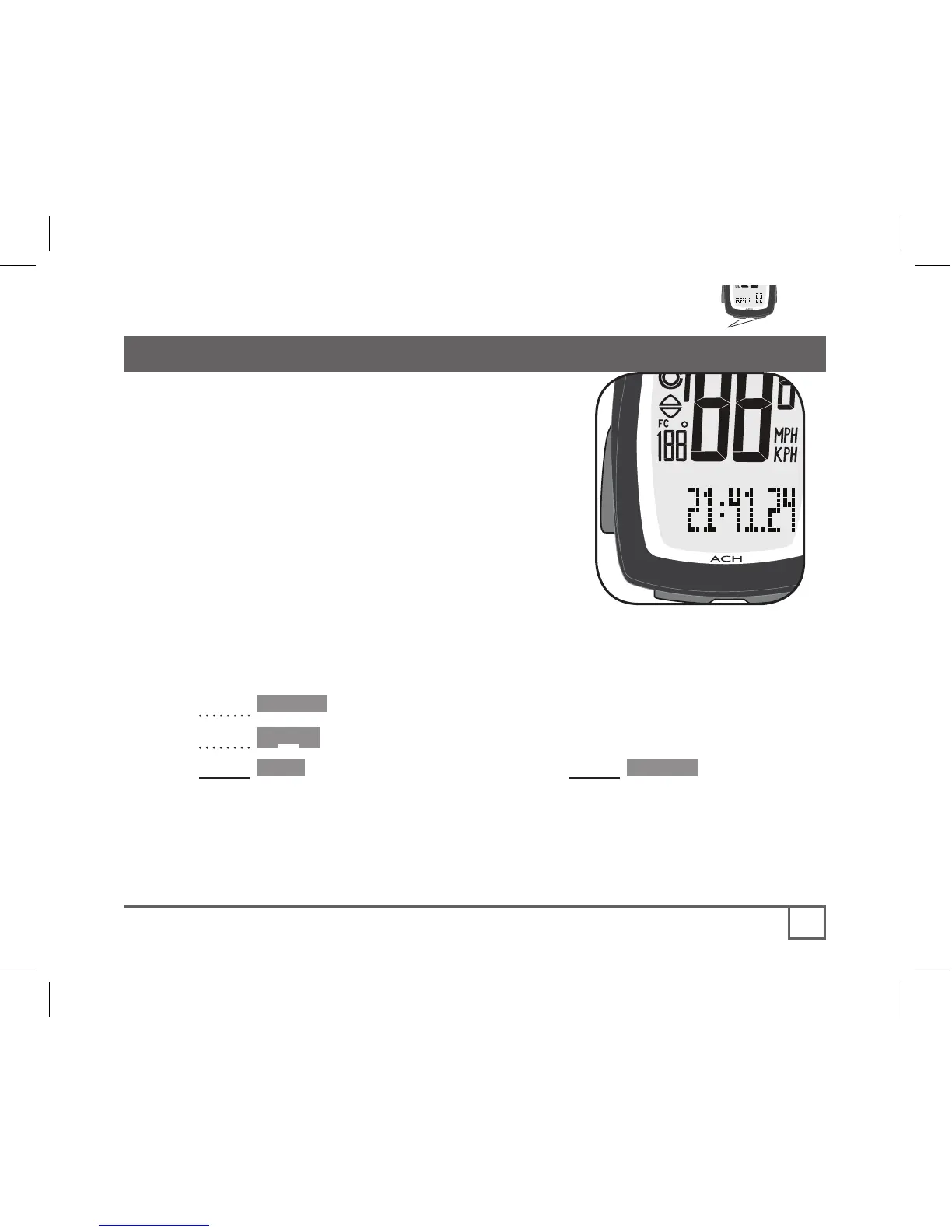
2. Cycle Scroll to Stopwatch (Figure 16).
3. Hold Set• and then at the same time, Hold •Mode.
Stopwatch setting reads ‘00:00.00’ indicating trip mode is set to zero.
Any input of distance or cadence will start the stopwatch and
other trip modes.



 To Next Page