Mode
Set
Scroll
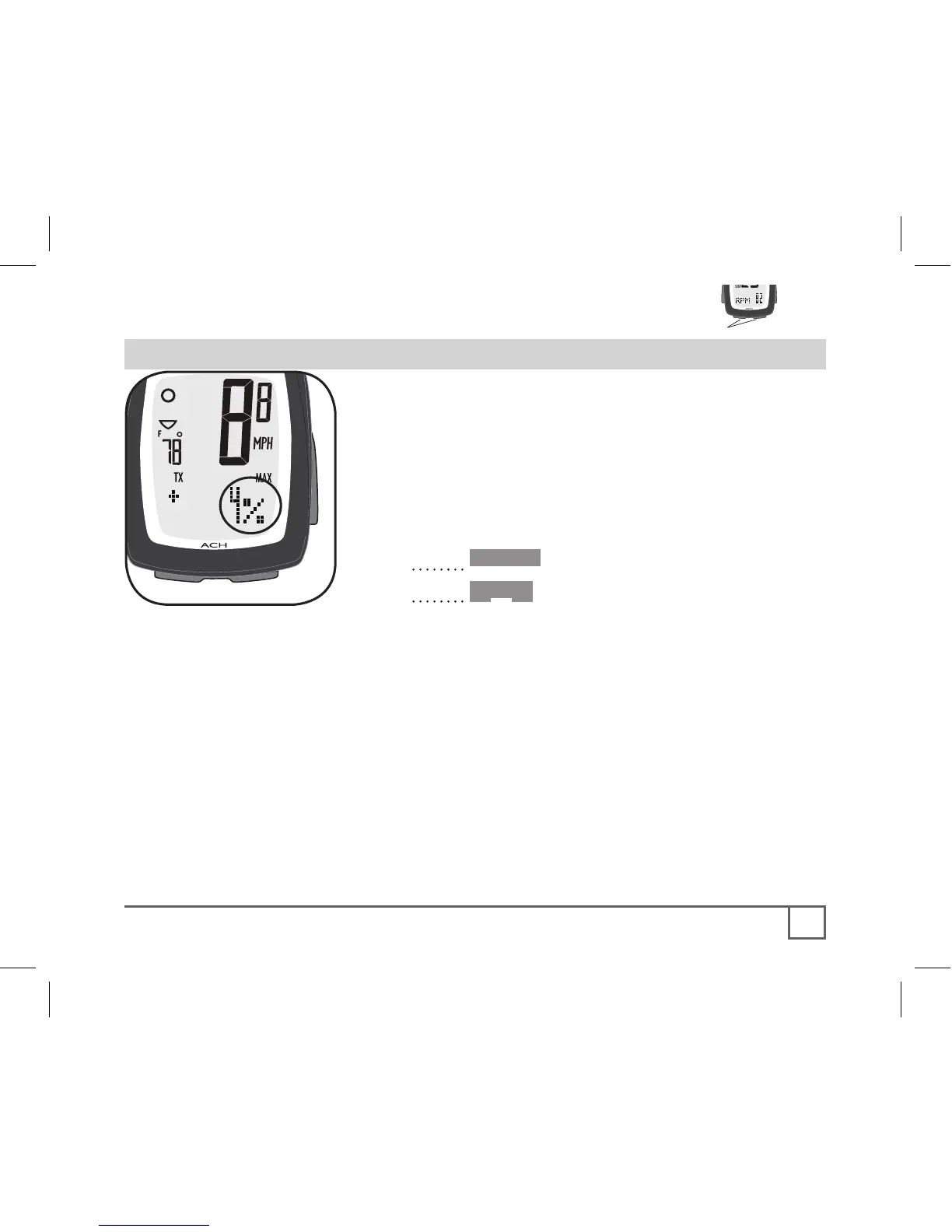
Grade describes the steepness of an incline.
It is a function of altitude gain divided by the
distance travelled, expressed as a percentage
(Figure 28). For example, if you gain 6 feet of
elevation in 100 feet traveled (183cm / 47.2m),
you would be on a 6% grade.
1. Cycle •Mode until GRADE appears.
2. Cycle Scroll until the desired datum
appears:
• CUR- current grade
• TRP AVG- average grade since
ReStart
• TRP MAX- steepest grade since
ReStart
Grade data is only stored during a single
trip.



 To Next Page