Mode
Set
Scroll
The heart rate zone can be set to give you
an easy-to-read visual indicator of where
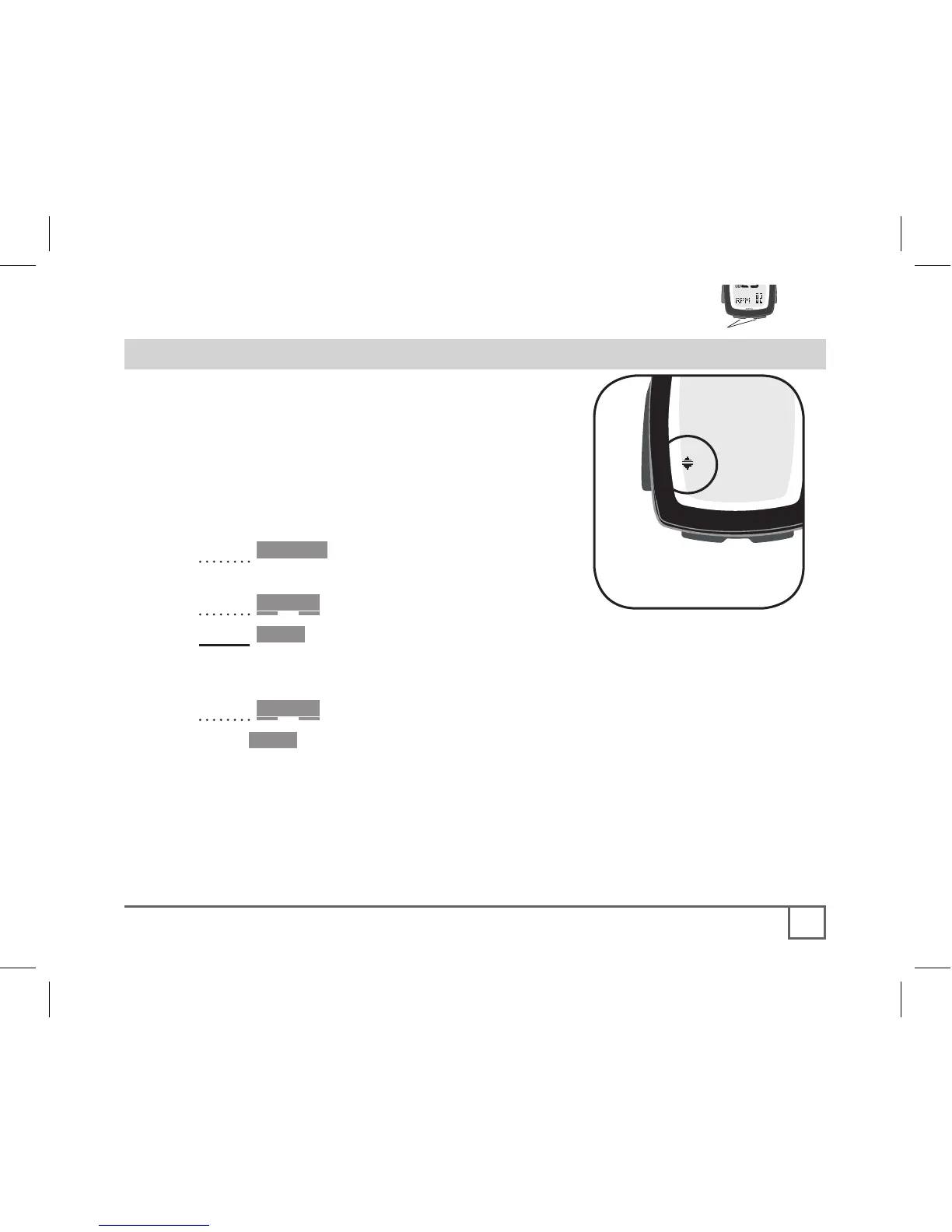
your heart rate is. The Up and Down
arrows indicate if your heart rate is above
or below the zone (Figure 30).
1. Cycle •Mode until HEART RATE
appears.
2. Cycle Scroll until ZONE appears.
3. Hold Set•
SET ZONE appears.
Then the Up arrow appears and the first digit flashes.
4. Cycle Scroll to change the first digit.
5. Push Set• to select
The next digit flashes.
6. Repeat until the high value is selected.
The Down arrow appears, and the first digit flashes.
7. Repeat steps 4-6 to set the lower limit value.
The screen returns to ZONE.



 To Next Page