Mode
Set
Scroll
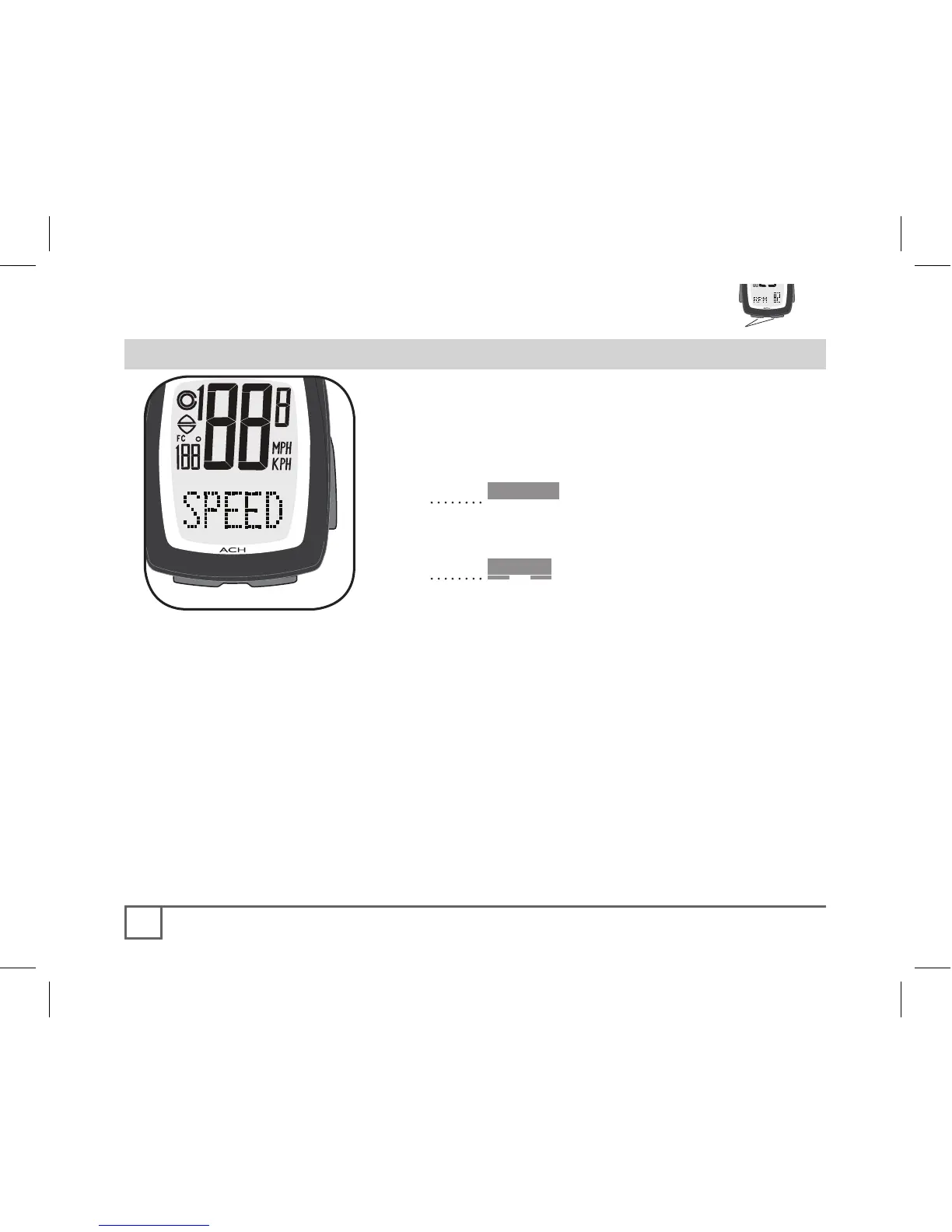
In addition to the current speed which is
always displayed, there are other SPEED
features which you can access, shown below.
1. Cycle •Mode until SPEED appears
(Figure 24).
If the PAIR? screen appears, see page 16.
2. Cycle Scroll until the desired datum
appears:
• AVG - average speed
• MAX- maximum speed
• Pacer indicates if current speed is
above or below AVG (Figure 24).



 To Next Page