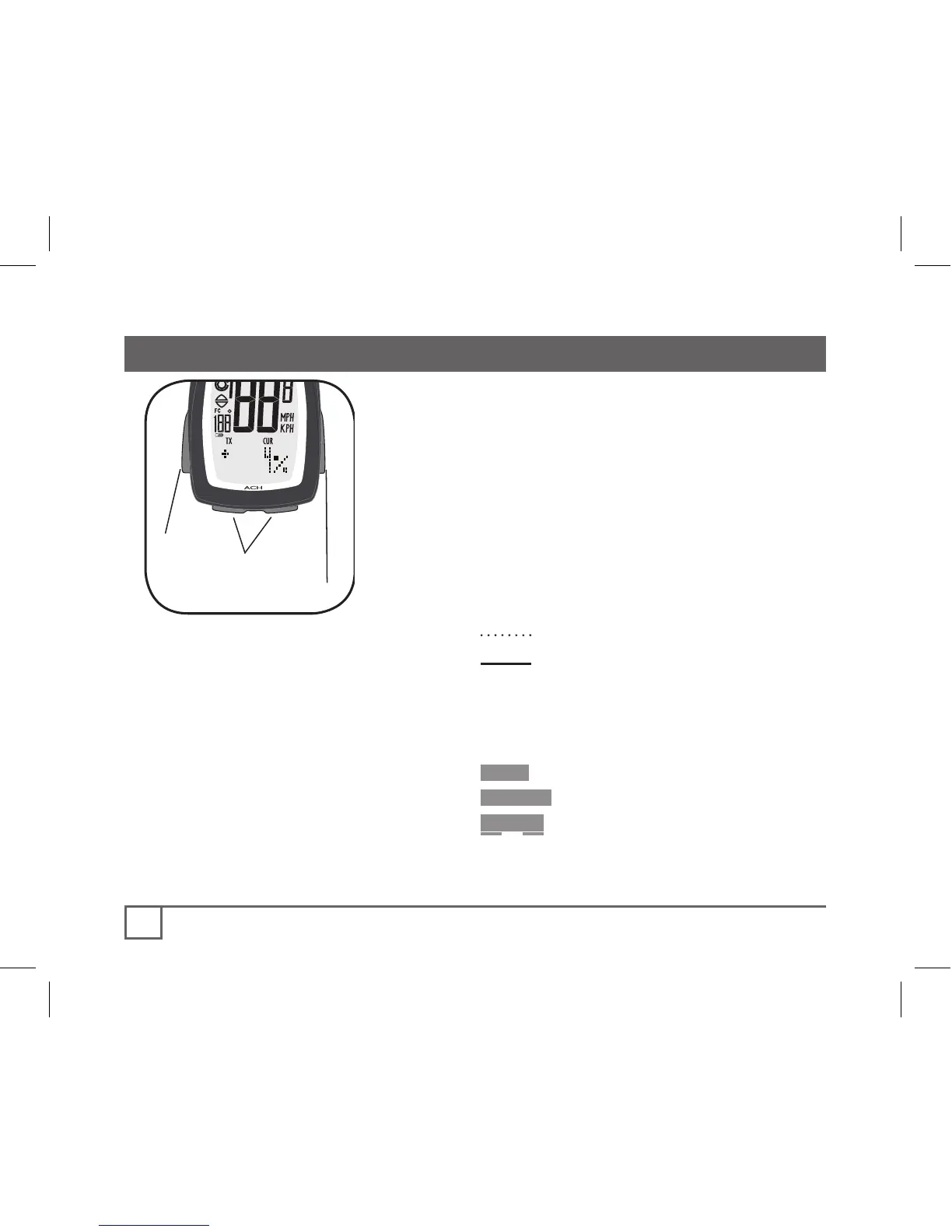
Mode
Set
Scroll
The computer must be set, or
“programmed,” so that it gives its
readout in the units you prefer, and so
that it calculates with the correct wheel
size.
When setting the computer, there are
three ways to use the buttons:
Push- touch once
Cycle- push repeatedly as needed
Hold- push and hold in for two
or three seconds
To set the ACH, you must use the
four buttons (Figure 13) in a specific
sequence:
Set• (button on the right)
•Mode (button on the left)
Scroll (two bottom buttons, push
either one- the computer will
scroll in a different direction)



 To Next Page