Mode
Set
Scroll
Choose a method to ReSet the computer:
• Push any button to wake the
computer from shipping mode
• Push the ReSet button (AC) on the
back of the computer
• Install a new battery
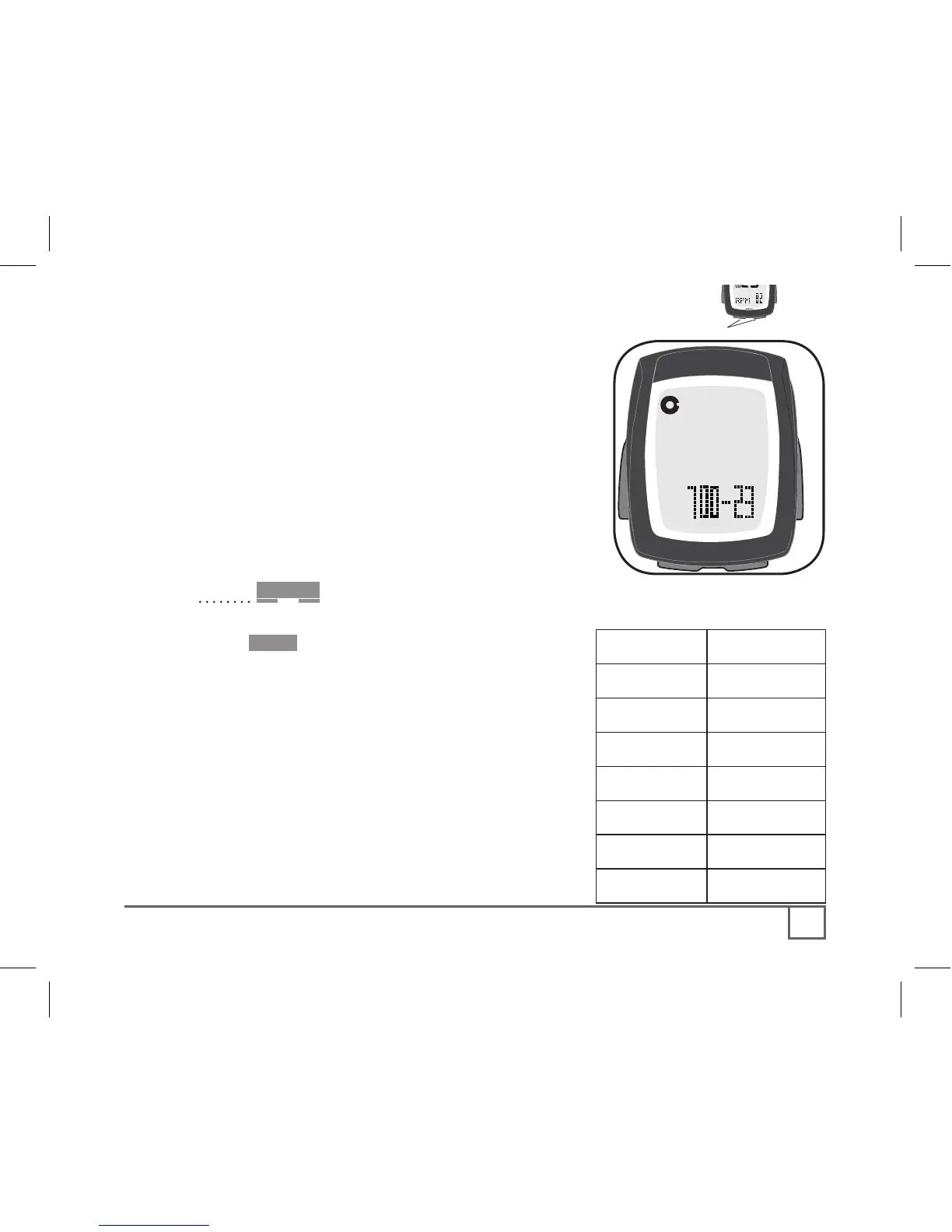
The Wheel select icon appears with a tire
size: 700-23 (Figure 14).
1. Cycle Scroll to your preferred wheel size
(options are shown on Table 2).
2. Push Set• to select.
The computer displays KMH. Continue “To set
Units and Time” on the next page.
To set a custom value, or set the second wheel
size, see pages 26-29.



 To Next Page