Mode
Set
Scroll
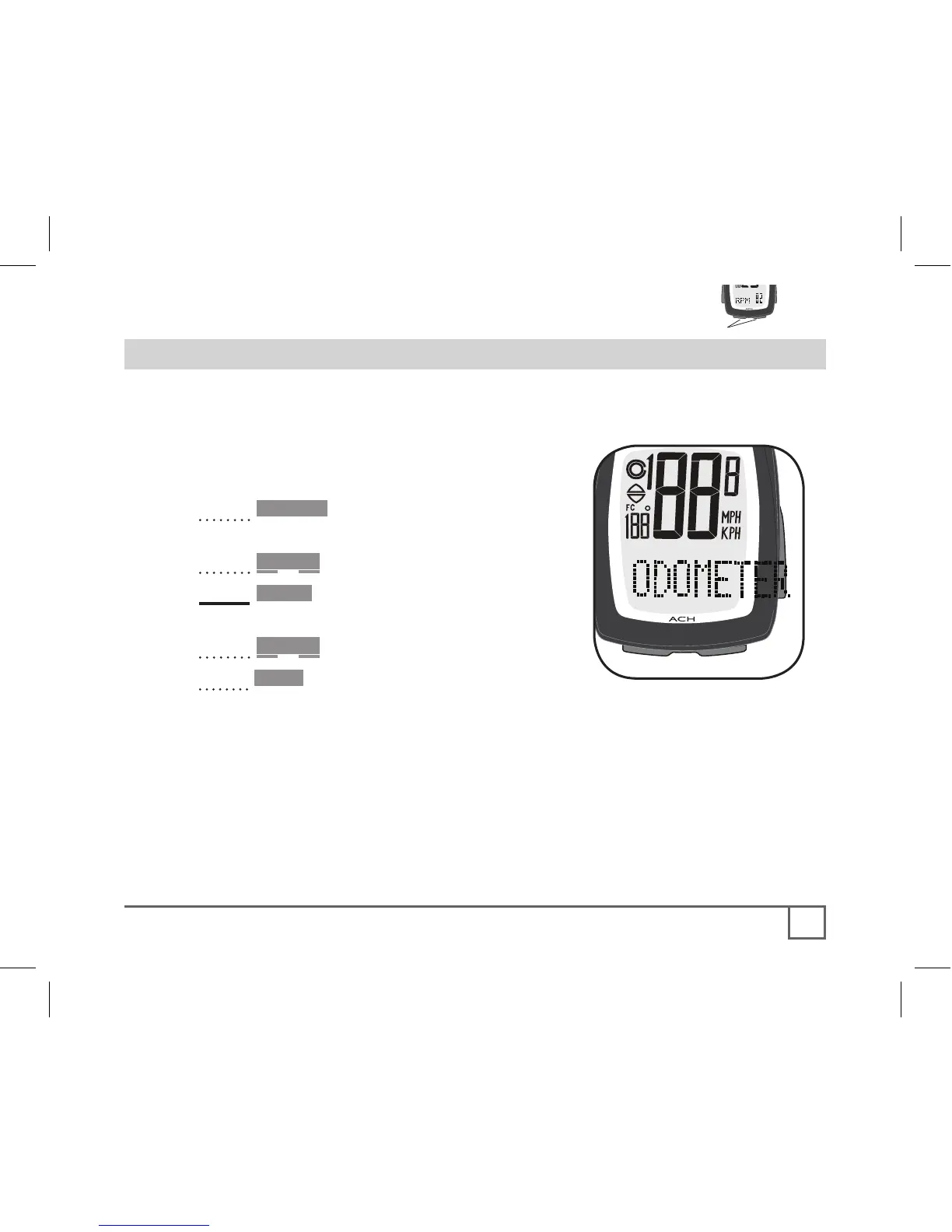
By default, the odometer on a new or ReSet computer always starts
at ‘0’. However, the odometer can be manually set so you don’t have
to start at zero.
1. Cycle •Mode to ODOMETER (Figure
25).
2. Cycle Scroll to TTL.
3. Hold Set•.
The first digit of five flashes.
4. Cycle Scroll to your preferred value.
5. Press Set• to select.
The next digit flashes.
5. Repeat steps 4 and 5 until all digits have
been selected.
After the last digit is selected, the computer returns to the SPEED screen.
If the PAIR screen appears, see page 16.



 To Next Page