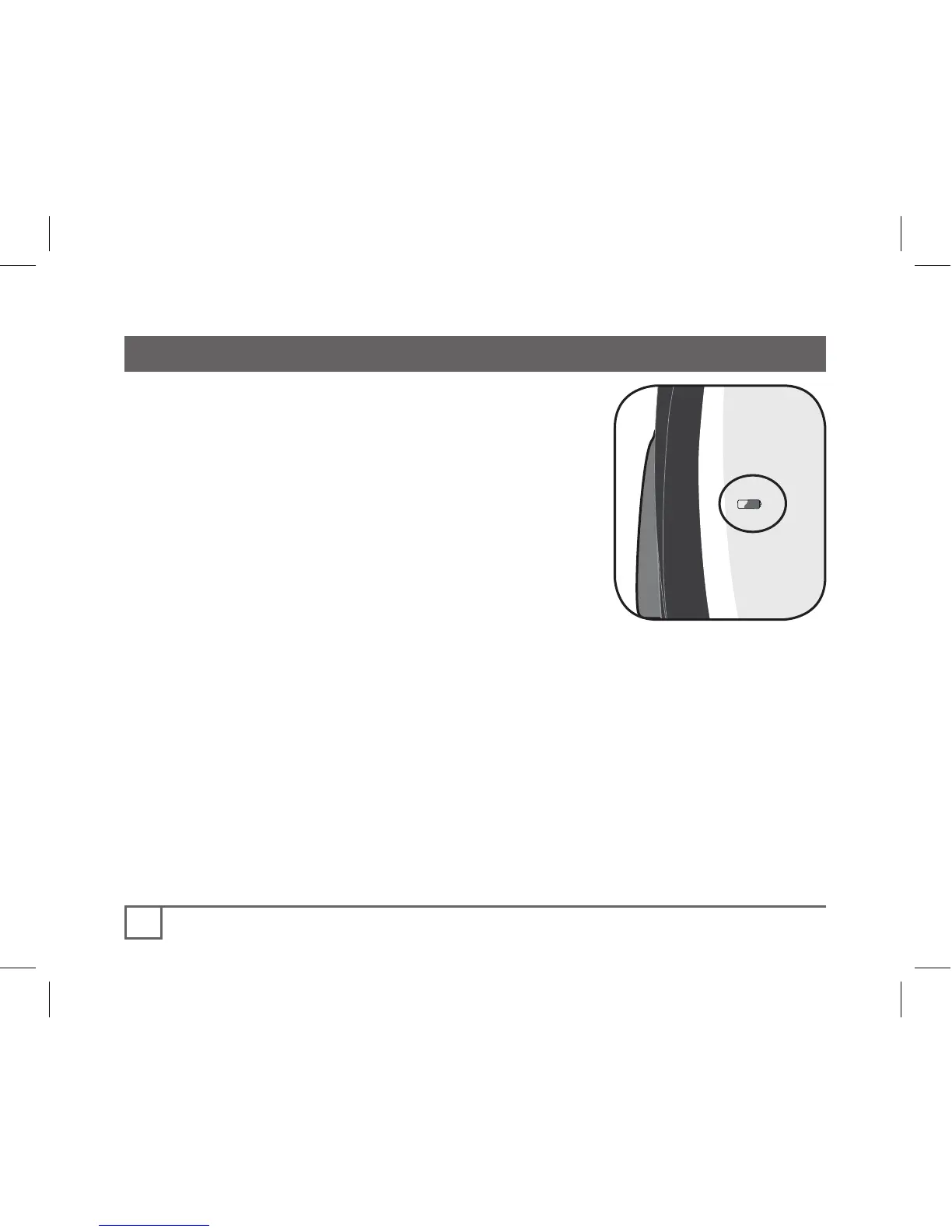
If the computer is giving erratic information,
a computer or sensor battery may be running
low on power (normally accompanied by the
low battery icon, Figure 17). Replace the
batteries whenever the computer malfunc-
tions, or every 6 months. Take an old battery
to the store with you, but this is the generic
description for the proper battery:
ACH computer and heart rate strap
• CR2032, lithium cell, 3 volts
ACH wheel sensor
• 23 AE 12v
ACH Digital- computer, sensors, heart
rate strap
• CR2032, lithium cell, 3 volts
When the battery is removed, the computer automatically resets
function totals to Zero. After installing a new battery, you can
manually set your totals, but you must note those values before
removing the battery. With the ACH Digital, you will have to
again perform the Pairing procedure.
Replacing the battery in the speed sensor, cadence sensor, or heart rate strap
follows the same basic procedure.



 To Next Page