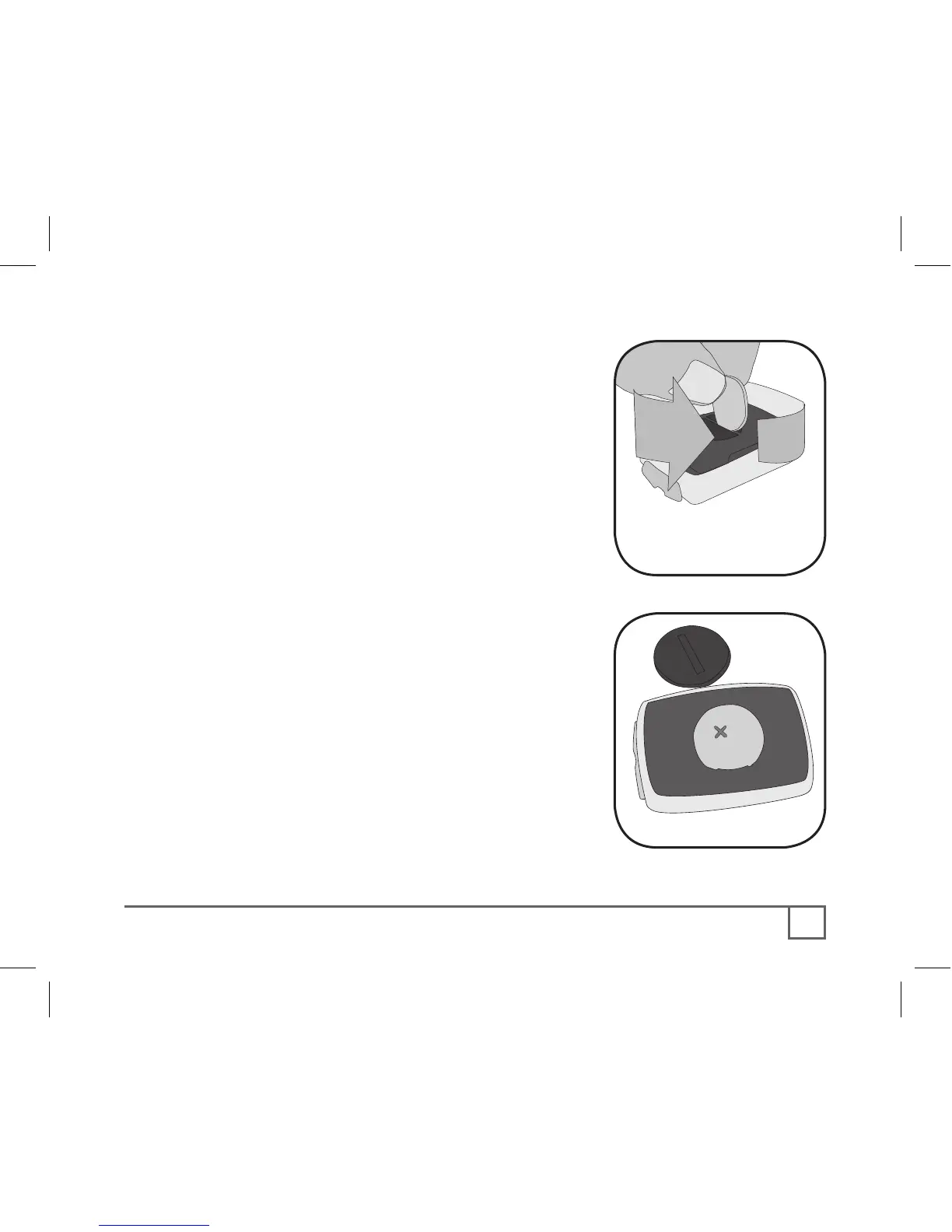
1. Remove the computer from its base.
2. Identify the battery cover, with its deep
slot (a similar battery cover is found on
the back, or skin-side, or the heart rate
strap).
3. Insert a large coin into the slot and rotate
in a counter-clockwise direction about
one-quarter turn (Figure 18).
4. Lift the battery cover, exposing the
battery.
Be careful to avoid losing the rubber O-ring seal.
5. Remove the old battery.
It may be possible to shake the battery out.
Otherwise, carefully pry the battery up with a thin
tool or knife blade.
6. Insert the new battery with the ‘cross’ and
identifying label pointing up (Figure 19).
7. Replace the battery cover (and O-ring seal)
and turn one-quarter turn clockwise.



 To Next Page