Mode
Set
Scroll
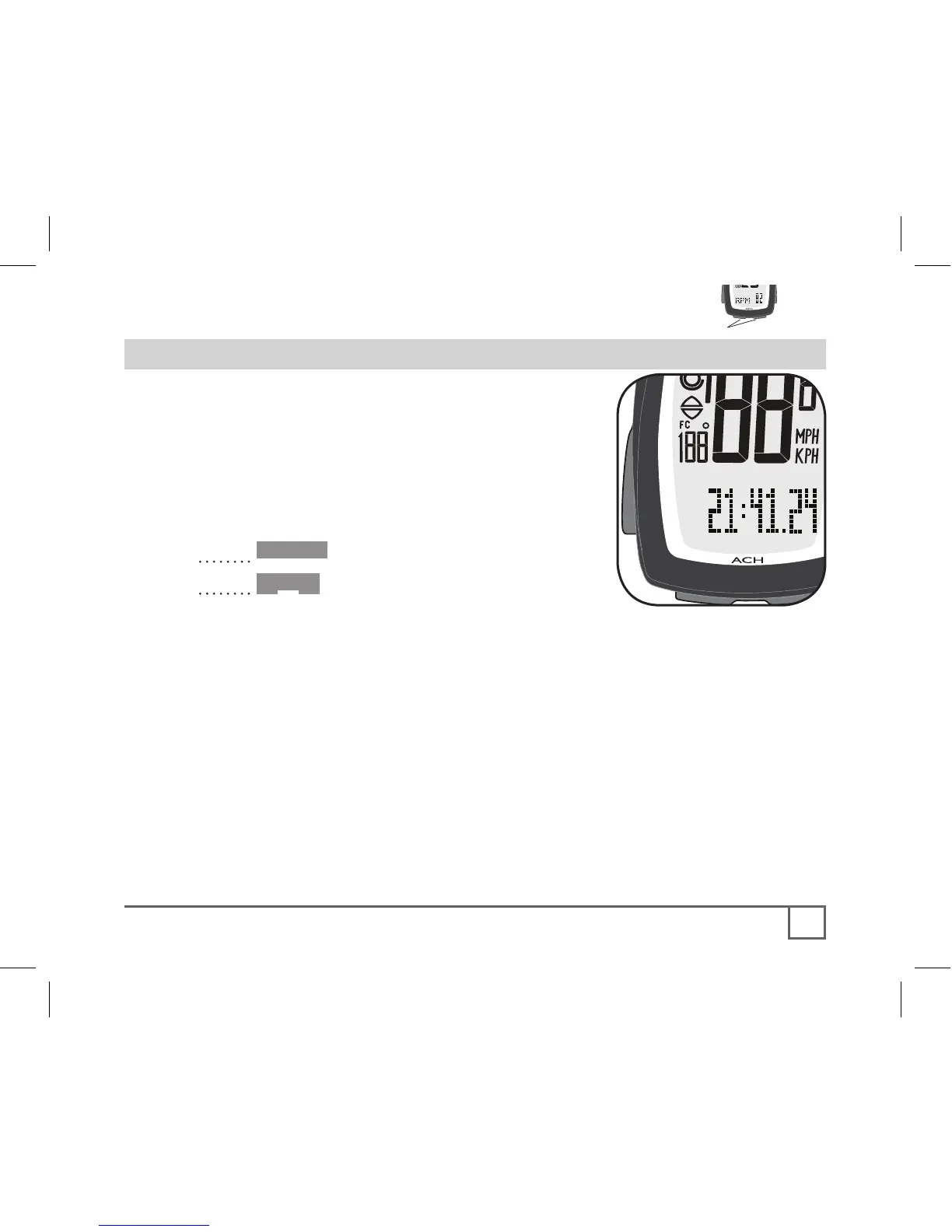
In addition to the clock function, your
computer also works like a stopwatch,
keeping track of hundredths of seconds for
up to 24 hours. At 24 hours, the stopwatch
restarts at 0.
1. Cycle •Mode to CLOCK.
2. Cycle Scroll.
“00:00.00” appears (instead of Zero, Figure 20
shows a time).
3. Spin the front wheel, either by hand or by
riding the bike.
The stopwatch starts automatically when the wheel turns. It also turns off
automatically if the wheel quits turning for 3 seconds.



 To Next Page