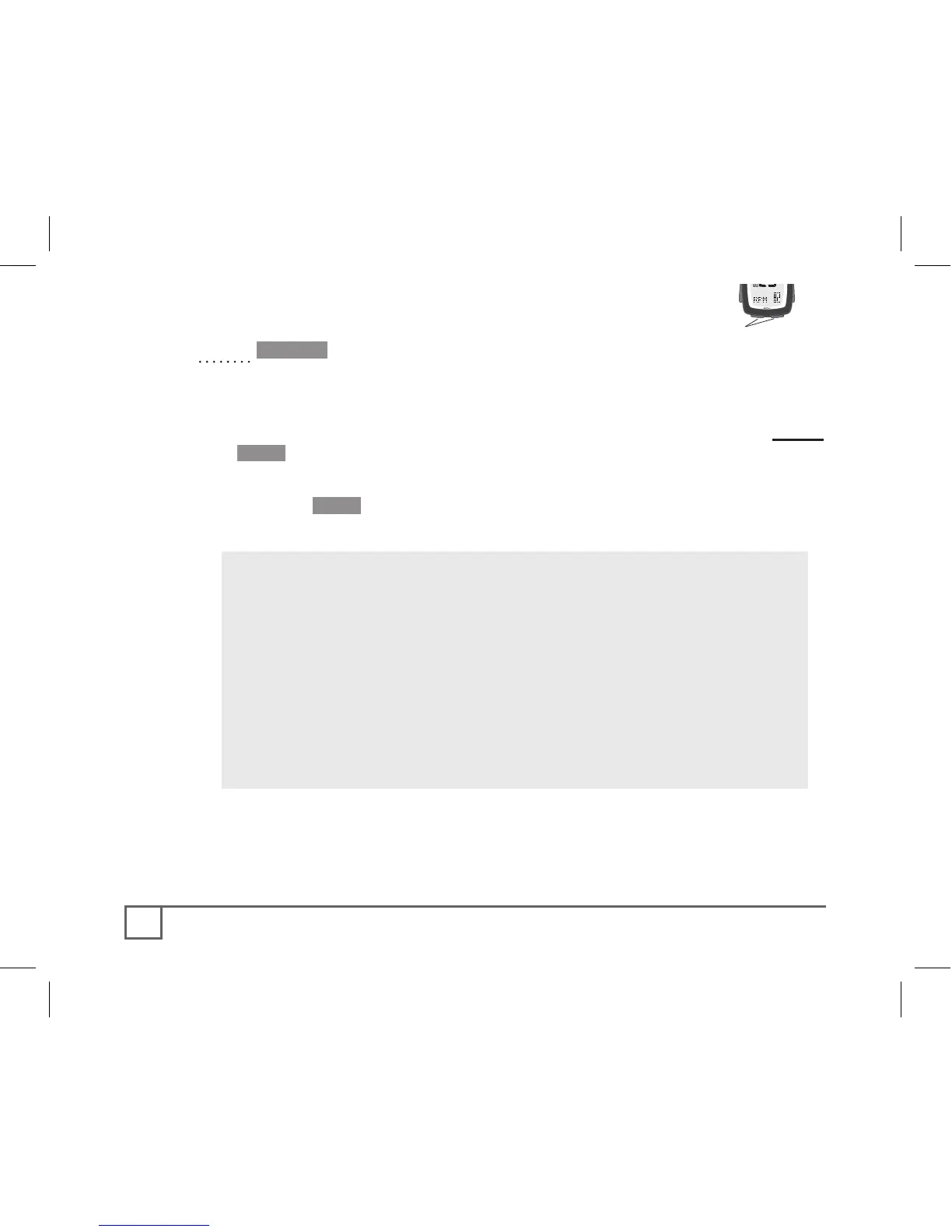
Mode
Set
Scroll
1. Cycle •Mode to SPEED.
The PAIR? signal appears.
2. Make the wheel sensor send a signal (spin the bicycle wheel).
3. Place the computer within 3 feet (1 meter) of the sensor and Hold
the Set• button.
The screen changes to PAIR....
4. Release the Set• button.
The computer works for a moment, then returns to the SPEED screen.
5. Repeat steps 1-4 in CAD mode (Cadence) while spinning the
crankset.
6. Repeat steps 1-4 in HR mode (Heart Rate) while wearing the heart
rate strap.
If the ERROR screen appears, there may be a
problem:
• There is interference (proximity to another
signal)
Move away from other computers, cell phones, etc.
• The battery in the sensor is weak
Replace the battery in the sensor- see page 20.
• There is too much distance between the
computer and sensor.
Move the computer closer to the sensor.



 To Next Page