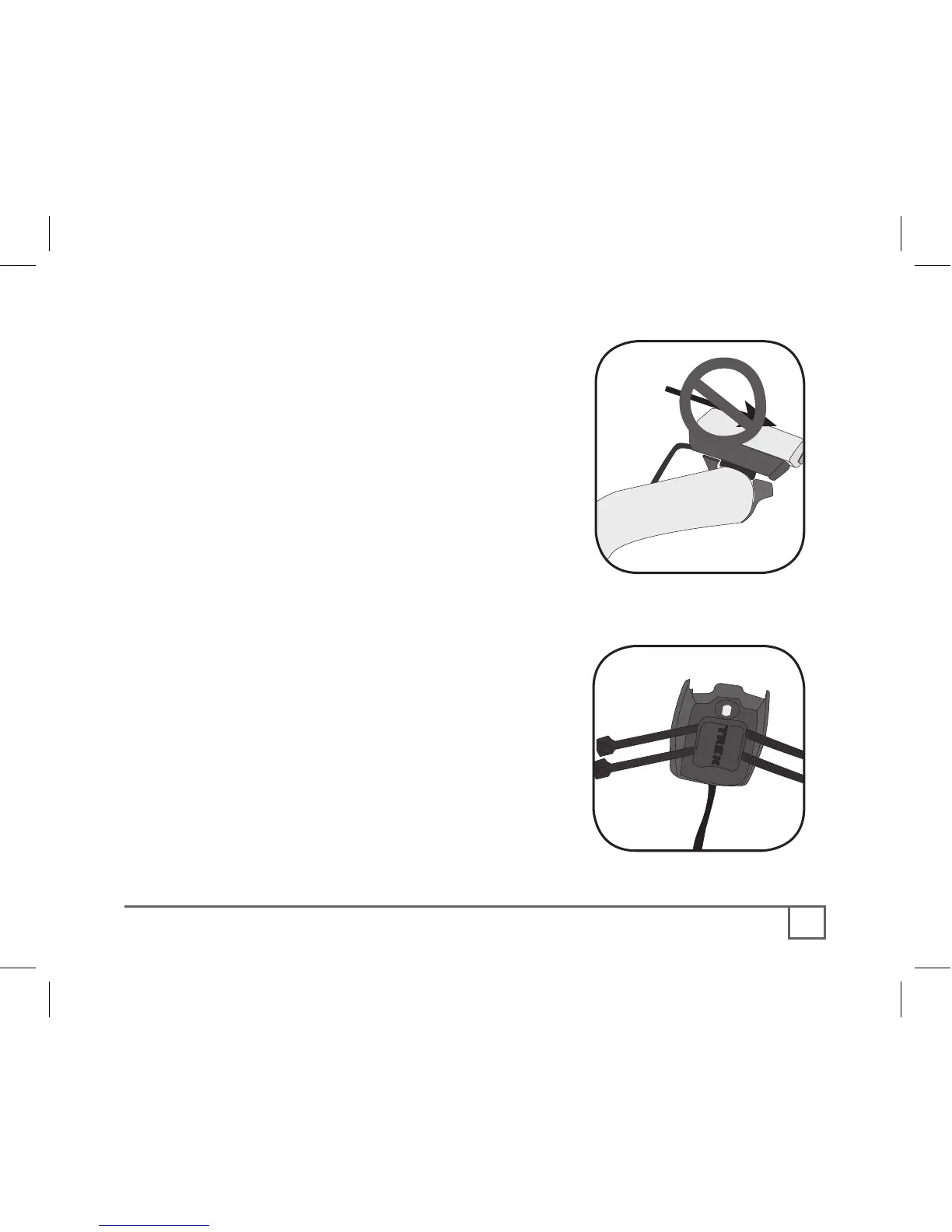
Check that the computer base cannot be
rotated around the handlebar, and that the
computer cannot slide backwards on the
computer base (Figure 5).
1. Insert the rubber friction pad into
the computer base, aligned along the
computer base.
2. Insert two nylon ties through the
computer base (Figure 6).
3. Place the base on the stem and tighten
the nylon tie.
4. Slide the computer into the computer
base until the front of the computer and
computer base line up.
5. Check that the computer base cannot
be rotated around the stem and the
computer cannot slide backwards on the
computer base.
6. Tighten the nylon ties and trim the
excess length.



 To Next Page