NX-Platform Hardware Installation and Safety 23
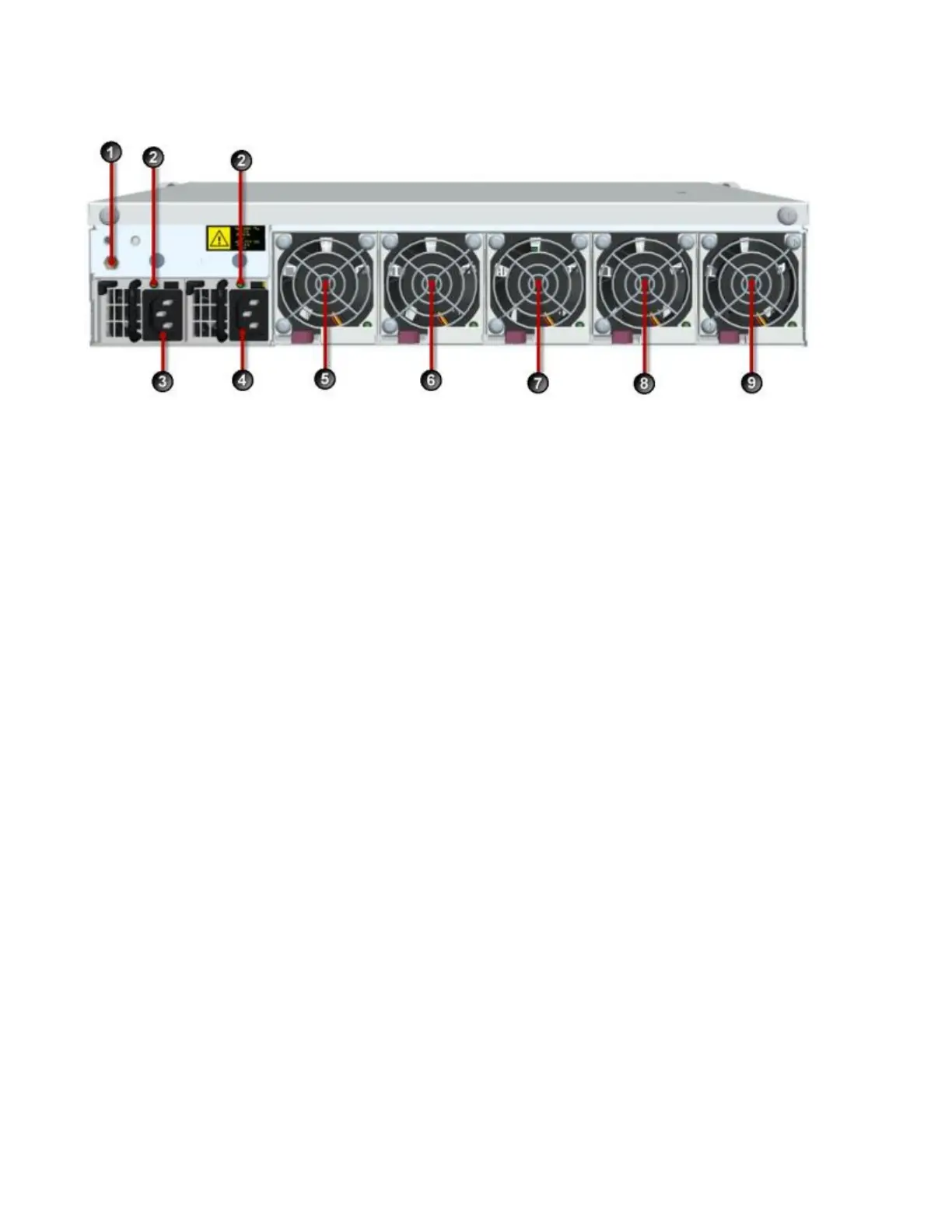
1. Ground strap mounting
2. Power supply health LED
3. Power supply module 1
4. Power supply module 2
5. Fan module 1
6. Fan module 2
7. Fan module 3
8. Fan module 4
9. Fan module 5
Chassis features
Provides links to the various NX-Platform chassis features.
• Power button on page 23
• Fans and power supplies on page 24
• External storage card on page 24
• Ports on page 24
Power button
The power button is located on the front panel.
The power button light indicates its current status:
• No light — Device is powered off.



 To Next Page