42 NX-Platform Hardware Installation and Safety
your device running. Refer to Hot-swapping I/O modules on page 32 for more information on installing
modules with the IPS running.
Note: Hot-swapping I/O modules during system initialization is not supported.
To turn the power on, use the power button located on the front panel of the device.
The TippingPointNX-Platform IPS comes with a power cord retention bracket and a cable management
assembly. For instructions on installing these accessories, refer to Installing the power cord retention bracket on
page 51.
Add I/O modules
Describes how to add I/O modules to your IPS device.
For a complete list of the I/O modules available for the TippingPointNX-Platform IPS, see I/O modules
on page 26.
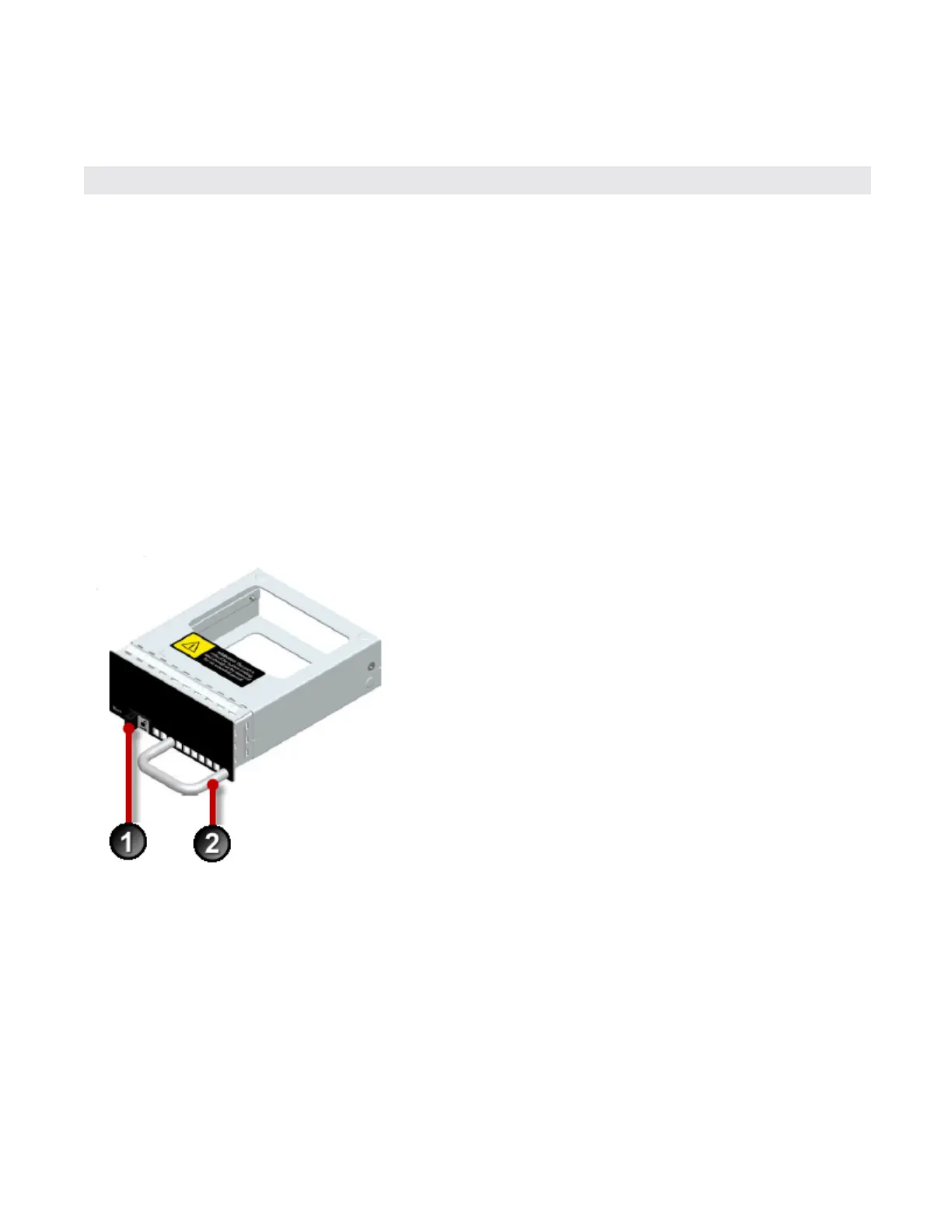
The device comes with four blank modules inserted into the module slots.
Figure 9. Blank module
1. Slide latch
2. Handle
To remove the blank module, slide the slide latch to the right and pull the handle.
Figure 10. Removing a blank module



 To Next Page