NX-Platform Hardware Installation and Safety 43
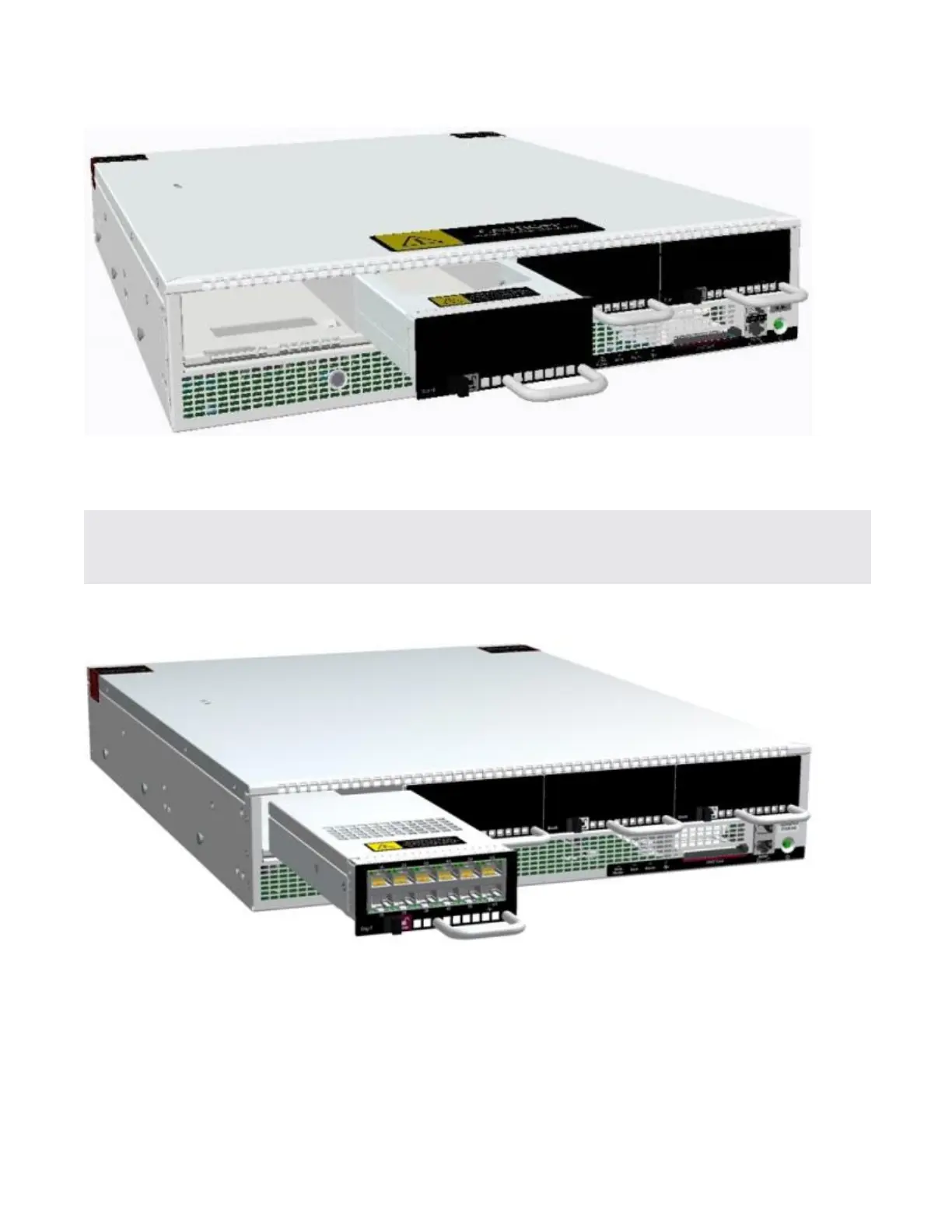
To insert an I/O module, slide the module into the empty module slot. When the module is in the correct
position, the slide latch automatically slides into position.
Important: Handle all I/O modules with care. The bypass modules contain mechanical switches that are
very sensitive to handling when not installed in the system. Network disruption can occur if
handled improperly.
Figure 11. Inserting an I/O module
Attach cables
Describes which connections to use to access the OBE setup wizard.
During setup, use the management processor connection or the console port to access the OBE setup
wizard.



 To Next Page