Page 20
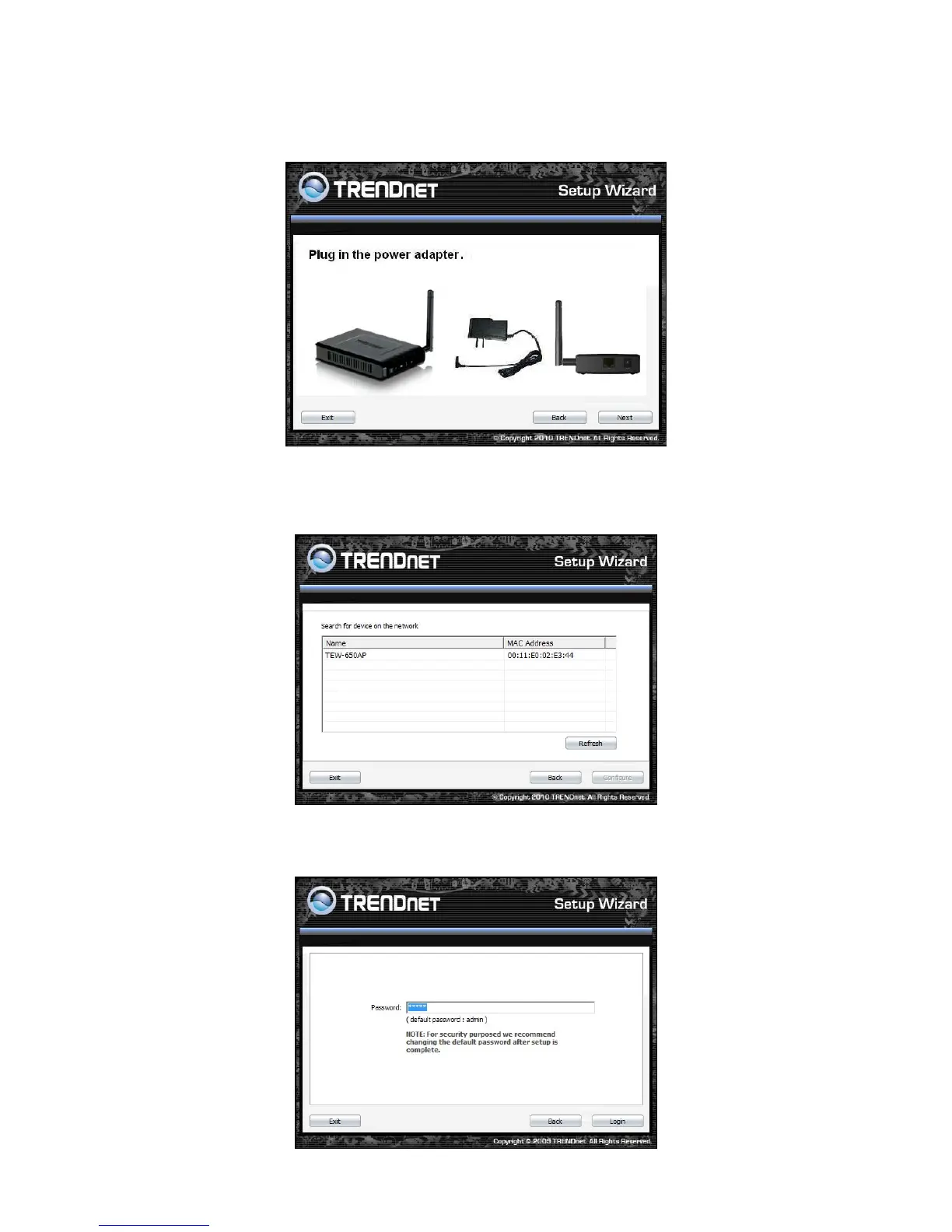
5. Plug in the power adapter of the TEW-650AP and plug in the device that you will be
connecting together. Verify the Power & Ethernet LEDs are light. EU Version please make sure
the power switch is on the On position
6. Your computer will detect TEW-650AP and the Device List screen appears on your monitor. Click
Configure button to continue (default TEW-650AP IP Address is 192.168.10.100).
7. Enter password for the Access Point. The default password is “admin”. Click Login button to
continue.













 To Next Page